

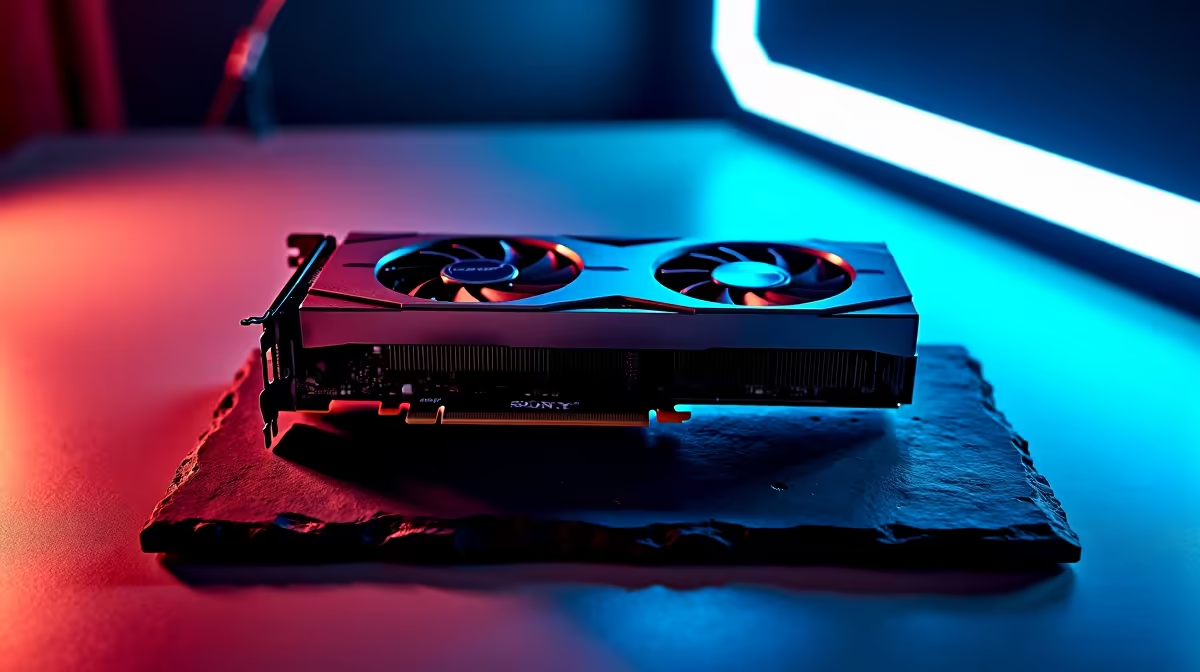
Optimising Apex Legends Settings on RTX 4070 for Smooth Gameplay ⚡
Calling all South African gamers craving that flawless Apex Legends run! If you’ve just got your hands on the Nvidia RTX 4070 or are considering the upgrade, nailing your in-game settings is crucial. Apex Legends settings on RTX 4070 can deliver buttery-smooth framerates and breathtaking visuals—but only if you tweak them right. Let’s explore the best ways to master performance and visuals without trading off your gameplay fluidity.
Why RTX 4070 Is Perfect for Apex Legends Performance
The RTX 4070 brings Ampere architecture efficiency with improved ray-tracing and DLSS tech. This means you can boost frame rates without tanking image quality. Pairing it with proper Apex Legends settings on RTX 4070 ensures you avoid frustrating lag or stutters during those high-stress firefights. For South African gamers, where every millisecond counts under our fibre connections, it’s vital to squeeze every bit of power from your rig.
If you’re still on the fence about graphics cards, check out Evetech’s latest graphics cards lineup. They stock top RTX 4070 models suited for budget-conscious and enthusiast gamers alike.
Best Apex Legends Settings on RTX 4070: Balancing Quality & FPS 🎮
To get peak performance on RTX 4070, start with Apex’s display settings:
- Display Mode: Fullscreen – prioritises latency over windowed modes.
- Resolution: Native 1080p or 1440p depending on your monitor; the RTX 4070 handles 1440p comfortably.
- V-Sync: Off for less input lag.
- Anti-Aliasing: TSAA balances quality without frame drops.
- Texture Streaming Budget: Medium or High – RTX 4070’s 12GB VRAM supports higher textures smoothly.
- Ray Tracing: Medium or Off – only for esports-focused rigs should ray tracing stay off to guarantee max FPS.
- DLSS: Performance or Balanced mode to keep FPS high without blurry edges.
Tweak your advanced settings like shadows and effects down slightly—they can be surprisingly demanding. These modest compromises yield a silky Apex Legends experience on RTX 4070.
Cooling & Power Tips for Reliability
Your GPU works hard with these settings—good airflow is a must. Keep your PC well-ventilated to avoid thermal throttling. If you’re scanning for a ready-built system optimised for RTX 4070 power, check out some of Evetech’s best gaming PC deals crafted specifically for peak RTX 4070 performance.
Get Stable FPS Every Game
Ensure your PC fans and case airflow are top notch—thermal throttling kills FPS quicker than any in-game setting. Lower ambient room temps if possible for better stability.
Ready-Made RTX 4070 Rigs and Laptops for South African Gamers
Don’t want to spend hours customising? Evetech’s pre-built PC deals include finely tuned rigs with RTX 4070 GPUs and balanced components. These systems come ready to dominate Apex Legends without power or bottleneck worries. Prefer gaming on the go? Browse through notebooks for sale in South Africa featuring RTX 4070 options perfect for mobile Apex gaming.
Unlocking the Best Value for Your Apex Legends Setup
Whichever route you take, remember that price-to-performance matters here in South Africa. Don’t overspend on features you won’t use. Evetech’s specials page is a good place to hunt for deals on GPUs and gaming peripherals to upgrade your setup.
Tweak, test, and optimise your Apex Legends settings on RTX 4070 to keep those epic battles frame-perfect. Consistency wins rounds—not just hardware specs alone.
Gear up for flawless Apex Legends matches Take your game to the next level with Evetech’s unbeatable RTX 4070 graphics cards and ready-built PCs. Shop now at Evetech for performance that leaves lag in the dust.











