

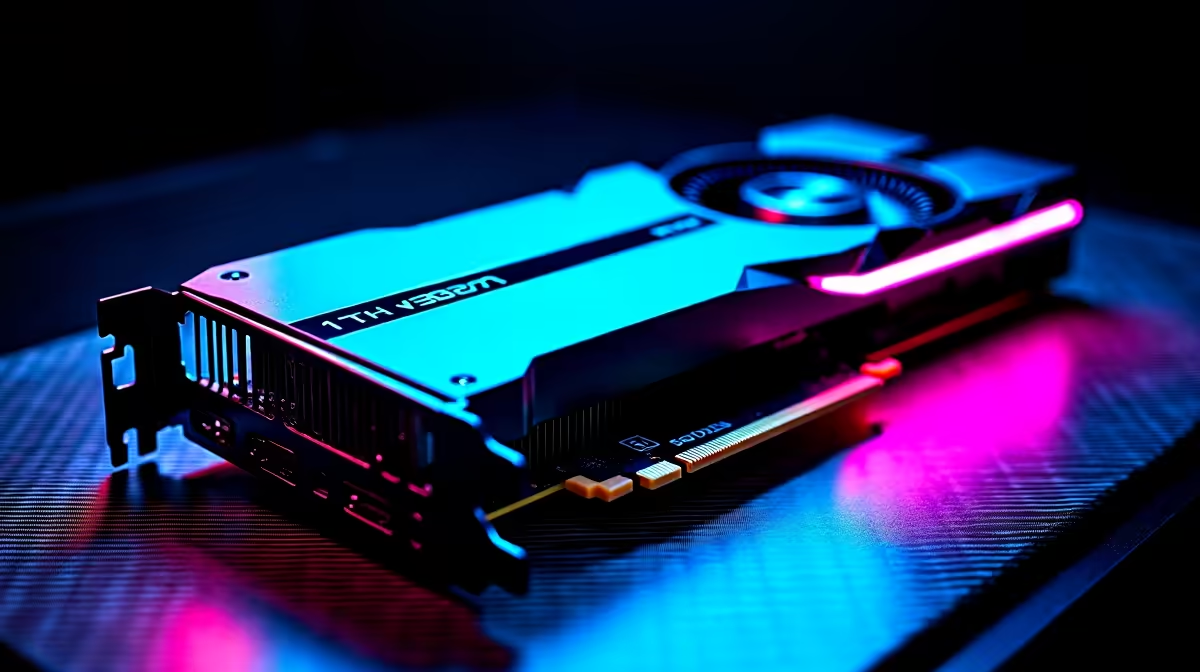
Dropping into World's Edge with high ping is stressful enough for South African gamers. You do not need frame drops ruining your clutch moments. If you recently upgraded to AMD's latest powerhouse, finding the right Apex Legends settings on RX 9070 for best performance is crucial. Let us squeeze every frame out of your rig so you can dominate the Outlands.
Why the RX 9070 Dominates Competitive Play 🔧
The RX 9070 is an absolute beast of a graphics processor. It handles modern AAA titles with effortless ease, but fast-paced competitive shooters require a fundamentally different approach. You want maximum frames per second and minimal input lag. If you are building a custom rig from scratch, looking at the latest graphics cards on the market is your first step to victory.
For those who prefer a complete, hassle-free package, checking out our best gaming PC deals will save you both build time and your hard-earned ZAR. Getting the right hardware is half the battle... optimising it is where the real magic happens.
Optimal Apex Legends Settings on RX 9070
To achieve the best performance in Apex Legends, you must balance visual clarity with raw speed. First, always set your display mode to Full Screen to reduce operating system input lag. Turn V-Sync off completely. Because the RX 9070 features ample VRAM, setting your Texture Streaming Budget to High (8GB) keeps weapon skins and legends looking crisp without sacrificing your frame rate.
Keep your Model Detail set to High so you can easily spot enemies at a distance. However, you should drop Effects Detail and Volumetric Lighting to Low. This removes unnecessary visual clutter during intense firefights when multiple ultimate abilities are deployed. If you are running one of our elite pre-built PC deals, these specific settings will easily push your system well past the 240 FPS mark.
AMD Anti-Lag Pro Tip ⚡
Open your AMD Adrenalin software and enable Radeon Anti-Lag for Apex Legends. It synchronises your CPU and GPU pacing, which is absolutely vital for reducing click-to-response time during sweaty final ring encounters.
High Refresh Rates and Portable Power ✨
Pushing incredible frame rates is only useful if your monitor can actually display them. Pairing your RX 9070 with a 240Hz or 360Hz display ensures you see every single micro-movement your opponents make.
Sometimes you need to take your ranked grind on the road. Desktop power is incredible, but modern portable hardware is catching up rapidly. If you travel frequently or need a reliable loadshedding backup, browsing high-performance notebooks for sale in South Africa is a very smart play. Even on a premium laptop, tweaking your visual settings ensures buttery smooth gameplay.
Whether you are fine-tuning your Apex Legends settings on RX 9070 for best performance at your home battle station, or hunting for exclusive tech specials to upgrade your streaming setup, always prioritise frame pacing over ultra-high graphics. Spotting an enemy Bangalore through the smoke is much easier when your system runs flawlessly.
Ready to Dominate the Apex Games? 🚀 Achieving maximum FPS means you never miss a crucial Wingman shot. Whether you need a standalone GPU upgrade or a brand-new rig to conquer the Outlands in South Africa, Evetech has exactly what you need. Explore our massive range of gaming specials and find the perfect hardware to secure your next Champion screen.











