

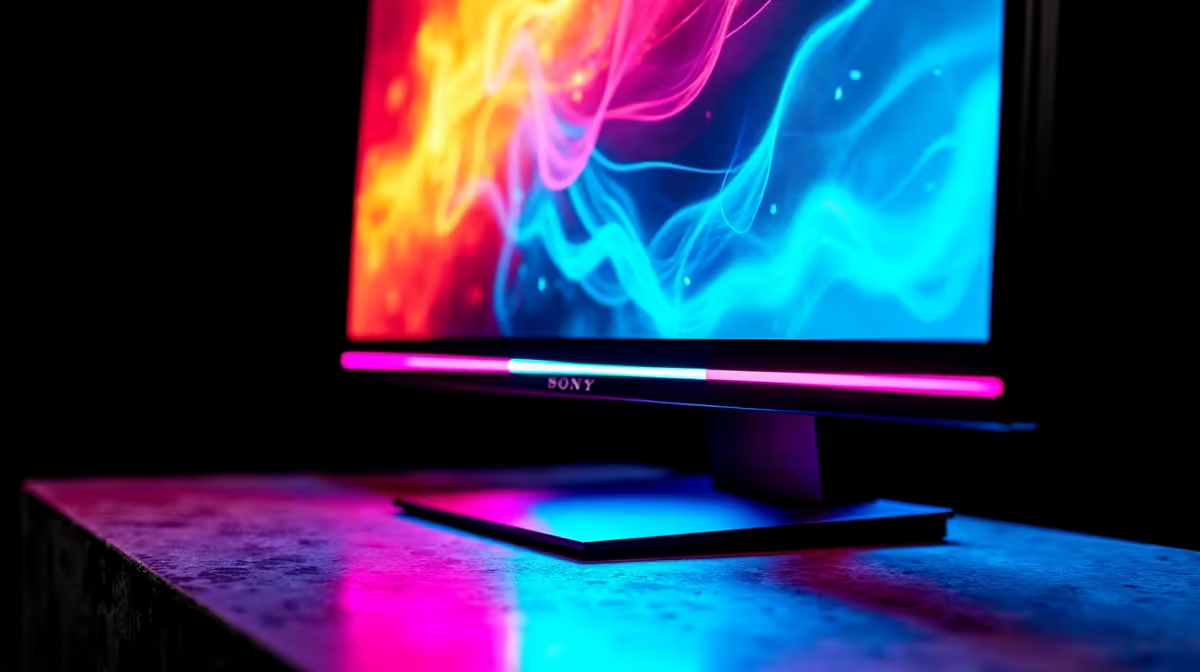
The idea of 4K 144Hz gaming once required a five-figure monitor budget, but 2026 has changed that calculus significantly for South African buyers. Improved panel manufacturing and increased competition have pushed capable 4K high-refresh displays into a range that's genuinely accessible for serious gamers who don't want to compromise on either resolution or frame rate.
Quick Answer
The best budget 4K 144Hz gaming monitors in SA in 2026 include the LG 27GR83Q (technically 1440p but worth mentioning for context), the Samsung Odyssey G7 28-inch 4K 144Hz, and the Gigabyte M28U. These panels sit in the R5,000–R8,500 range and deliver genuine 4K 144Hz gaming for mid-to-high-end GPU owners willing to use DLSS or FSR to hit refresh targets.
💰 Understanding "Budget" in SA's 4K Monitor Market
In South Africa, a budget 4K 144Hz panel realistically starts around R5,500–R6,000 and tops out around R9,000 before crossing into premium territory. Within that range, you'll find 28-inch IPS and IPS-equivalent panels with 1ms GtG response times, HDR400 certification, and full FreeSync/G-Sync support.
It's worth noting that "budget 4K 144Hz" does involve tradeoffs: local dimming is limited or absent (affecting HDR contrast), peak brightness is typically 350–450 nits (adequate but not stunning), and sRGB coverage varies. For the gaming experience - high resolution, high refresh, low latency - these panels deliver exactly what matters.
🖥️ Top Panel Picks in the SA Budget 4K 144Hz Segment
Samsung Odyssey G7 28-inch (4K 144Hz): One of the most popular options in this segment, the 28-inch G7 uses an IPS panel with 144Hz native refresh, 1ms GtG, and HDR400 support. Its flat design suits both gaming and productivity. SA pricing typically sits around R5,500–R7,000 depending on promotions, making it an accessible starting point.
Gigabyte M28U: A feature-rich contender offering 4K 144Hz with an IPS panel, KVM switch (useful if you use the same monitor with a PC and laptop), and USB-C with 90W power delivery. The M28U is ideal for SA professionals who game after hours and want one monitor to rule both workstations. Pricing is typically in the R6,500–R8,500 window locally.
LG 27GN950-B (or current 2026 equivalent): LG's 27-inch Nano IPS 4K 160Hz (from the UltraGear line) brings DCI-P3 98% colour coverage to this segment - unusual at the price point. If you do any photo or video work alongside gaming, LG's colour accuracy is difficult to beat. Pair it with a gaming PC from Evetech for the full high-refresh 4K experience.
🎮 Which GPU Do You Actually Need?
This is the critical conversation for SA 4K 144Hz buyers. To consistently hit 100+ FPS at 4K in demanding titles, you need a minimum of an RTX 4070 Ti or RX 7900 XT - and even those will lean on DLSS Quality or FSR Quality to stay above 100 FPS in the most demanding games. An RTX 4080 or RTX 5080 is the ideal pairing for native 4K 120+ FPS in titles like Cyberpunk 2077 or Alan Wake 2.
For esports titles (Valorant, CS2, Rocket League), even an RTX 4060 Ti can comfortably hit 144 FPS at 4K with some settings adjustments. Evetech's range of GPUs covers everything from budget to flagship options across NVIDIA and AMD.
🔧 Setup Tips for Maximum Performance
Enable HDR at the OS level but disable it in game menus if performance drops - Windows HDR tone mapping adds CPU overhead. Use your GPU's native display resolution scaling rather than in-game rendering scale for the cleanest image. For the best motion clarity, enable backlight strobing (if available on your chosen panel) during competitive sessions when you don't need HDR.
Make sure your cable connection matches the panel's requirement: most 4K 144Hz monitors require DisplayPort 1.4 or HDMI 2.1. Using an older HDMI 2.0 cable will cap you at 4K 60Hz - a common and frustrating mistake for first-time 4K setup builds.
❓ FAQ
Can I game at 4K 144Hz on a mid-range GPU in SA? Yes, with upscaling. DLSS Quality and FSR Quality modes render at 1440p internally and upscale to 4K - the result is visually very close to native 4K while hitting 100–144 FPS with cards like the RTX 4070 or RX 7800 XT.
Is 28-inch or 32-inch better for 4K gaming? 27–28 inch is the sweet spot for 4K at a desk - pixel density is high enough that individual pixels are invisible at normal viewing distance. 32-inch 4K is also excellent and better for split-screen or productivity use, but requires a slightly larger desk footprint.
Does HDR make a big difference on budget 4K monitors? Not dramatically. Budget 4K panels typically reach HDR400 - adequate for mild HDR enhancement but lacking the local dimming needed for striking HDR contrast. HDR on these panels is a "nice to have" rather than a primary selling point.
How long will a 4K 144Hz monitor last as a useful purchase? Realistically 5–7 years for a quality panel. 4K resolution isn't going anywhere, and 144Hz remains the competitive gaming sweet spot. A quality purchase in 2026 will still be an excellent gaming display in 2031.
Shop All Monitors and Budget Gaming PCs at Evetech for fast delivery across South Africa.
Ready to Find Your Perfect Match? Build Your 4K Gaming Setup with Evetech











