

Quick Answer
The Blue Yeti X is the best Blue Yeti for gaming in South Africa thanks to its tighter cardioid pickup, real-time LED meter, and Logitech G Hub integration with Discord and OBS. The original Yeti remains a solid pick for streamers on a tighter ZAR budget who still want broadcast-grade vocals.
Why the Blue Yeti Range Suits SA Gamers
Blue Yeti mics have become the default for SA streamers because they're plug-and-play USB, they handle warm and bright voices equally well, and they're sold across local retailers with proper warranty cover. For a Twitch stream out of a koshuis room or a Discord squad call between Joburg and Cape Town, the Yeti's condenser capsule captures crisp speech without the hiss you get from a R200 headset boom. You also avoid the XLR audio interface tax, which is a real saving when you're balancing varsity fees and a streaming setup at the same time.
The other reason these mics dominate the SA market is durability. The all-metal chassis survives bag knocks during a varsity LAN, and the steel mesh grille handles plosives that desktop fans tend to amplify in our hot summers when you've got the windows open. They also hold their resale value well; second-hand Yetis on local marketplace groups still fetch close to retail two years after launch.
Blue Yeti X vs Original Yeti vs Yeti Nano
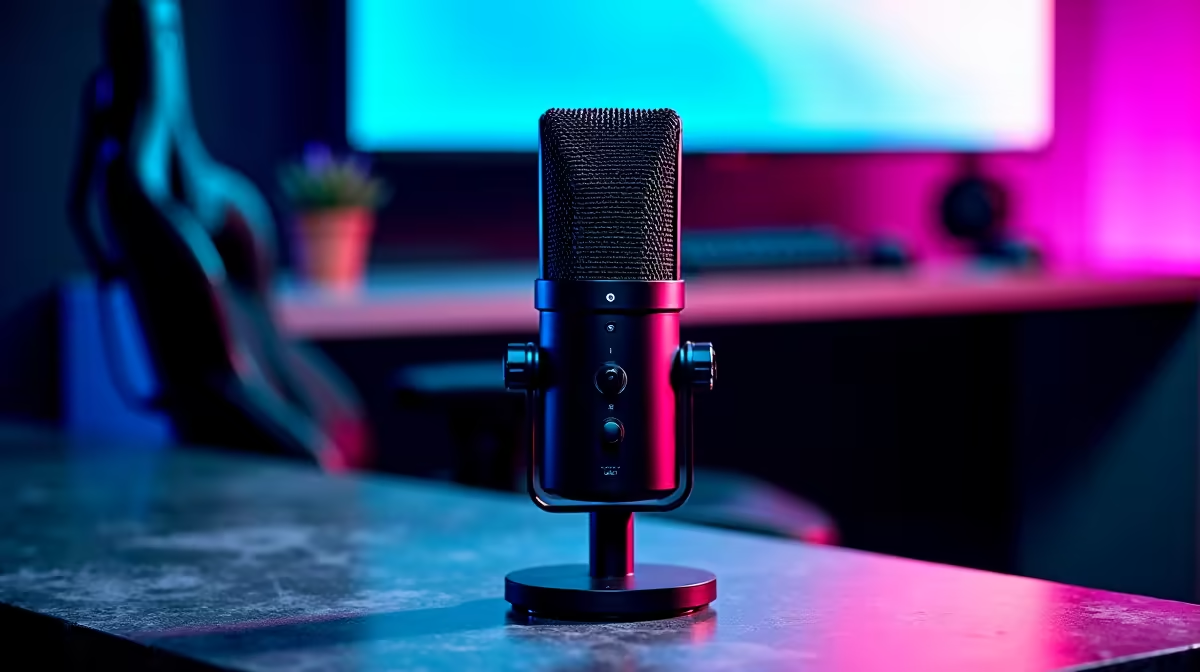
The Yeti X is the modern flagship and the one most SA gaming creators should buy. You get four polar patterns, a Smart Knob that toggles gain, mute, mic monitoring and headphone volume, plus that LED meter so you actually see when you're clipping mid-clutch. G Hub voice effects (Broadcaster, AM Radio, helium voice) make stream banter way more entertaining, and the Blue Voice presets give you broadcaster-style EQ without touching OBS filters.
The original Yeti is still on shelves and it's the cheapest entry into the family. It lacks the LED meter and Smart Knob, but the capsule is the same quality. Pick this one if you stream casually and don't need on-the-fly tweaks.
The Yeti Nano is the compact option for tight desks, which matters if you're running a 27" monitor on a 1.2m varsity desk. It only does cardioid and omnidirectional, but for solo gaming streams that's all you really need. The Nano also weighs about half what the X does, which makes it more practical for students who move between digs and home over holidays.
What Else You Need for a SA Gaming Setup
A Yeti on its own is half the setup. Get a boom arm so the mic clears your keyboard and webcam, plus a pop filter or foam windscreen for harsh P and B sounds. South African homes also have surprisingly noisy environments (security alarms, generators during loadshedding, bakkies idling outside), so a basic acoustic foam panel behind your seat tightens vocals considerably.
Pair the Yeti with a clean rig and your stream quality jumps overnight. Evetech ships gaming PCs nationwide with same-day Joburg dispatch, and most builds include the headroom for OBS encoding without dropping frames. A solid streaming PC paired with the Yeti X is what separates a forgettable Twitch stream from one your viewers actually subscribe to.
Frequently Asked Questions
Is the Blue Yeti worth it for South African streamers in 2026?
Yes. Even with the rand-dollar swings, the Yeti X delivers broadcast-grade audio at a price that's still well below dedicated XLR setups once you factor in an audio interface. For a single mic that handles streaming, voice notes, podcast guesting and Discord, it's the best all-rounder you can buy locally.
Does the Blue Yeti work with PS5 and Xbox Series X?
The original Yeti and Yeti Nano work natively with PS5 over USB for in-game chat and party audio. Xbox Series X is more restrictive, so most SA console streamers route the Yeti through a capture card or PC instead. For cross-platform flexibility, stick with PC as your hub.
How do I stop the Blue Yeti picking up my mechanical keyboard?
Switch to the cardioid pattern, drop the gain to around 30 percent, and aim the front of the mic (the Blue logo side) at your mouth from above rather than below the keyboard. A boom arm helps massively, and a closed-back mousepad foam under the keyboard cuts a noticeable amount of click bleed.
Ready to Find Your Perfect Match? Pair your new Yeti with a streaming-ready Evetech build today. Shop gaming PC deals











