

Quick Answer
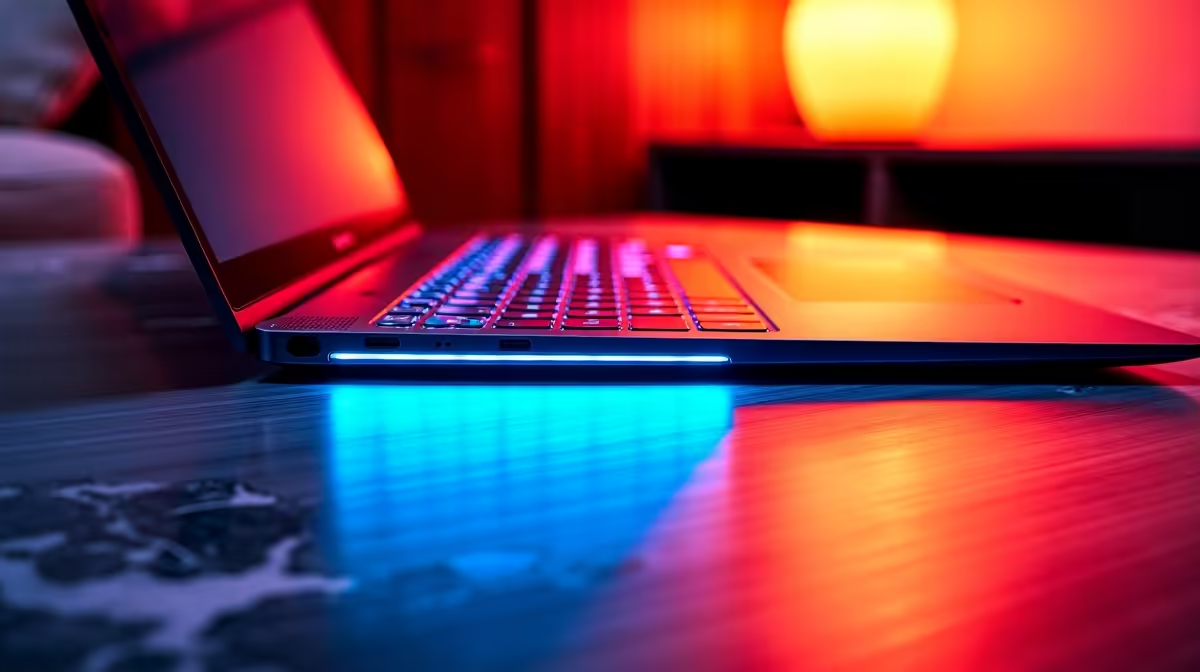
The best budget laptops with backlit keyboards in SA 2026 sit between R8,000 and R14,000, offering RGB or white-backlit keys alongside enough processing power for students, remote workers, and casual gamers. Models in this range from brands like Lenovo IdeaPad, ASUS VivoBook, and Acer Aspire deliver solid typing comfort in low-light environments without stretching your budget.
Why a Backlit Keyboard Matters for SA Users
Loadshedding has made backlit keyboards a practical necessity rather than a luxury. When the power goes out and you''re working by laptop light alone, a backlit keyboard lets you keep typing without fumbling in the dark. Students pulling late nights in res or koshuis, and professionals working from home during Stage 4 or 6, consistently rate keyboard illumination as one of the most-used features on their machines. Beyond load shedding, backlit keys reduce eye strain during evening study sessions and make the laptop feel more premium at a budget price point.
Top Budget Backlit Laptop Picks Under R14,000 in 2026
At the R8,000 to R10,000 mark, Lenovo IdeaPad Slim 3 configurations with AMD Ryzen 5 processors frequently include a single-colour white backlit keyboard, 8GB RAM, and a 512GB SSD. These handle Microsoft 365, Google Workspace, coding environments, and light photo editing without complaint. Stepping up to R10,000 to R12,000, ASUS VivoBook 15 variants powered by Intel Core i5 or AMD Ryzen 5 7000-series chips add better display brightness (typically 300 nits) and, on some SKUs, two-zone RGB lighting. Acer Aspire 5 remains a perennial value pick in this bracket with a crisp 1080p IPS screen and a comfortable backlit chiclet keyboard. At the R12,000 to R14,000 ceiling, HP Victus entry configurations bring a gaming aesthetic with full RGB keyboard backlight, a 144Hz display, and a dedicated GPU entry point, making them attractive for students who want a study machine that doubles as a casual gaming rig.
What to Check Beyond the Backlight
Backlit keyboard shopping has a hidden trap: not every listing discloses backlight type or brightness levels. Before buying, confirm whether the keyboard is single-colour white, single-colour red, or full RGB, and whether brightness levels are adjustable. Battery life is the second key variable because backlighting draws additional power. Budget laptops in this range average 6 to 8 hours of real-world use with the backlight at medium brightness. If you''re NSFAS-funded with a R5,200 allowance, pair it with a second-hand external monitor and wireless keyboard to extend your study setup without exceeding budget. Also check keyboard travel depth: at least 1.5mm of key travel makes long typing sessions significantly more comfortable.
Frequently Asked Questions
Does a backlit keyboard drain the battery faster? Yes, but the impact is modest. Running a backlit keyboard at full brightness typically reduces battery life by 30 to 60 minutes depending on the panel and brightness setting. Setting it to 50% brightness or using auto-off timers keeps the drain minimal.
Can NSFAS students afford a backlit laptop within the R5,200 allowance? Not in 2026 at new retail pricing. Evetech''s minimum laptop price is around R8,000. NSFAS students looking to stretch their allowance should look at refurbished options or consider topping up the allowance with additional funds for a device that will last three to four years.
Is RGB better than white backlit for budget laptops? For most users, white backlit is sufficient and more power efficient. RGB adds visual appeal and is useful for gamers who colour-code key bindings, but it draws marginally more power and is typically found in higher-priced models.
Which brands offer the most reliable backlit keyboards in the budget range? Lenovo and ASUS consistently receive strong user feedback for keyboard quality in budget segments. Lenovo in particular is known for its ThinkPad-heritage typing feel, which carries down into IdeaPad lines. Acer and HP are solid alternatives with good SA warranty and repair support.
Ready to Find Your Perfect Match? Browse budget keyboards and laptop peripherals at Evetech











