

Why a Clean Setup Matters for SA Gamers 🇿🇦
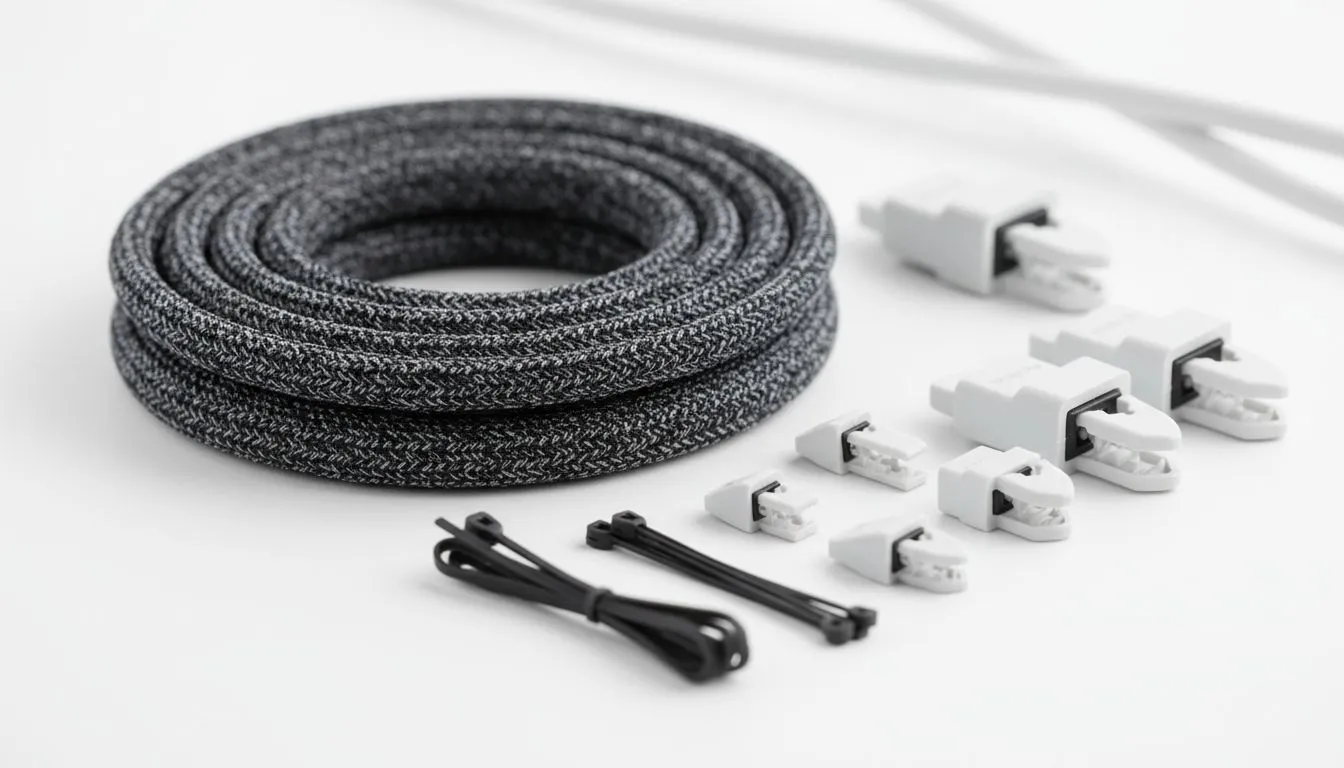
Nothing ruins the aesthetic of a high-end rig faster than a rat's nest of wires. You’ve invested serious ZAR into your GPU and RGB lighting, so why let messy cables distract from the glory? Whether you are rocking a minimalist home office or a full-blown RGB battlestation, sorting out that spaghetti is easier than you think. Let's explore the best cable management sleeves and clips to tidy up your life and improve your focus.
Taming the Peripherals 🖱️
The clutter usually starts right under your fingertips. While a wired connection offers zero latency, the drag can be annoying. If you are using a precision gaming mouse, a simple mouse bungee or adhesive cable clips can keep the cord slack but disciplined. This prevents the wire from snagging on your desk edge during a heated 1v1.
The same logic applies to your typing experience. Routing the braided cable of your gaming keyboard through a drilled grommet or a straight run of clips creates that clean, "floating" look. Even if you prefer to lean back with gaming controllers, you need a dedicated spot to charge them without leaving USB cables snaking across your mousepad.
Velcro is King 👑
When organizing cables, always opt for Velcro straps (hook-and-loop) over plastic zip ties. Zip ties are permanent and dangerous to cut off if you need to swap out a peripheral or move your PC. Velcro allows you to add or remove cables instantly without risking your gear.
The Heavy Lifters: Monitors and Audio 🎧
The biggest eyesores are usually hanging behind your screens. Grouping the thick power and DisplayPort cords from your PC monitors into a neoprene zipper sleeve makes them vanish against the wall or monitor arm. It transforms a chaotic silhouette into a sleek display.
Audio gear is another culprit for cable spaghetti. Don't let wires dangle into your lap; route your headphone/headsets cables under the desk using adhesive hooks. If you are creating content, a boom arm is essential to manage the XLR or USB cables connected to your microphones, keeping the setup professional and noise-free.
Managing the Engine Room and Stream Gear ⚡
Cable management isn't just about what is on top of the desk. If you are a broadcaster, your setup likely holds lights, capture cards, and other streaming essentials. J-channels (raceways) stuck to the back or underside of your desk are perfect here... they catch all the overflow so your feet don't tangle in wires.
Finally, don't forget the inside of your PC. While M.2 drives are wire-free, standard solid state drives still require SATA power and data cables. Using internal cable combs or careful routing behind the motherboard tray ensures better airflow and looks fantastic through a tempered glass side panel.
Build Your Dream Setup Today A clean desk deserves powerful hardware. Whether you need to upgrade your storage, grab a new monitor, or overhaul your entire rig, we have the best deals in South Africa. Browse our latest PC component specials and take your battlestation to the next level.











