

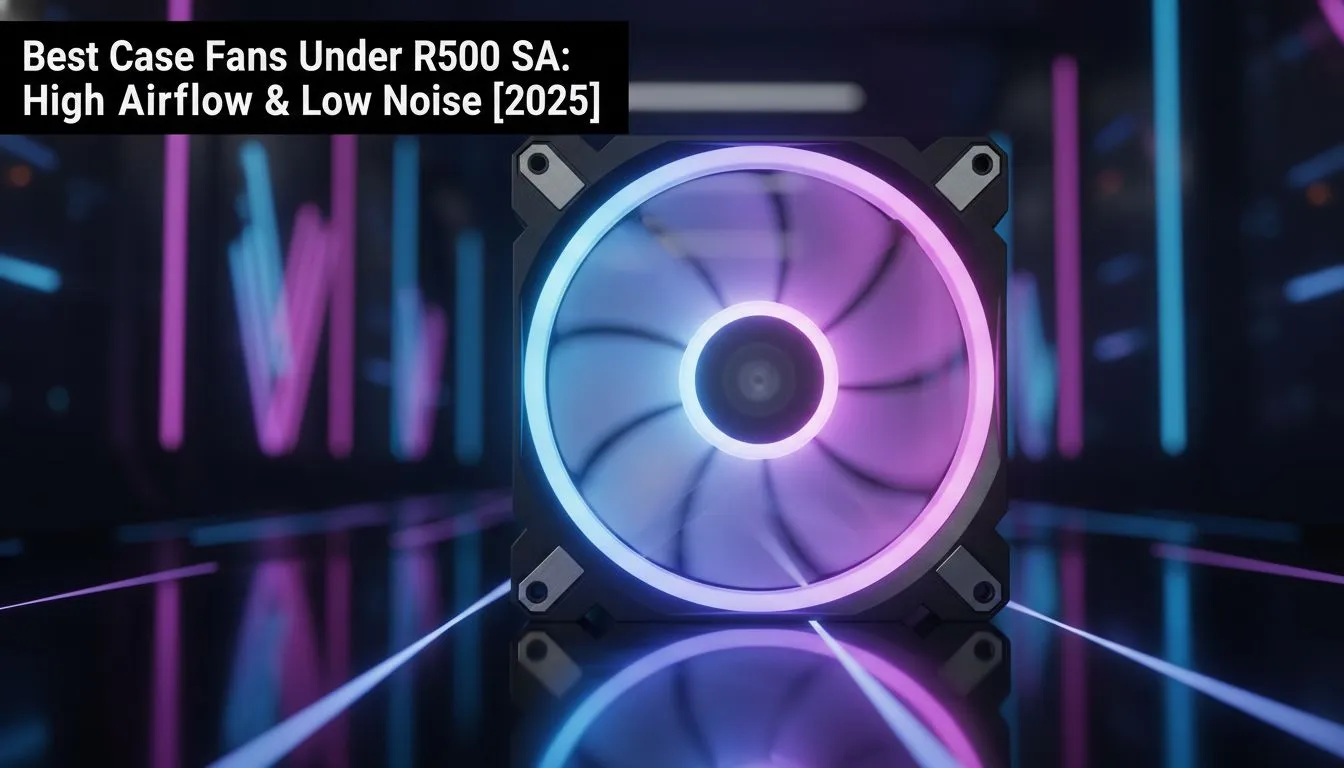
Is your PC sounding like a jet engine trying to take off from OR Tambo? South African summers are brutal on hardware, and if your rig is overheating, your performance suffers. You don’t need to spend a fortune to fix it. Let’s look at the best case fans under R500 that balance silence, high airflow, and value.
Why Airflow is King in SA 💨
We all know the struggle of keeping ambient temperatures down. When your room is hot, your PC works double-time. Good airflow isn't just about the CPU or GPU; it protects every component. For instance, high-speed solid state drives can actually throttle their speeds if they get too toasty, slowing down your load times right when you need them most.
Proper cooling creates a consistent wind tunnel... removing hot air and pulling in cool air. This extends the lifespan of your gear and keeps your system stable during long sessions.
Finding the Sweet Spot: Silence vs. Performance
When shopping for fans under R500, you are usually looking for a balance between CFM (Cubic Feet per Minute) and dBA (decibels). You want high CFM for cooling and low dBA for sanity.
The Audio Environment
Why does noise matter? If you are a content creator using high-end microphones, a loud fan hum is a nightmare to edit out. It ruins the production value of your stream. Even if you have the best streaming essentials, background noise is the enemy of a professional broadcast.
For the casual gamer, it’s about immersion. You’ve invested in decent headphone headsets to hear footsteps, not the whine of a dying sleeve bearing.
Fan Curve Control 🔧
Don't run your fans at 100% all the time. Enter your BIOS and set a PWM fan curve. Set them to run silent (around 30-40%) when the PC is idle, and only ramp up to full speed when the CPU hits 60°C or higher. Silence when working, power when gaming.
Top Features to Look For Under R500
You don't need R1000 RGB fans to get the job done. Here is what to check on the spec sheet:
- PWM Support: 4-pin connectors that let the motherboard control speed automatically.
- Hydraulic Bearings: These last longer and are quieter than cheaper sleeve bearings.
- Anti-Vibration Pads: Rubber corners that stop the fan from rattling against the case.
It’s About the Whole Setup
A quiet PC enhances the feel of your entire desk. It lets you focus on the crisp visuals of your PC monitors without distraction. It lets you enjoy the tactile feedback of your gaming mouse and the click of your keys—even if you bought the cheapest gaming keyboard in South Africa, it shouldn't have to compete with fan noise.
Whether you are leaning back with gaming controllers for a FIFA session or sweating in a competitive lobby, the best case fans under R500 will keep your temps low without sounding like a generator. Look for brands like Antec, Gamdias, or entry-level Corsair models often found in this price bracket on Evetech.
Keep Your Cool Under Pressure Don't let the heat throttle your potential. Whether you need silent stealth fans or high-static pressure units, upgrading your cooling is the most cost-effective way to boost performance. Shop our wide range of PC Case Fans and build the ultimate chill zone.











