

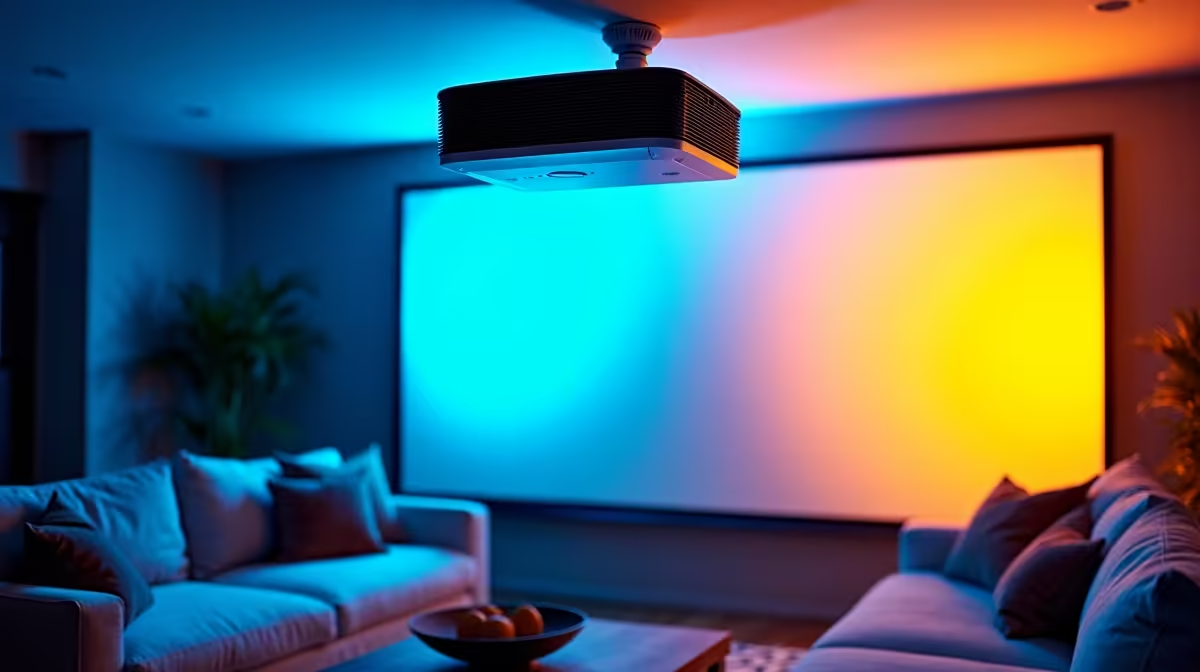
Transforming your living room into a private cinema or the ultimate gaming den is a dream for many South Africans. But balancing screen size, room lighting, and loadshedding prep can be tricky. If you want a massive display without cluttering your space, our best ceiling-mounted projector setup guide for SA is here to help. Let us walk you through mounting, aligning, and powering your dream setup.
Finding the Perfect Spot 🔧
Before you drill a single hole, you need to calculate your exact throw distance. This is the physical space between your projector lens and the screen. Whether you are hooking it up to a console or one of our top-tier gaming PC deals, getting the distance right ensures a crisp image.
Always verify your ceiling material first. Concrete ceilings require heavy-duty anchor bolts for safety. Plasterboard ceilings need specialised toggle bolts... or ideally, mounting directly into a wooden truss to prevent your expensive gear from crashing down. Take your time measuring twice so you only drill once.
Managing Cables and Power
A clean aesthetic means hiding those pesky cables. Run your power cords and long braided HDMI cables through neat trunking or inside the ceiling cavity. If you are upgrading your entire entertainment area, keeping an eye on local tech specials can save you thousands of ZAR on premium cabling and mounts.
Remember to keep your power cables separate from your display cables. Running them too close together can cause signal interference and ruin your viewing experience.
Loadshedding Pro Tip ⚡
When setting up your ceiling-mounted projector in South Africa, always route your power to a dedicated UPS or inverter. Projector bulbs need a cool-down cycle when turned off. A sudden power cut without a backup can fry your expensive bulb instantly.
Connecting the Right Hardware 🚀
A massive screen demands high-quality visuals. Your projector is only as good as the machine driving it. If you want to push 4K resolution at high refresh rates, you need serious processing power. A solid pre-built PC is a fantastic plug-and-play solution for any home theatre.
Alternatively, if you prefer a mobile setup that you can easily unplug and take to the office, there are plenty of powerful laptops that handle heavy video rendering and gaming with ease.
To truly maximise this best ceiling-mounted projector setup guide for SA, ensure your system has the graphical muscle to match the massive display. Upgrading to the latest graphics cards guarantees smooth frame rates... even when projecting onto a towering 120-inch screen.
Alignment and Calibration ✨
Once everything is securely mounted, it is time to fine-tune the picture. Use the physical lens shift and optical zoom to square up your image on the wall. Try to rely on hardware lens shift rather than digital keystone correction. Digital correction can degrade your picture quality and introduce input lag... which is a nightmare for competitive gaming.
Take your time adjusting the focus ring until the text is razor-sharp. Dim the lights, grab some popcorn, and enjoy your spectacular new setup.
Ready to Power Your Big Screen Setup? A massive projector display needs a powerhouse system to drive those stunning visuals. Whether you are gaming, streaming, or building a home cinema in South Africa, we have the gear you need. Explore our massive range of tech deals and find the perfect machine to conquer your world.











