

Quick Answer
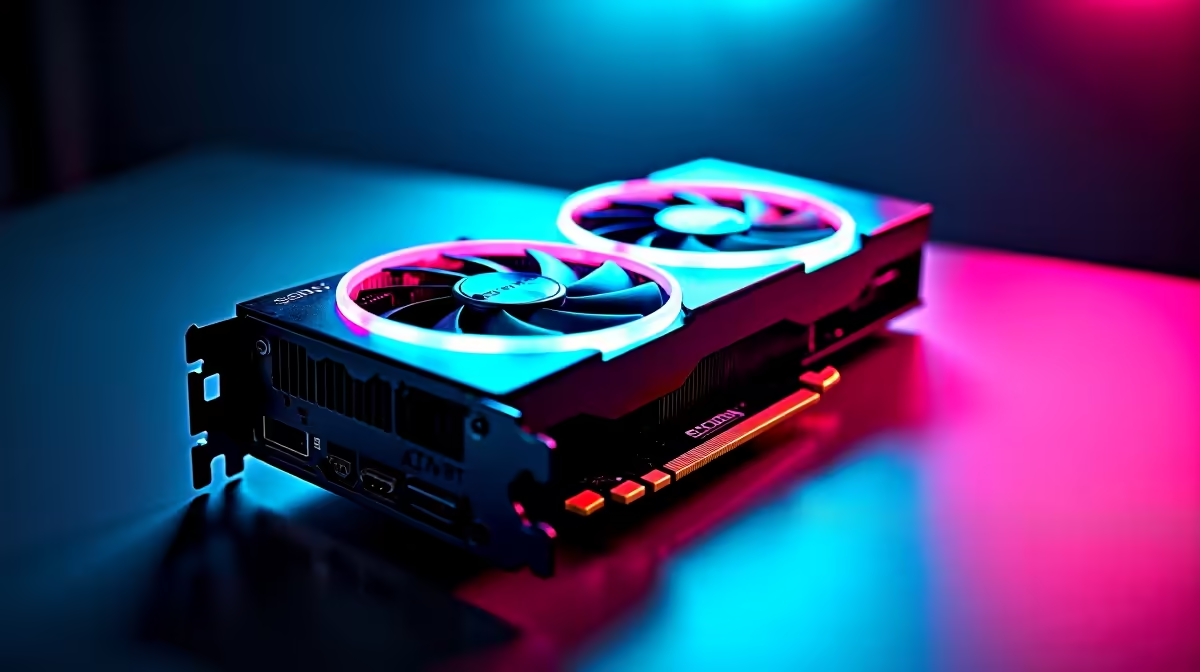
The smartest 2026 upgrade path for SA gamers is GPU first, then CPU/platform, then storage, and finally peripherals. Spend the bulk of your budget on a current-gen graphics card (R9,000 to R25,000), keep your motherboard and PSU only if they're modern, and stagger purchases across 2 to 3 paychecks to ride out exchange-rate dips.
Why GPU-First Wins for South African Gamers
In nearly every SA gaming rig, the graphics card is the single biggest performance lever. A new GPU on a 2 to 3 year old platform will lift your 1440p frame rates more than a CPU swap on the same screen. Locally, mid-range cards like the RTX 5060 and RX 7700 XT sit around R10,000 to R14,000, while the RTX 5070 and RX 7800 XT hover around R15,000 to R20,000. If your monitor is 1080p 144Hz or 1440p 165Hz, a GPU upgrade is felt within minutes of installing it. Pair this with proper PSU headroom (650W gold for mid-range, 850W gold for high-end) and you've solved 80% of the bottleneck story.
Stage Two: CPU and Platform Refresh
Once your GPU is sorted, look at your CPU. If you're still on Ryzen 3000 or 10th gen Intel, you're leaving 1% lows on the table, especially in shooters like Apex, Fortnite, and Warzone where stutter ruins the experience. Ryzen 7600 and 7700X give SA buyers excellent value at around R5,500 to R8,000, with AM5 motherboards starting near R3,500. Intel's Core i5-14600K remains a strong gaming pick around R7,500 with cheaper B760 boards. Don't forget DDR5 6000MHz CL30 (32GB at roughly R2,200) which is the new sweet spot. Plan platform changes for tax-return season or Black Friday for the best Rand-on-the-table outcomes.
Stage Three: Storage, RAM, and the Quiet Wins
Storage is the upgrade most gamers underestimate. A 2TB Gen4 NVMe like the WD SN770 or Samsung 990 EVO sits between R1,500 and R2,800 and slashes load times in modern open-world titles. Upgrade your boot drive first, then add a secondary game drive. RAM is next: 32GB is the new baseline for 2026 because games like Cities Skylines 2 and modded Cyberpunk eat memory for breakfast. Finally, look at thermals. A R1,200 tower cooler or a R2,500 240mm AIO can drop CPU temps by 15 degrees and reclaim lost boost clocks, which matters during Joburg summer when ambient hits 32 degrees.
Stage Four: Peripherals and Finishing the Loop
Monitors and peripherals close the upgrade loop. A 1440p 180Hz IPS panel in the R5,500 to R8,000 range will reveal performance you couldn't previously see. Mechanical keyboards, low-latency wireless mice, and a decent headset round things off. Students on NSFAS budgets should sequence upgrades over 2 to 3 academic terms, while pros can usually compress the cycle to a single quarter. Either way, keep your old parts; your previous GPU often becomes a friend's first build, and SA second-hand resale on platforms like Carbonite holds value reasonably well.
Frequently Asked Questions
What should I upgrade first if I'm still on a GTX 1660?
Go straight to a current-gen GPU. The 1660 is the limiting factor in every modern title at 1080p high settings. An RTX 5060 or RX 7700 XT will roughly double your average frames and unlock features like DLSS 4 and FSR 4 that the 1660 simply doesn't support.
How long should an SA gamer's upgrade cycle be?
Plan a 3 to 4 year cycle for the platform (CPU, motherboard, RAM) and a 2 to 3 year cycle for the GPU. Storage tends to grow naturally, while a good 1440p monitor and PSU should comfortably last 5 to 7 years if you buy quality the first time.
Is it worth upgrading just the CPU without changing the motherboard?
Only if you're on AM4 (still alive with the 5700X3D and 5800X3D) or LGA 1700 (12th to 14th gen Intel). Anything older means a full platform swap. Always check your BIOS support list before pulling the trigger and update the BIOS before installing the new CPU.
Ready to Find Your Perfect Match? Ready to plan your 2026 upgrade path? Browse Evetech's gaming PC deals and component bundles











