

Quick Answer
South African Dota 2 pro players typically build around high-refresh displays, responsive peripherals, and stable power solutions to handle loadshedding mid-match. Their setups prioritize low input lag, reliable internet, and CPU and GPU combinations that push above 144 fps consistently at 1080p.
What SA Dota 2 Pros Prioritize in Their Setups
Dota 2 is not a hardware-intensive game compared to modern AAA titles, but competitive play at the pro level demands rock-solid frame rates, minimal input lag, and zero tolerance for system instability. South African pro players face an additional layer of challenge that their international counterparts largely do not: loadshedding. A match dropped because of a power cut can mean a lost scrim, a damaged team ranking, or a forfeit during an online qualifier.
As a result, UPS units are not a luxury in the SA pro Dota 2 scene - they are essential equipment. Most serious SA players and teams run a quality UPS capable of powering their full rig, monitor, and router for at least 30 to 60 minutes, covering the typical duration of Eskom stage 2 to stage 4 load shedding windows.
The Core Hardware SA Pros Tend to Run
At the processor level, Dota 2 benefits from strong single-core performance since the game's engine is partially single-threaded in its computation. SA pros commonly use modern Intel Core i5 to i7 class CPUs or AMD Ryzen 5 to Ryzen 7 equivalents. The game does not require more than 6 to 8 cores for competitive play, so spending heavily on a 12-core chip is overkill for pure Dota 2 performance.
On the GPU side, even a mid-range card is sufficient to hit 144 fps or higher at 1080p with settings tuned for performance. Many SA pros choose cards in the mid-range bracket because the game does not demand GPU power the way that graphically intensive titles do. Budget is better spent on a high-refresh monitor, a quality mechanical keyboard, and a reliable mouse.
Monitors in the SA Dota 2 scene lean toward 144Hz to 240Hz panels at 1080p. The game's visual clarity at 1080p is sufficient for competitive play, and higher refresh rates reduce input lag meaningfully at the frame rates Dota 2 achieves on modern hardware. IPS panels are popular for their colour accuracy and wide viewing angles during team practice sessions.
Peripherals and Connectivity
Mice in the SA pro scene vary by player preference, but low-weight optical mice with high polling rates (1,000Hz or above) are standard. Mechanical keyboards with linear or tactile switches are common, though some players prefer membrane keyboards for softer keystrokes during long sessions.
Headsets matter significantly in Dota 2 because team communication is central to competitive play. SA pros typically use dedicated wired headsets to avoid wireless interference and to ensure audio latency is as low as possible during high-pressure team fights.
Internet connectivity is a persistent challenge in SA. Most pro players use fibre connections where available, with backup mobile data as a failsafe. Wired ethernet over WiFi is non-negotiable at the competitive level. A router on UPS power ensures that even if loadshedding hits during a match, the connection stays live while the PC continues running on backup power.
Desk Setup and Ergonomics
Dota 2 sessions can run long, especially during tournament preparation periods. SA pros who treat their game seriously invest in adjustable chairs with lumbar support and position their monitors at eye level to reduce neck strain. Cable management keeps the desk clean during streaming or content creation, which is increasingly common among SA pro players who supplement income through content.
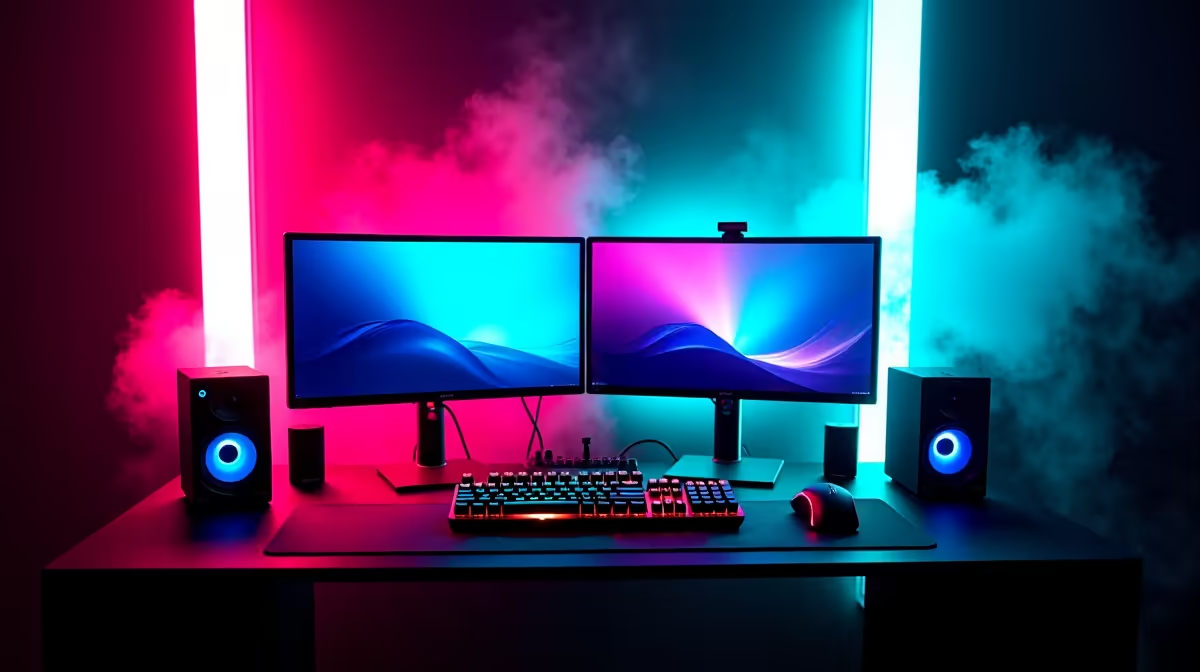
RGB lighting is present in many setups but is purely cosmetic. What matters functionally is consistent room temperature, since overheating during summer in SA can cause thermal throttling in systems without adequate airflow.
Frequently Asked Questions
Do Dota 2 pro players in SA need high-end GPUs?
Not necessarily. Dota 2 runs well on mid-range hardware. SA pros prioritize high refresh rate monitors and CPU single-core performance over expensive GPU upgrades.
How do SA Dota 2 pros handle loadshedding during scrims?
Most use a UPS sized to power their PC, monitor, and router. This keeps the system running through short outages without dropping the game or internet connection.
What refresh rate monitor do SA Dota 2 pros use?
144Hz is the minimum for competitive play, with 240Hz being common at the higher end. Higher refresh rates reduce input lag and make fast-paced team fights easier to track visually.
Is fibre internet necessary for competitive Dota 2 in SA?
Fibre is strongly preferred. It provides the lowest latency to SA and international servers. Wireless connections introduce variable latency that can be detrimental in high-stakes matches.
Ready to Find Your Perfect Match? Keep your rig powered through every match with a reliable UPS from Evetech. Shop UPS units











