

Quick Answer
The best external SSDs for gaming in South Africa in 2026 are USB 3.2 Gen 2x2 and USB4 drives from Samsung, Crucial, WD, and Kingston, offering 1,000-2,000MB/s real-world speeds. For Xbox Series X|S, PlayStation 5, and modern gaming laptops, a 1TB or 2TB external NVMe enclosure delivers near-internal-SSD performance at SA prices starting around R1,599.
Why External SSDs Make Sense for SA Gamers
Game install sizes have ballooned past 100GB for AAA titles like Call of Duty, Microsoft Flight Simulator, and Cyberpunk 2077. A console with 1TB internal storage fills up after eight or nine games, and gaming laptops with 1TB NVMe drives feel cramped within a year. External SSDs solve this without opening the chassis, and modern USB 3.2 Gen 2x2 drives are fast enough that PS5 and Xbox Series X|S games load from them as quickly as from internal storage (with the caveat that on PS5, current-gen games still need to be on the internal NVMe to play, but you can store and instantly transfer them). For SA students moving between residence and home over varsity holidays, an external SSD is also the cleanest way to take your Steam library with you without re-downloading on capped fibre.
Top External SSD Picks
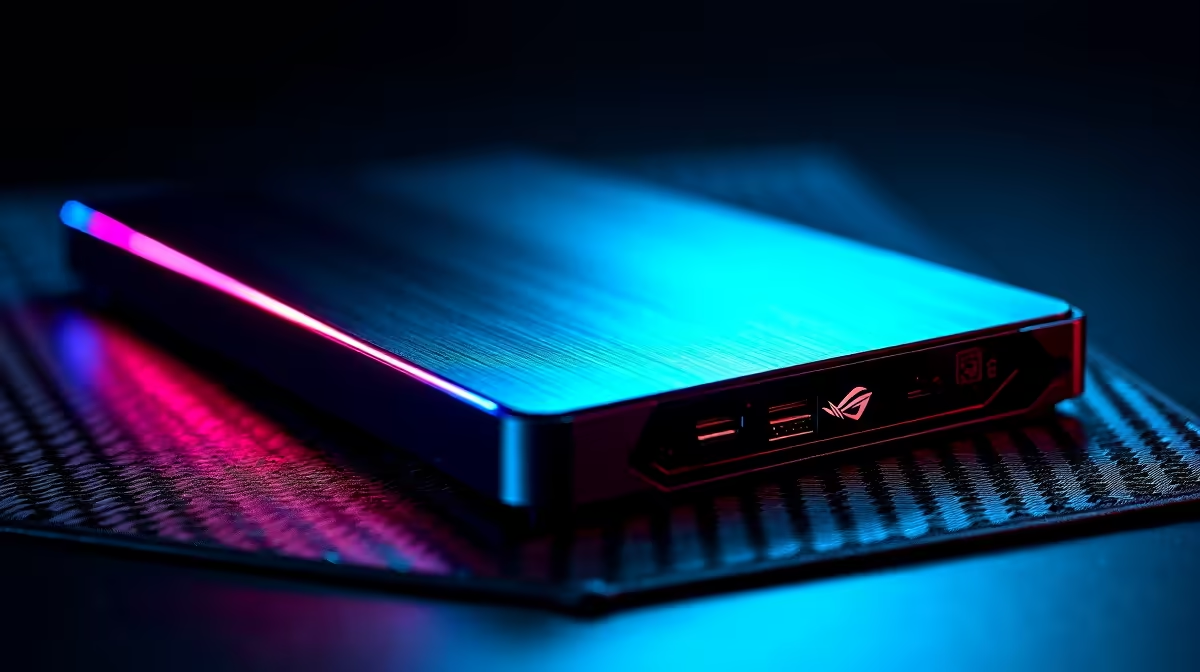
The Samsung T7 Shield 1TB at R1,899 is the easiest recommendation: 1,050MB/s read, IP65 dust and water resistance, drop-rated to 3 metres, and a five-year warranty. The Crucial X9 Pro 2TB at R2,999 offers similar speeds with a slimmer aluminium chassis. The WD Black P40 Game Drive 1TB at R2,199 adds RGB lighting and is officially branded for gaming, though performance is comparable. For builders who already have a spare M.2 NVMe SSD, an enclosure like the UGREEN USB 3.2 Gen 2 NVMe enclosure at R599 lets you build your own external drive (pair with a 1TB Kingston NV3 at around R899 for a total under R1,500). For maximum speed, the Samsung T9 2TB at R3,799 hits USB 3.2 Gen 2x2 speeds of 2,000MB/s read.
Specs That Actually Matter
Four specs separate genuinely useful gaming external SSDs from disappointments. Interface: USB 3.2 Gen 2 (10Gbps, around 1,000MB/s) is the practical minimum; Gen 2x2 (20Gbps, 2,000MB/s) is the sweet spot for premium drives. Don't waste money on USB 3.0 (5Gbps, 500MB/s) drives because game load times suffer noticeably. Build quality: shock-rated drives matter for laptops and console gamers who travel between digs and home. Cable type: USB-C to USB-C with a USB-A adapter is the most flexible. Cache and DRAM: DRAM-less drives are fine for cold storage, but for active gaming pick a drive with proper DRAM cache to maintain sustained write speeds during large transfers.
Console Versus PC Versus Laptop Use
For PS5, an external SSD stores PS5 games (you transfer them back to internal NVMe to play) and runs PS4 games directly. For Xbox Series X|S, any external SSD plays Xbox One games directly, but Series X|S games need either Microsoft's Storage Expansion Card or, with a USB 3.2 Gen 2 external SSD, you can store them and copy back to internal. For PC gaming laptops with limited internal storage, external NVMe enclosures with USB 3.2 Gen 2x2 give nearly identical performance to internal drives in most titles. SA delivery via Evetech ships these next-day to most metros with full local warranty, and ZAR pricing has stabilised in 2026 as USB controller chips have come down in cost.
Frequently Asked Questions
Can I play PS5 games directly from an external SSD?
No, current-generation PS5 games must be on the internal NVMe SSD to play. You can use an external SSD to store PS5 games (which avoids re-downloading huge installs) and to play PS4 games directly. The transfer back to internal NVMe is fast (around 30 seconds for a 50GB game) over USB 3.2 Gen 2.
What's the difference between USB 3.2 Gen 2 and Gen 2x2?
Gen 2 runs at 10Gbps (around 1,000MB/s real-world), while Gen 2x2 doubles bandwidth to 20Gbps (around 2,000MB/s). Most PCs and laptops only support Gen 2; Gen 2x2 ports are still relatively rare. For a PS5 or Xbox Series X|S, Gen 2 is the practical ceiling because the console controller doesn't go faster.
Is 1TB enough or should I go straight to 2TB?
For most SA gamers, 2TB is the sweet spot in 2026. A single AAA game can easily hit 150GB, and 1TB fills up within a year if you actively play multiple games. The price-per-gigabyte premium for 2TB over 1TB has shrunk to roughly 30%, making the bigger drive far better value long-term.
Ready to Find Your Perfect Match? Speed up your library with the right SSD at the right ZAR price. Browse SSDs at Evetech











