

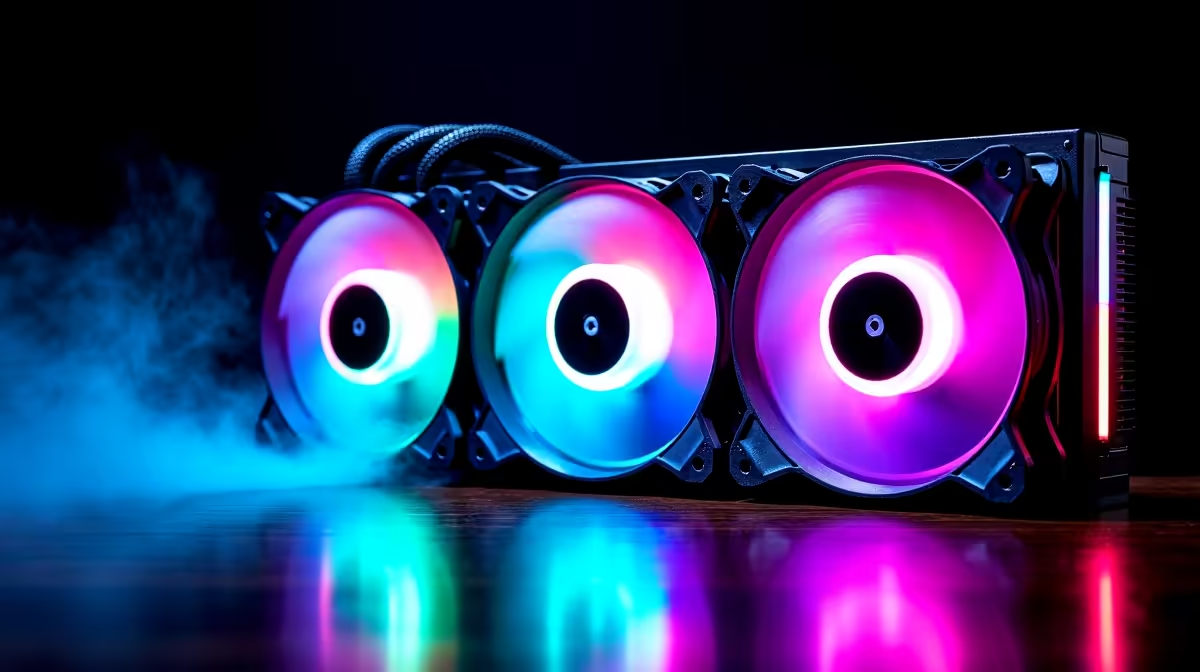
The Phanteks Evolv X is a stunning piece of hardware. It features beautiful aluminium panels and dual-system capabilities. But South African summers are notoriously brutal on PC hardware. When the heat hits, your components will beg for fresh air. Without proper intake, your graphics card will overheat quickly. Finding the best fans for Phanteks Evolv X is not just about RGB aesthetics. It is about creating an optimal airflow configuration to keep your high-end hardware frosty. Let us explore the ultimate cooling setup. 🚀
Mastering the Optimal Airflow Configuration
The Evolv X has a solid front panel with side vents. This specific design means standard case fans might struggle to pull enough air. You need fans with excellent static pressure to force cool air through those restricted gaps. High static pressure fans overcome the resistance of the front panel effortlessly. A proper intake setup ensures your internal temperatures stay low. This is especially vital if you are running a high-end air cooler or liquid cooler. Upgrading your CPU coolers is pointless if your chassis chokes them out.
Choosing the Right Fan Sizes
The chassis supports up to three 140mm fans in the front. You should absolutely use 140mm fans instead of 120mm options. Larger fans spin slower while moving the exact same volume of air. This keeps your system incredibly quiet. Unlike the compact thermal designs found in notebooks for sale in South Africa, a massive desktop case gives you total control over acoustics and thermals. Look for premium PWM fans that let you tweak the fan curve based on your motherboard temperatures. Brands like Corsair or Noctua offer brilliant options. 🔧
Airflow Pro Tip ⚡
Always aim for positive case pressure. Having more intake fans than exhaust fans forces air out of the unfiltered cracks. This stops dust from building up inside your gorgeous Evolv X over time.
Intake and Exhaust Setup Strategies
For the ideal layout, mount three 140mm intake fans at the front. Then place one 140mm exhaust fan at the rear. Proper exhaust ensures that hot air leaves the chassis immediately. You can add one or two 140mm exhaust fans at the top... but keep them towards the back. You do not want top-front fans stealing cool air before it reaches your processor. If you are browsing the best gaming PC deals, you will notice top-tier rigs always follow this front-to-back airflow path. It is a proven method for maximum stability. This prevents thermal throttling when the ambient room temperature spikes.
Maximising Your Cooling Budget
Premium 140mm fans usually cost between R350 and R800 each. It might seem pricey to populate the entire case. However, protecting thousands of Rands worth of hardware is a very smart investment. If you prefer a plug-and-play solution without the hassle of cable management, you can always look at our pre-built PC deals. These systems feature airflow that is already optimised by professionals. Otherwise, keep a close eye on our latest specials to grab top-tier RGB and stealth fans at a fraction of the regular price. ✨
Ready to Maximise Your PC Performance? Upgrading your case fans is the easiest way to improve system longevity and boost frame rates. Explore our massive range of PC components and find the perfect cooling solution to conquer your digital world.











