

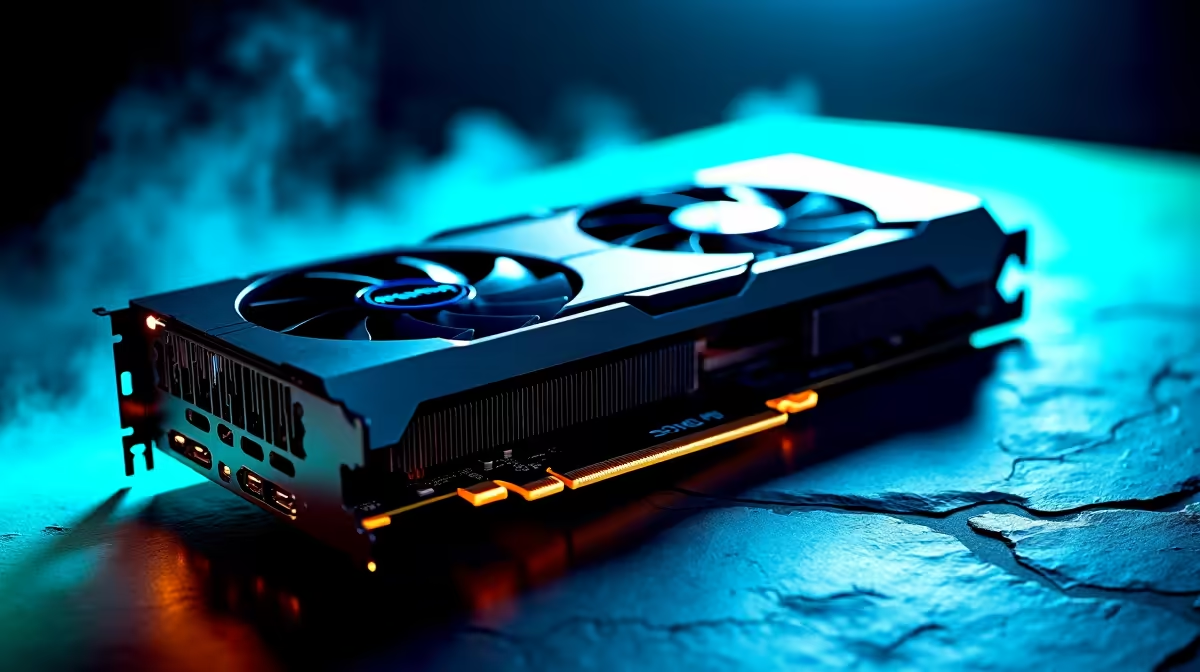
Starting your engineering degree in South Africa is tough enough without your PC crashing during a massive CAD render. Whether you are tackling SolidWorks or unwinding with some late-night gaming, your graphics card does the heavy lifting. Let us break down the best GPU setup for engineering students in SA.
Why Your Degree Needs Serious Graphics Power 🚀
Engineering software is notoriously hungry. Programs like AutoCAD and Revit devour graphical processing power. A standard integrated graphics chip just will not cut it when deadlines loom. You need a dedicated card to handle complex 3D models and simulations without stuttering.
When you buy graphics cards, you are investing in your education... and your sanity. NVIDIA's RTX 40-series cards offer an incredible balance of price and rendering performance for students. The CUDA cores in these GPUs accelerate rendering times dramatically. This means less time waiting and more time refining your projects.
AMD Radeon cards also provide excellent raw performance. However, many engineering applications are specifically optimised for NVIDIA architecture. Always check your university software requirements before making a final decision.
Desktop vs Mobile: Choosing Your Workstation 🔧
Should you build a rig for your dorm or carry your power to campus? Both options have distinct advantages for South African students.
If you prefer a stationary powerhouse, exploring gaming PC deals is a smart move. A desktop gives you better cooling during long rendering sessions. You also get superior upgrade options down the line. Alternatively, grabbing one of our pre-built PC specials ensures you get a perfectly balanced system. You avoid the stress of building it yourself while saving precious ZAR.
However, if you need to take your projects to lectures, portability is key. Modern mobile GPUs are incredibly potent. You can find massive value in high-performance notebooks for sale that rival desktop speeds. A laptop with an RTX 4060 lets you work from the library or the local coffee shop.
VRAM is Vital ⚡
When choosing the best GPU setup for engineering students in SA, aim for at least 8GB of VRAM. Complex assemblies in CAD software eat through memory quickly. Having that extra buffer stops your system from freezing when you add that final crucial component to your 3D model.
Balancing the Budget in ZAR ✨
Student budgets are famously tight. You do not need the absolute top-tier flagship card to get excellent grades. An RTX 4060 Ti setup often hits the sweet spot. It sits comfortably in the mid-tier ZAR price bracket. It handles rendering effortlessly while still dominating modern games.
After all, you need to blow off steam after exams. A solid GPU ensures your favourite titles run flawlessly at 1080p or 1440p.
Keep an eye out for seasonal specials to stretch your rands further. Snagging a great deal means you might have enough left over for a second monitor. A dual-monitor setup is a massive productivity boost for coding and drafting. You can keep your reference material on one screen and your workspace on the other.
Cooling is another vital factor to consider. Heavy rendering loads generate significant heat. Ensure your chosen chassis or laptop has adequate airflow to prevent thermal throttling. A cool GPU is a fast GPU.
Ready to Find Your Perfect Match? The mobile vs desktop debate is complex, but for maximum power, choice, and value in South Africa, Evetech is hard to beat. Explore our massive range of laptop specials and find the perfect machine to conquer your world.











