

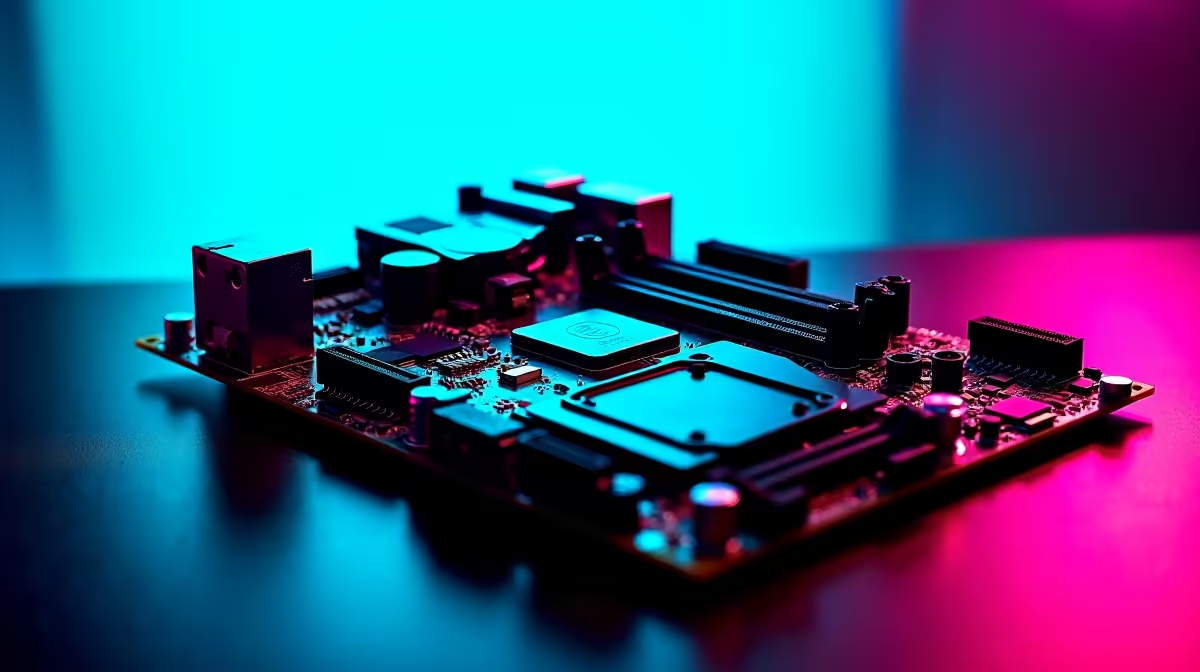
Intel's B890 chipset represents the mainstream sweet spot for gaming motherboards in South Africa, offering PCIe 5.0 support, robust VRM configurations, and competitive pricing that makes it compelling for 1080p and 1440p gaming builds. Choosing the right B890 board for your SA build means balancing feature set, form factor, and local availability.
Quick Answer
Best Intel B890 for gaming in South Africa: The B890 chipset sits between budget H-series and premium Z-series boards, offering unlocked memory overclocking and solid connectivity at a mid-range price. For SA gamers, the priority should be strong VRM quality, M.2 slot count, and availability through local channels.
🔧 Understanding the B890 Chipset for Gaming
Intel's B890 platform supports the latest Intel Core processors and brings PCIe 5.0 slots for both GPU and primary NVMe storage to the mainstream price tier. For gaming, this matters because PCIe 5.0 NVMe drives deliver sequential reads above 10,000 MB/s - meaningful for fast level loading in open-world titles and game streaming from storage.
The B890 also supports Intel XMP 3.0 memory profiles, allowing DDR5 kits rated at 6000MHz and above to run at their advertised speeds without manual tuning. In practice, this means a set-and-forget overclocking experience that every SA gamer should enable immediately after building.
Compared to the Z890, the B890 does not support CPU overclocking - the CPU multiplier is locked. For gaming, this is rarely a meaningful limitation, as most Intel 14th and 15th generation processors deliver their peak gaming performance well within stock settings.
📊 What to Look for in a B890 Gaming Motherboard
VRM Quality: Even with a locked CPU multiplier, a strong VRM ensures stable power delivery under sustained gaming loads. Look for boards with at least 12+1 power stages from reputable component suppliers. This matters most if you are pairing a high-wattage CPU like a Core i7 or i9.
M.2 Slots: Modern gaming builds benefit from at least 2 M.2 slots - one for your OS/primary game drive and a second for a bulk game library drive. Premium B890 boards offer 3–4 M.2 slots, some with PCIe 5.0 support.
USB Connectivity: The rear I/O panel should include USB 3.2 Gen 2x2 (20Gbps) for fast external storage, USB-C with DisplayPort Alt Mode for modern peripheral compatibility, and enough USB-A ports to accommodate gaming peripherals without needing a hub.
LAN and Wi-Fi: For SA gamers playing on Johannesburg-hosted servers, a wired 2.5GbE LAN port is recommended. Wi-Fi 7 (802.11be) is increasingly available on mid-range B890 boards and valuable for builds where a cable run is impractical.
Form Factor: ATX is the standard choice for gaming builds with room for airflow and multiple expansion cards. mATX suits compact builds without sacrificing too many features. Mini-ITX B890 boards exist for small form-factor enthusiasts but at a premium.
💡 B890 Gaming Board Tips for SA Builders
When building in South Africa, verify local availability before committing to a specific board model. Import delays and limited stock of niche SKUs mean the best paper-spec board may not be worth waiting for if a comparable alternative is in stock locally.
Always update BIOS before installing your CPU if the board ships with an older firmware version. Many B890 boards require a BIOS update to support the latest Intel processor generations - some include a BIOS FlashBack button for updating without a CPU installed.
For South African electricity circumstances, a board with solid capacitor quality and surge protection circuitry is worth the small premium. Check reviews from reputable international tech publications for component quality assessments, as these details are rarely surfaced in spec sheets.
❓ Frequently Asked Questions
Is B890 good enough for gaming or do I need Z890? For the vast majority of SA gamers, B890 is the ideal chipset. The Z890's main advantage is CPU overclocking, which offers minimal gaming gains on modern Intel chips. Save the cost difference for a better GPU or monitor.
Can I run DDR5-6000 on a B890 board? Yes. B890 fully supports Intel XMP 3.0, allowing DDR5 kits up to 6000MHz and beyond. Enable XMP in BIOS after building and your RAM will run at its rated speed automatically.
How many M.2 slots do I need for a gaming build? Two is the practical minimum - one for Windows and priority titles, one for your wider game library. Three or more slots are useful if you also use your PC for content creation or large media storage.
Evetech stocks Graphics Card Deals and Evetech Best Sellers — shop online with fast delivery across South Africa.
Ready to Find Your Perfect Match? Shop at Evetech











