


Quick Answer
The best internet options for gaming in UCT residences combine low-latency wired connections where available with high-quality Wi-Fi 6 routers and gaming-optimised hardware that compensates for shared network congestion.
Understanding the UCT Residence Network Environment
University of Cape Town residences vary significantly in their network infrastructure depending on the age of the building and recent upgrades. Upper Campus residences like Fuller, Smuts, and Liesbeeck have benefited from fibre backbone upgrades over recent years, while some off-campus digs in Rondebosch and Observatory rely on shared commercial broadband that degrades under heavy concurrent use - particularly during evening gaming hours when the entire house or floor is online simultaneously.
The fundamental challenge for UCT gamers living in res is that campus networks are shared infrastructure managed for academic use first. This means quality-of-service policies may deprioritise gaming traffic, particularly for time-sensitive UDP packets that multiplayer games rely on. Understanding this environment helps you make better hardware and software choices to reduce the impact of network congestion on your gaming experience.
Ping to South African servers is the critical metric. For CS2, Valorant, and other competitive titles, servers hosted locally in Johannesburg or Cape Town are your best option. Most major game publishers now operate South African server clusters or have reduced their latency through regional content delivery. A well-configured wired connection to a UCT residence network can deliver 15 to 40ms ping to local servers - perfectly playable for all game genres.
Choosing the Right Hardware for Res Gaming
If your UCT residence room has an ethernet port - which most modern rooms do - use it. A wired connection to the residence network eliminates Wi-Fi interference from dozens of surrounding devices and delivers more consistent latency than any wireless solution. A Cat 6 patch cable of 3 to 5 metres is a minimal investment that makes a measurable difference in latency consistency during high-traffic evening periods.
For rooms where wired access is impractical or the ethernet port is non-functional, a Wi-Fi 6 (802.11ax) adapter for your desktop or a laptop with integrated Wi-Fi 6 significantly improves performance in dense wireless environments. UCT's campus Wi-Fi network continues to expand Wi-Fi 6 coverage, and having a compatible device extracts real benefit from reduced airtime contention in corridors with multiple competing networks.
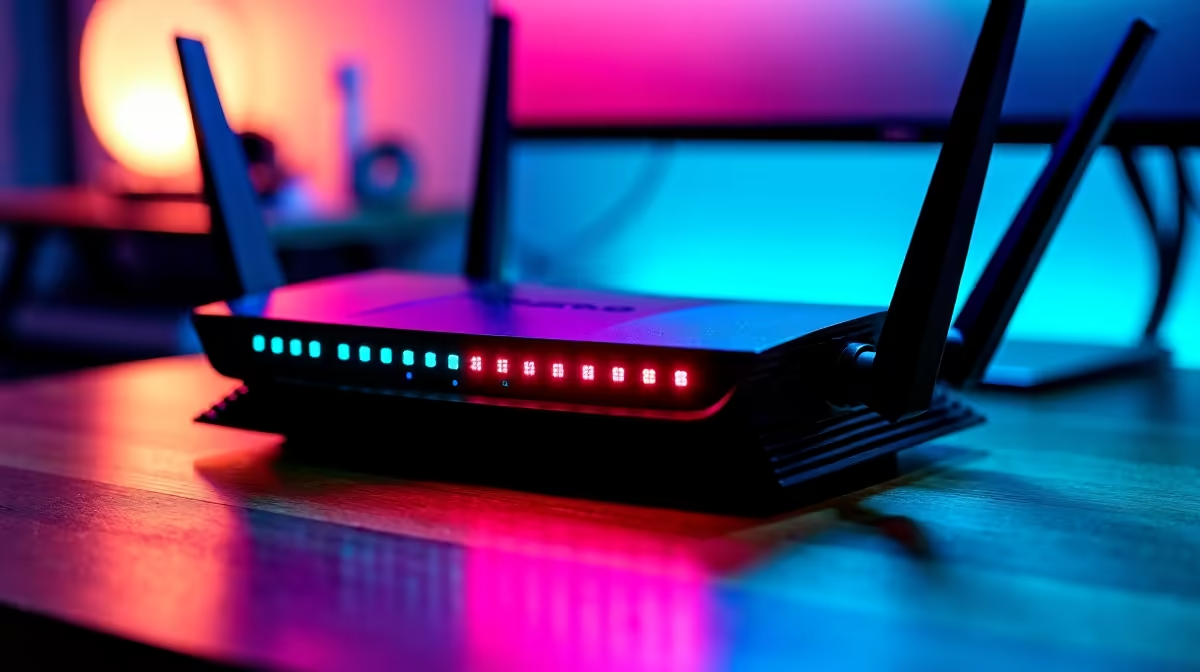
Gaming routers, if your digs situation allows for personal hardware, can prioritise your traffic over flatmate traffic using QoS settings. In a private digs setup in Rondebosch where you share a 100Mbps fibre line with three others, a router with proper QoS can ensure your gaming packets get priority during peak hours. This is not applicable in managed UCT residences where the network is centrally controlled, but it is a valid investment for students in private accommodation.
Gaming During Load Shedding at UCT
Load shedding adds a layer of complexity for UCT gamers that students at international universities simply do not face. UCT's main campus has generator backup for critical infrastructure, but residential power supply varies. In private digs, load shedding directly cuts your router and therefore your internet connection.
A small UPS (uninterruptible power supply) rated for your router and modem - typically 600VA to 1000VA - keeps your network hardware running through a 2-hour load shedding slot on a Stage 2 to Stage 4 schedule. This is one of the most practical gaming investments a SA student can make outside of the gaming hardware itself. Your laptop naturally runs on battery during outages, so the remaining variable is network uptime. A UPS protecting just your fibre ONT and router costs a fraction of what it would cost to lose a ranked match due to a mid-game disconnect.
For UCT gamers on campus where building power is managed, keeping a fully charged power bank for phone hotspot use as a backup internet source gives you an emergency fallback. Modern 5G mobile data hotspots from SA carriers are sufficient for gaming in a pinch, though latency will be higher than fibre and data costs accumulate quickly on uncapped plans that are often throttled.
Recommended Gaming Hardware Upgrades for UCT Res Students
Beyond the network itself, the hardware driving your gaming experience matters. UCT students on a tighter budget often invest first in peripherals - a gaming headset for clear audio and in-game communication, a mouse with adjustable DPI for competitive titles, and a keyboard that can keep up with rapid inputs. These upgrades have an outsized impact on gaming performance relative to their cost compared to upgrading to a more expensive laptop or GPU.
For students with a dedicated desktop gaming setup, a 144Hz or higher refresh rate monitor is one of the most noticeable quality-of-life upgrades in competitive gaming. At 60fps on a 60Hz panel, you see exactly one frame per refresh cycle. At 144Hz with a stable frame rate to match, motion clarity improves dramatically and target acquisition in fast-paced games becomes measurably easier. The investment in a quality monitor pays off across every title you play, making it a high-priority upgrade for serious UCT gamers.
Frequently Asked Questions
Q: Can I use a gaming VPN on UCT's residence network to improve ping?
A: VPNs can sometimes reduce ping by routing around congested network paths, but they more often add latency by introducing extra routing hops. On UCT's network, a VPN may also violate acceptable use policies. Test without a VPN first and only consider one if SA server ping is genuinely problematic.
Q: What is a realistic ping to expect on UCT campus networks for gaming?
A: On a wired UCT campus connection during off-peak hours, 15 to 35ms to Johannesburg-based servers is achievable. During peak evening hours when thousands of students are online simultaneously, this may rise to 50 to 80ms, which is still playable for most game genres including casual FPS and RPGs.
Q: Is mobile data gaming viable for UCT students without a dedicated internet connection?
A: For casual gaming in shorter sessions it is workable, but mobile latency in dense urban areas like Rondebosch fluctuates significantly. Data costs are also a serious concern on limited student budgets. Mobile should be treated as a backup rather than a primary gaming connection.
Q: How much RAM should a UCT gaming laptop have to handle both university work and gaming?
A: 16GB is the minimum worthwhile configuration in 2026. Chrome with multiple research tabs open alongside a game running in the background can consume 12GB or more. 16GB handles this comfortably, while 32GB future-proofs the machine through the rest of a 4-year degree.
Also at Evetech: Graphics Card Deals | Evetech Best Sellers
Ready to Find Your Perfect Match? Shop at Evetech








