

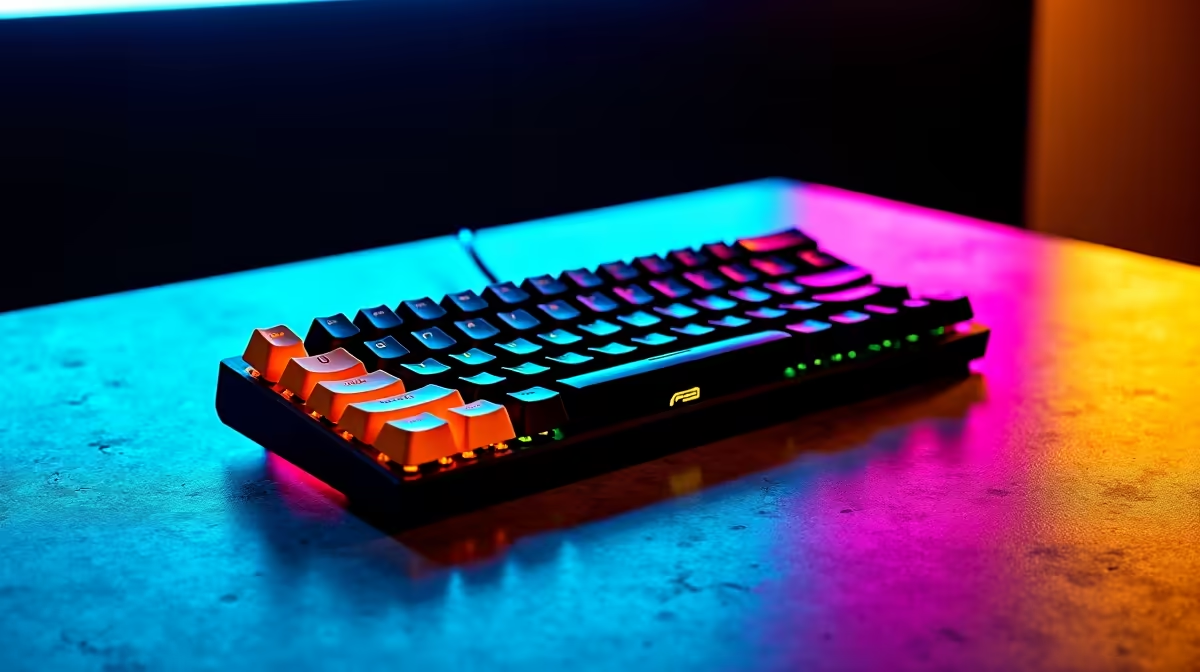
Starting your first year at Stellenbosch University with the right keyboard makes a measurable difference - you will type assignments, research notes, and emails thousands of times per semester, and a poor keyboard adds unnecessary frustration to an already demanding academic year. The best keyboard for a first-year Stellenbosch student balances compactness for res or digs use, quiet operation for shared study spaces, and a price point that does not strain a student budget.
Quick Answer
What is the best keyboard for first-year Stellenbosch students? A tenkeyless (TKL) or compact 75% mechanical keyboard with quiet switches - such as Cherry MX Silent Red or Gateron Yellow - is ideal. It fits on a small res desk, types quietly in Wilcocks or the library, and lasts multiple years with proper care. Budget between R700 and R1,800 for a keyboard that balances quality and affordability in the South African market.
🔧 What to Look for as a Stellenbosch First-Year
Form factor matters in res Most Stellenbosch residences - from Helderberg to Eendracht to private digs in Simonsvlei - have compact study desks. A full-size keyboard with a numpad takes up space you need for textbooks and stationery. A TKL (tenkeyless, 87-key) or 75% layout keeps the number row and function keys while cutting overall footprint by about 30%.
Switch type: quiet is essential Stellenbosch University's library and faculty study halls enforce quiet study policies. Clicky switches (Blue, Green) are genuinely disruptive in shared spaces. Choose linear or tactile silent switches:
- Cherry MX Silent Red - very quiet, smooth linear, excellent for typing at 2am in res without bothering flatmates
- Gateron Yellow - slightly louder but extremely smooth; popular in South African gaming and student communities
- Topre or low-profile switches - premium options if budget allows
Wired vs wireless Wired keyboards are more reliable and do not need charging. Wireless is convenient for carrying between res and lecture halls if you use a small laptop stand setup. Most first-years are better served by wired at the desk, given the reliability advantage during long study sessions.
South African budget ranges:
- R700–R1,000: Entry-level mechanical with Outemu switches. Functional, upgradeable keycaps, some RGB
- R1,000–R1,500: Mid-range with Cherry MX or Gateron switches. Better build, south facing sound dampening
- R1,500–R2,500: Premium compact keyboards with hot-swap sockets, PBT keycaps, and foam dampening inside the case
📊 Keyboard Comparison for Student Use Cases
| Use Case | Recommended Type | Switch Choice |
|---|---|---|
| Late-night typing in shared res room | TKL or 65% compact | Silent linear (MX Silent Red) |
| Library study sessions | Any compact | Silent or quiet tactile |
| Gaming + study dual use | TKL | Gateron Yellow or MX Red |
| Carrying between lecture halls and res | 65% or 60% | Any quiet switch |
| Economics/Law with heavy number entry | TKL (keeps function row) | Tactile or linear |
💡 Features Worth Paying For vs Skipping
Worth paying for:
- PBT keycaps (thicker, do not shine through with use - cheap ABS keycaps look worn after one semester)
- Hot-swap PCB (lets you change switches without soldering - useful if your preferences change after a year)
- USB-C connection (more durable than Micro-USB over years of plugging and unplugging)
- Per-key or south-facing RGB (south-facing reduces glare on keycap legends)
Safe to skip:
- Wireless for a primary desk keyboard (adds cost and charging overhead)
- Wrist rest bundled in the box (most cheap bundled wrist rests are poor quality; buy separately if needed)
- Multiple macro keys (rarely useful for undergraduate coursework)
Keycap compatibility: Most TKL and compact keyboards use standard layouts compatible with aftermarket keycap sets. Stellenbosch's engineering and computer science students often upgrade keycaps in second year - buy a keyboard with a standard layout from the start to keep this option open.
Care in Stellenbosch's climate: The Cape Winelands humidity is relatively stable, but braai season and student house parties introduce spill risk. A basic splash-resistant keyboard is a sensible precaution. If your keyboard does get wet, unplug immediately and leave it upside down for 48 hours before reconnecting.
❓ Frequently Asked Questions
Is a mechanical keyboard worth it over a membrane keyboard for university? Yes for most first-year Stellenbosch students who will use their keyboard heavily for three to four years. Mechanical keyboards last significantly longer than membrane keyboards, and the typing feedback reduces fatigue during long essay-writing sessions. The price difference pays for itself within the first year.
Do I need a keyboard with a South African layout? Most keyboards sold in South Africa ship with an international English (ISO UK) or US ANSI layout. The difference is a few punctuation keys. For typing Afrikaans characters (é, ê, ë), configure the Windows or macOS language settings to add a SA English keyboard input - the physical layout difference is minor and adjustable in software.
Can I use a gaming keyboard for university coursework? Absolutely. Gaming keyboards with quiet switches are excellent for academic typing. Avoid keyboards marketed only for gaming that have extremely high actuation force (above 60g) - these cause hand fatigue over long study sessions. Most gaming keyboards with Red or Speed switches are comfortable for mixed use.
What size keyboard fits best in Stellenbosch res rooms? A 75% or TKL keyboard is the sweet spot. The 60% layout (no function row, no arrow keys) is very compact but requires memorising key layers, which adds friction during exam crunch when you need to work fast without thinking about keyboard navigation.
Check out All Gaming Keyboards and Graphics Card Deals at Evetech — South Africa's home for gaming gear.
Ready to Find Your Perfect Match? Shop at Evetech











