

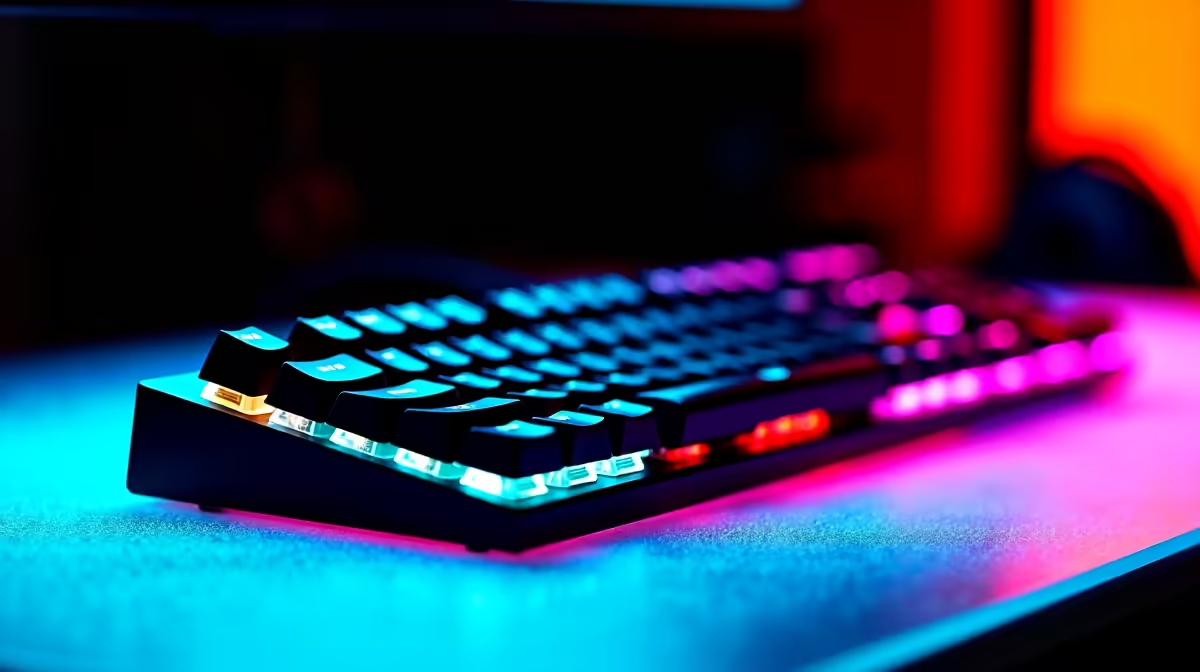
Quick Answer
The best keyboard for a second-year UCT student in South Africa balances portability, build quality, and versatility across lecture notes, coding assignments, and late-night studying. Compact or tenkeyless mechanical keyboards or premium membrane options with good key travel are the top choices for res-based students managing mixed academic and personal use.
By second year at UCT, you''ve figured out what your setup actually needs. First year might have been about surviving with whatever keyboard you brought from home, but second year typically means longer coding labs, more written work across multiple modules, and the growing realisation that a decent keyboard makes a tangible difference over hours of use. The right keyboard for a UCT student in 2026 needs to handle everything from Python scripts in the Engineering faculty to essays in Humanities - and it needs to do it comfortably whether you''re in Tugwell, off-campus digs in Rondebosch, or in the library at midnight.
What to Prioritise as a Second-Year Student
Portability matters more at university than most students anticipate. A full-size keyboard with a numpad is fine at a fixed desk, but if you''re carrying your setup between your res room and a study group, the extra width becomes inconvenient quickly. Tenkeyless (TKL) and compact 75% layouts hit the sweet spot - you lose the numpad but keep all the function keys and shortcuts that matter for coding and document navigation. Build quality is the other priority that separates keyboards worth keeping for your full four years from those that start flexing and rattling by third year. A keyboard with a solid base, stable keycaps, and consistent key registration makes extended typing sessions less fatiguing, which matters when you''re three hours into writing a research assignment.
Mechanical vs Membrane: The Real Trade-Off for Students
Mechanical keyboards have a deserved reputation for typing feel, durability, and long-term satisfaction, but they come with a significant caveat in a student housing context: noise. Clicky mechanical switches are genuinely disruptive in a shared res room or quiet library, and even tactile switches can be louder than expected in a silent environment. If you''re in a shared space, linear mechanical switches - which are smooth and relatively quiet - are the mechanical option that won''t irritate your roommate at 2 AM. Premium membrane keyboards with decent key travel and a well-designed actuation profile are also a legitimate choice: they''re quiet, spill-resistant, and affordable, making them low-risk for a student environment. The best choice depends on your living situation, your typing preferences, and how much you value the tactile feedback that mechanical switches provide.
Connectivity and Compatibility for the UCT Setup
As a second-year UCT student, you''re likely running a laptop as your primary machine, potentially paired with an external monitor in your room. A keyboard with USB-C connectivity or reliable wireless Bluetooth gives you flexibility to switch between your laptop at your desk and a library setup without cable management headaches. Look for keyboards with multi-device Bluetooth pairing if you use both a laptop and a tablet. Battery life on wireless keyboards varies significantly - aim for options rated for several weeks of use on a charge, as the inconvenience of a keyboard dying mid-session during exam prep is real. Wired keyboards remain the most reliable and the most affordable, and for a fixed desk setup in res, wired is perfectly fine.
Budget Considerations for SA Students
In South Africa, keyboard pricing spans a wide range once import costs and local retail margins are factored in. Budget-conscious students can find capable options that punch above their price - the key is identifying keyboards from established brands that offer solid build quality and reliable switches without paying for RGB lighting you don''t need. If your budget is tight, prioritise switches and build quality over aesthetics. If you can stretch slightly, a mid-range mechanical TKL from a reputable brand will last well beyond your UCT degree and travel with you into your first job. Avoid the cheapest no-name options - they tend to have inconsistent key registration that makes extended typing sessions frustrating.
Frequently Asked Questions
Q: Is a mechanical keyboard worth it for university coding assignments? A: For students who type extensively - coders, essayists, and anyone who spends hours at the keyboard - the tactile feedback and durability of a mechanical keyboard is worth the investment. Choose linear or quiet tactile switches if you''re in shared accommodation.
Q: What layout is best for a UCT student? A: A tenkeyless (TKL) or 75% compact layout is ideal for students who need portability and desk space efficiency. Full-size keyboards are only worth considering if you regularly do numerical data entry and have a fixed desk with ample space.
Q: Can I use a gaming keyboard for university work? A: Absolutely. Many gaming keyboards offer excellent build quality, durable switches, and comfortable key travel that works just as well for typing and coding as for gaming. Avoid keyboards with distracting lighting modes during library use.
Q: How important is wireless connectivity for a student keyboard? A: Useful but not essential. Wireless gives you flexibility, but for a fixed desk setup in res a wired keyboard is simpler and eliminates battery management. If you frequently move between your desk and other study locations, Bluetooth is worth prioritising.
Ready to Find Your Perfect Match? Shop gaming PC deals at Evetech - South Africa''s leading gaming and tech retailer.











