

Quick Answer
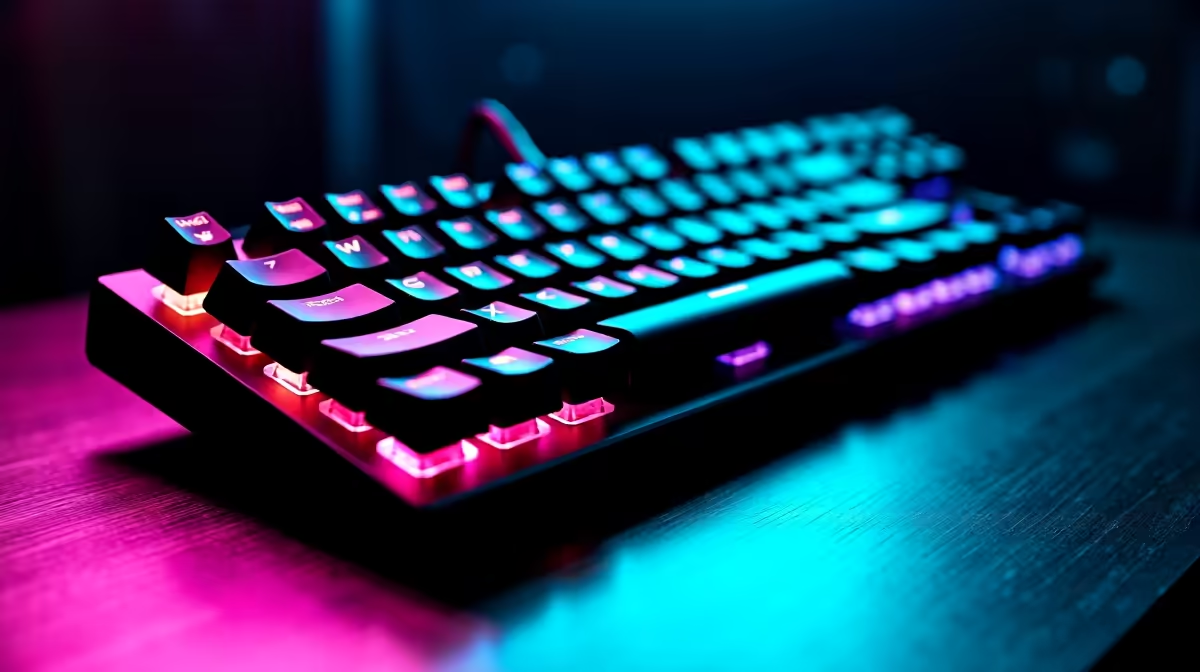
For a third-year DUT student juggling code projects, late-night assignments, and the odd LAN with the res mates, a tenkeyless mechanical keyboard with hot-swap switches sits in the sweet spot. Spend between R900 and R1,800 and you get something that survives the full honours year and beyond.
Why Third Year is Different from First and Second
By third year at DUT, your typing volume has climbed sharply. Software Development students live in VS Code or IntelliJ for hours, IT in Business types up reports between Open Days, and Engineering students are deep in MATLAB or LabVIEW. A floppy membrane keyboard that survived first year is now the reason your wrists ache by Wednesday afternoon.
The right board needs three things this year: tactile feedback you can rely on for long coding stints, build quality that survives koshuis life, and a layout that doesn't eat up half your desk when your second monitor and notes are competing for space. Add a fourth, repairability, because a stuck spacebar in deadline week is the worst possible time to discover your old board can't be fixed.
Tenkeyless or 65 Percent? Match It to Your Course Load
For most DUT third-years, a tenkeyless (TKL) layout is the safest pick. You keep arrow keys, Home, End, Delete, and Page Up or Down without sacrificing the numpad's existence on hotkey layers. If you do a lot of accounting modules or finance electives, splash on a full-size board with a dedicated numpad, the muscle memory of a numpad pays off in any spreadsheet-heavy module.
A 65 percent layout is fantastic for compact backpacks if you commute between Steve Biko campus and ML Sultan, but the missing function row hurts when you are mapping debug shortcuts in Visual Studio. Pick this only if your bag is genuinely tight on space or if you mostly work from a fixed desk and value the clean look.
Switch Choice for Coding and Casual Gaming
Linear reds are popular for gaming, but third-year students who type thousands of words a week generally prefer tactile browns or silent tactiles. The bump tells your fingers when a key has registered, which cuts typos during exam-week assignment crunches.
If you share a digs and your roommate studies different hours, silent tactiles or rubber-dampened linears are the polite choice. Hot-swap sockets matter because they let you change switches in second semester without buying a new board, and replacement switch packs at Evetech are well-priced for student wallets, usually R200 to R450 for a set of 35.
Wired or Wireless and Backlight Realities
A wired USB-C connection is the reliable choice for assignment submissions where a dropped Bluetooth keystroke could mean a missed deadline. Wireless 2.4GHz boards with battery indicators work well if you move between the library and your room daily. Avoid pure Bluetooth-only boards, pairing flakiness during exam stress is the last thing you need.
RGB backlight is genuinely useful in a dim koshuis room at 2am. White backlight is even better for typing without distraction. South-coast Durban humidity also means you should pick a board with a metal top plate rather than pure plastic, as it handles the moisture better over four years and won't warp.
Pricing for a DUT Student Wallet
In ZAR terms, a quality starter mech sits at R900 to R1,200 for a TKL hot-swap board with decent tactile switches. Step up to R1,400 to R1,800 for double-shot PBT keycaps that won't shine after a year of typing. NSFAS-funded students rebuilding their setup can usually fit a keyboard, mouse, and headset combo into the standard learning material allowance with careful budgeting.
Free delivery to Durban and same-day collection from Evetech's Joburg HQ means you can have a new board on your desk before the next assignment cycle starts, which beats waiting two weeks for a marketplace order to arrive.
Frequently Asked Questions
Will a mechanical keyboard be too loud for a shared DUT res?
Not if you pick silent linears or tactiles, or add o-rings to a regular tactile board. Most res mates only complain about clicky blues or unmodded blue switches, so steer clear of those for shared living arrangements.
Can I use one keyboard for both gaming and coding seriously?
Absolutely. Modern hot-swap boards with tactile switches handle both workloads beautifully, and you can swap to faster linears for game-heavy weekends without buying a second keyboard.
Do I need RGB software running in the background?
No. Set your colours once via the onboard controls and uninstall the bloat. Your CPU and battery will thank you during long lecture days, and you'll avoid one more startup process slowing your boot time.
Ready to Find Your Perfect Match? Pick a mechanical keyboard built for the koshuis grind and the third-year workload. Browse gaming keyboards on Evetech











