

Quick Answer
For 4th year students at UWC (University of the Western Cape), the best keyboard balances quiet typing for library and res use, durable build for long study sessions, and a compact layout that frees up desk space. A tenkeyless mechanical keyboard with tactile or silent switches in the R600 to R1,200 range covers the demands of final-year academic work and light gaming.
What 4th Year UWC Students Actually Need from a Keyboard
By 4th year, your typing demands have escalated significantly. You are writing long research papers, coding assignments, thesis drafts, or client-facing documents depending on your faculty. A keyboard at this stage is not just a peripheral, it is a tool that you use for hours each day, and the wrong one creates fatigue and slows you down.
UWC students have a mix of environments to consider. Tygerberg and Bellville campus libraries have quiet zones where a loud clicky mechanical keyboard will earn you stern looks. On-campus res rooms and digs in surrounding suburbs like Bellville and Parow mean shared spaces where noise matters. And 4th year students are often balancing part-time work, internships, or graduate study applications alongside heavy academic loads, so durability matters.
Key requirements:
- Quiet enough for library and shared space use
- Durable enough to handle 8 to 10 hours of daily typing
- Compact enough to share desk space with notebooks, a mouse, and a monitor setup
- Compatible with Windows and macOS (UWC students often use both environments depending on faculty)
Switch Types: What Works for UWC Environments
Mechanical keyboards have several switch types, and the right one depends primarily on your noise tolerance and typing style:
Silent linear switches (e.g., Gateron Silent Red, Gateron Silent Yellow): These are the best choice for library and quiet res use. They have no tactile bump and no audible click, delivering smooth, fast keystrokes with minimal sound. Ideal for long typing sessions and gaming.
Tactile switches (e.g., Brown, Gateron Brown, Ajazz Yellow): These have a soft tactile bump that confirms each keypress without the loud click of a Blue switch. Noticeably quieter than clicky switches but still audible in a quiet library. A good middle ground for home use.
Clicky switches (e.g., Blue, Gateron Blue): Not recommended for UWC students in shared environments. The click is satisfying but loud enough to be disruptive in any shared space. Reserve these for home setups where no one else is around.
Membrane keyboards: A quality membrane keyboard (not the cheap flat ones shipped with desktop PCs) can be a viable budget option for students prioritising silence above all else. The typing experience is less satisfying than mechanical, but modern membrane boards in the R300 to R500 range are functional for academic work.
Best Keyboard Options for UWC 4th Year Students
Compact Mechanical TKL (R600 to R1,000): A tenkeyless mechanical board with silent or tactile switches covers everything a 4th year student needs. The removed numpad saves approximately 30 percent of desk width, which matters on a standard student desk. Look for options with USB-C connectivity, N-key rollover for gaming, and Windows/Mac compatibility.
75 Percent Layout (R700 to R1,200): The 75 percent layout squeezes function keys and arrow keys into a layout only slightly larger than a 65 percent board, with no numpad. This is ideal for UWC students who use function keys regularly (many lab software applications use F-keys for shortcuts) but want a compact form factor. Several brands offer quality 75 percent boards with hot-swappable switches, allowing you to change switches without soldering if your preferences change.
Budget Membrane TKL (R300 to R500): For NSFAS-funded students with the R5,200 laptop allowance largely committed to a laptop purchase, a quality budget membrane TKL keyboard is a practical choice. It is quieter than a mechanical board, functional for all academic work, and does not draw from the budget that might be better spent on the laptop itself.
Additional Features Worth Considering
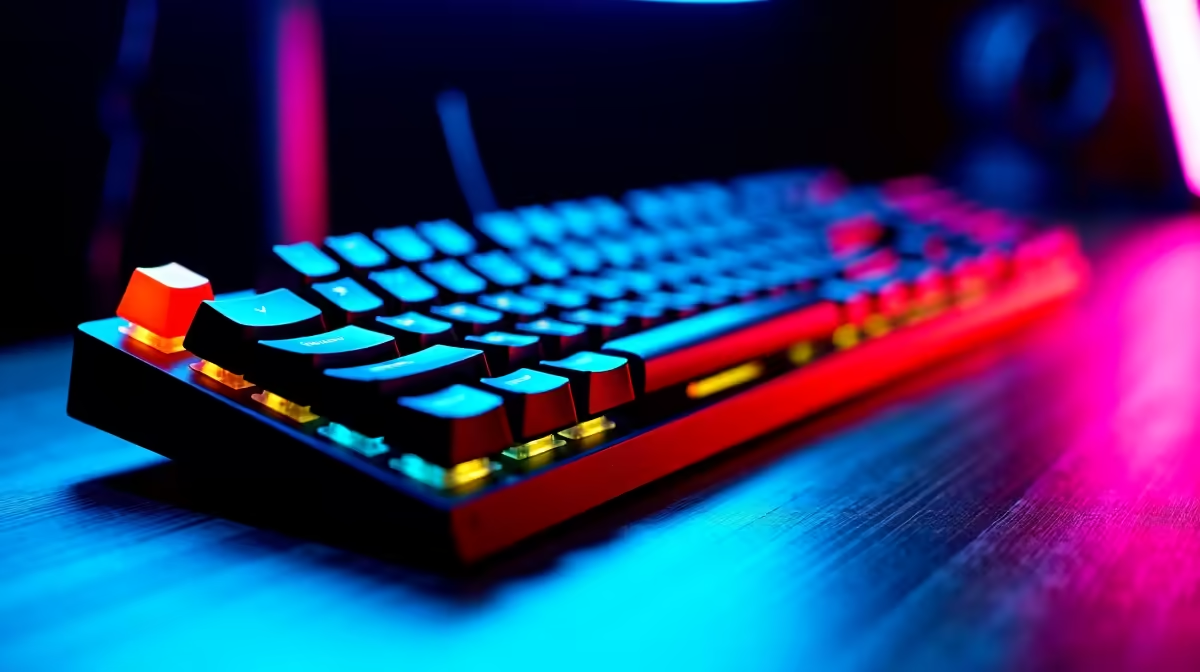
Backlighting: RGB backlighting is a nice-to-have for late-night study sessions but adds to the cost. A simple white or single-colour backlight version of the same board costs less and provides the practical benefit of being able to type in a dark room without the price premium of full RGB.
Wireless connectivity: Wireless keyboards reduce cable clutter and allow you to use the keyboard across devices (laptop in lectures, desktop at your digs). Quality wireless boards with long battery life are available from R800 upward. For a 4th year student juggling multiple devices, the flexibility is valuable.
Wrist rest compatibility: Long study sessions benefit from wrist support. Many TKL and 75 percent boards accept standard-size wrist rests. A basic foam wrist rest costs R100 to R200 and significantly reduces wrist fatigue during thesis writing sessions.
Frequently Asked Questions
Is a mechanical keyboard worth the price for a student budget? Yes, for students who type extensively. The tactile feedback and durability of mechanical switches (rated for 50 to 100 million keystrokes) means a R700 mechanical keyboard outlasts several R300 membrane boards over a full degree. The better typing experience also reduces fatigue during long writing sessions, which matters during exam and submission seasons.
Can I use one keyboard across my laptop and a desktop or monitor setup? Yes. A keyboard with USB-C or Bluetooth connectivity can switch between devices. USB-C keyboards plug into most modern laptops directly. Bluetooth keyboards pair with up to 3 or 4 devices on many models and switch between them with a key combination, which is useful for UWC students moving between their personal laptop and a shared desktop in a computer lab or digs setup.
What is the best budget keyboard for a UWC student under R500? Under R500, the Redragon K552 and similar compact entry mechanical boards are the best value mechanical options available in SA. They use Outemu Blue or Red switches, have basic backlighting, and are TKL form factor. For quieter environments, a quality Logitech or similar membrane TKL board in this price range is a more considerate choice for shared spaces.
Does keyboard type affect typing speed? Yes, but not dramatically. Most studies show that mechanical keyboards with tactile or linear switches improve typing accuracy and reduce error rates compared to cheap membrane keyboards, primarily because of the consistent actuation force and clearer tactile feedback. For a 4th year student writing long documents, fewer errors and less correction time adds up meaningfully over a semester.
Ready to Find Your Perfect Match? Browse keyboards at Evetech and find the right mechanical or membrane board for your UWC 4th year setup at competitive SA prices.











