

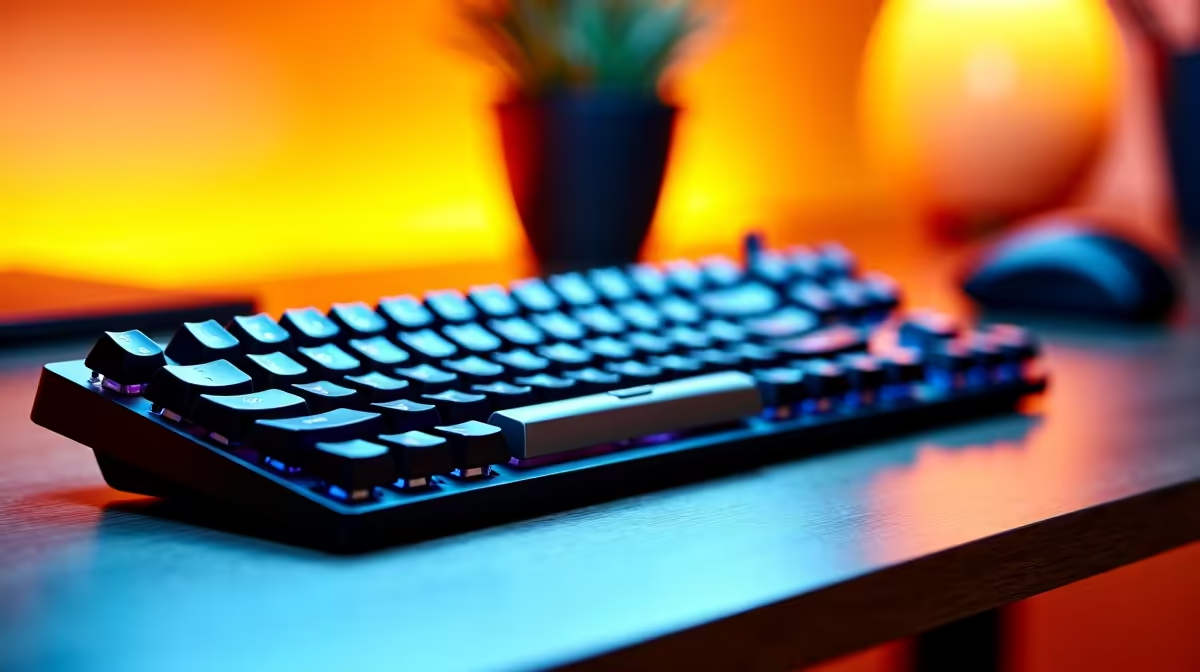
Business students at South African universities spend more time typing than almost any other cohort - reports, case studies, spreadsheet work, and constant note-taking demand a keyboard setup that keeps up. Getting the right keyboard configuration from your first year saves both frustration and long-term strain.
Quick Answer
What is the best keyboard setup for business students in SA? A tenkeyless or full-size mechanical keyboard with tactile switches, paired with a quality wrist rest, is the best all-round setup for SA business students - it handles long typing sessions comfortably and fits standard university desk sizes.
🔧 Choosing the Right Keyboard Type
Business students have two practical keyboard categories to consider:
Mechanical keyboards offer tactile feedback that reduces typing errors over long sessions. For campus use, brown or red switches strike the best balance - browns give tactile feedback without being too loud for library work, while reds are lighter and quieter for late-night res typing. Avoid blue switches in shared spaces; the click noise carries.
Membrane keyboards are budget-friendly and quiet, making them viable for students on tight allowances. They lack the durability of mechanicals and can feel mushy after extended use, but a mid-range membrane keyboard from a reliable brand will serve for two to three years without issue.
For business students typing thousands of words per week, a tenkeyless (TKL) layout is often the best choice. It saves desk space, keeps your mouse closer to reduce shoulder strain, and still includes the function row needed for Excel shortcuts.
📊 Key Features for SA Business Students
- N-key rollover: Ensures every simultaneous keypress registers - critical for Excel shortcut chains
- Spill resistance: Student environments mean coffee accidents. Look for keyboards with drainage channels
- Wireless vs wired: Wireless is convenient for moving between lecture halls, but wired eliminates battery anxiety during exam periods
- Backlighting: Not essential for business use, but single-colour white backlighting helps in low-light environments without being distracting
- Compact size: A TKL or 75% layout fits in a laptop bag alongside your laptop without taking up the whole compartment
Price-wise, expect to spend R600–R1,200 for a reliable entry-level mechanical and R300–R600 for a solid membrane option.
💡 Completing the Setup: Mouse and Desk Accessories
A good keyboard setup for a business student is more than just the keyboard:
- Ergonomic wrist rest: Gel or memory foam wrist rests reduce fatigue during 3-hour essay sessions. These are often overlooked until wrist pain appears.
- Mouse: A comfortable, accurate mouse matters for spreadsheet and presentation work. Opt for something with adjustable DPI and a comfortable grip shape for your hand size.
- Mouse pad: A medium-sized desk mat protects your desk, gives the mouse consistent tracking, and keeps your keyboard from sliding during typing.
- Desk organisation: A cable management solution keeps your setup clean in a res or digs environment, especially important when study groups come over.
For business students planning to use their setup at home and occasionally at campus, a wireless keyboard with a reliable 2.4GHz dongle (not just Bluetooth) offers the best of both worlds.
❓ Frequently Asked Questions
What keyboard switch is best for long business school essays? Tactile switches like Browns are preferred for long writing sessions - they provide feedback without excessive force, reducing finger fatigue over hours of typing. Red switches are also a solid choice for students who prefer a lighter touch.
Should a business student get a keyboard with a numpad? If you do heavy Excel or accounting work, a full-size keyboard with a numpad speeds up data entry considerably. If you work mostly in Word and PowerPoint, a TKL saves desk space without sacrificing anything you'll regularly use.
Is a mechanical keyboard worth the extra cost for a student? For students who type heavily every day, yes. A quality mechanical keyboard will outlast multiple years of university and can be used professionally afterward. The durability and typing experience improvements make it a sound long-term investment on a per-year basis.
Check out All Gaming Keyboards and Graphics Card Deals at Evetech — South Africa's home for gaming gear.
Ready to Find Your Perfect Match? Shop at Evetech











