

Quick Answer
The best keyboard setup for a computer science student in South Africa combines a mechanical keyboard with tactile or linear switches for long coding sessions, a compact or tenkeyless layout to save desk space, and a price point in the R800 to R2,500 range. A quality mechanical keyboard with programmable keys and good build quality is a worthwhile investment for the years of typing that CS study demands.
Computer science study at a South African university involves an extraordinary amount of typing. Between assignments in Python, Java, C++, SQL, and web languages, plus documentation, emails, and Discord, a CS student logs more keystrokes than almost any other faculty. Your keyboard setup directly affects speed, comfort, and the quality of your study sessions. The good news is that a genuinely excellent keyboard setup does not require spending a fortune - and in the South African market, there are strong options at every budget tier.
Choosing the Right Keyboard Type for CS Work
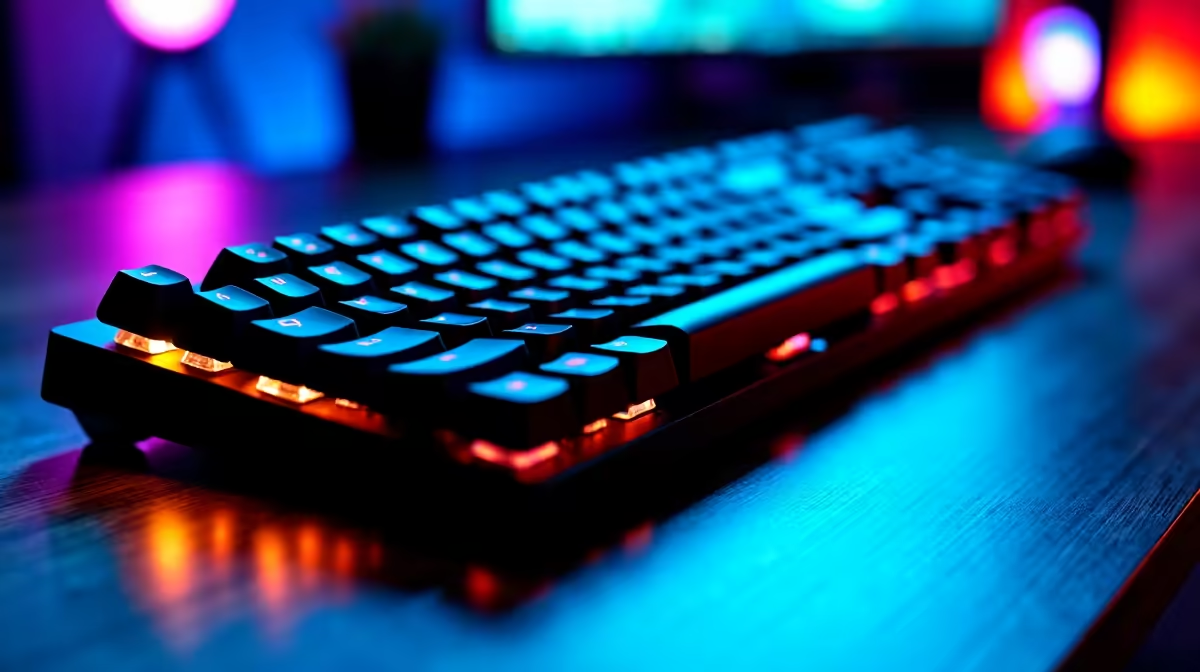
Mechanical keyboards are the standard recommendation for CS students for a reason: they offer tactile or audible feedback that reduces typing errors, they last for tens of millions of keystrokes (years of daily use), and they feel noticeably more comfortable during extended coding marathons. For res or digs living with flatmates or study partners, consider switches that balance feedback with noise. Tactile non-clicky switches like Cherry MX Brown, Gateron Brown, or the Akko CS Jelly switches offer the tactile bump that aids accuracy without the loud click of Blue switches. If you live alone or in a private digs setup, clicky switches like Cherry MX Blue are a pleasure for coding but will draw complaints in a shared koshuis room. Linear switches (Red, Yellow) are favoured by fast typists who have already developed their own rhythm and want low-resistance actuation.
Best Keyboard Layouts for Computer Science Students
Tenkeyless (TKL) is the layout most recommended for CS students. Removing the numpad brings your mouse closer to your keyboard, reducing shoulder strain during long sessions that combine typing and mouse use. TKL keyboards also fit more easily into a laptop bag for carrying between res and campus. Full-size keyboards with a numpad are useful if you work heavily with data or numerical input, but most CS coursework does not require this. 65 percent and 75 percent layouts are increasingly popular for their minimal desk footprint, though the removal of function keys requires some adjustment since F1 to F12 are heavily used in IDEs like IntelliJ IDEA, VS Code, and Eclipse. For students running Linux (a common CS environment), having a full function row simplifies terminal shortcuts.
What to Look for in a CS Keyboard at Each Budget Tier
At R600 to R900, entry-level mechanical keyboards from established SA-available brands offer genuine mechanical switches in a basic build. These lack extras like RGB or premium keycaps but get the fundamentals right. At R1,000 to R2,000, you step into double-shot PBT keycaps (resist legend fade through heavy use), better stabilisers for a more consistent keypress feel, and often software-programmable layouts or macro keys useful for IDE shortcuts. Above R2,000, you access hot-swappable keyboards that let you change switches without soldering - a long-term investment if you want to experiment with different switch types as your preferences evolve over four years of study.
Pairing Your Keyboard With the Right Desk Setup
A keyboard does not exist in isolation. For CS students in South Africa, a desk mat (R200 to R500) reduces noise from keystroke vibration and gives your wrists a softer resting surface. A wrist rest (R150 to R400) reduces strain during eight-hour coding sessions and is especially valuable in res environments where desk height is fixed and often not ergonomically ideal. Position your keyboard so your elbows are at roughly 90 degrees and your wrists remain flat or slightly negative-tilted. For vaalie students working from home, a monitor stand or second screen paired with a dedicated keyboard reduces laptop hinge wear and creates a more sustainable long-term study setup.
Frequently Asked Questions
Q: What mechanical switch is best for coding in South Africa? A: Tactile non-clicky switches like Cherry MX Brown or Gateron Brown are the most versatile choice - they provide typing feedback without disturbing others in shared study or res environments.
Q: Is a mechanical keyboard worth it for a CS student on a NSFAS budget? A: Entry-level mechanical keyboards are available in South Africa from R600 to R900. They outlast membrane keyboards by years and improve typing accuracy, making them a worthwhile single purchase across a four-year degree.
Q: What keyboard size is best for SA university students living in res? A: Tenkeyless (TKL) is the practical recommendation. It fits on smaller desks, carries easily in a bag, and keeps your mouse at a comfortable distance without sacrificing the function row that CS coursework requires.
Q: Should a CS student buy a wireless keyboard? A: Wireless keyboards add convenience in a digs or home setup, but battery dependency and potential latency make wired keyboards the safer choice for daily use in demanding coding environments. Many students own both - a wired mechanical for desk use and a portable wireless for lectures.
Ready to Find Your Perfect Match? Shop keyboards, peripherals, and student PC setups at Evetech with fast delivery across South Africa.











