

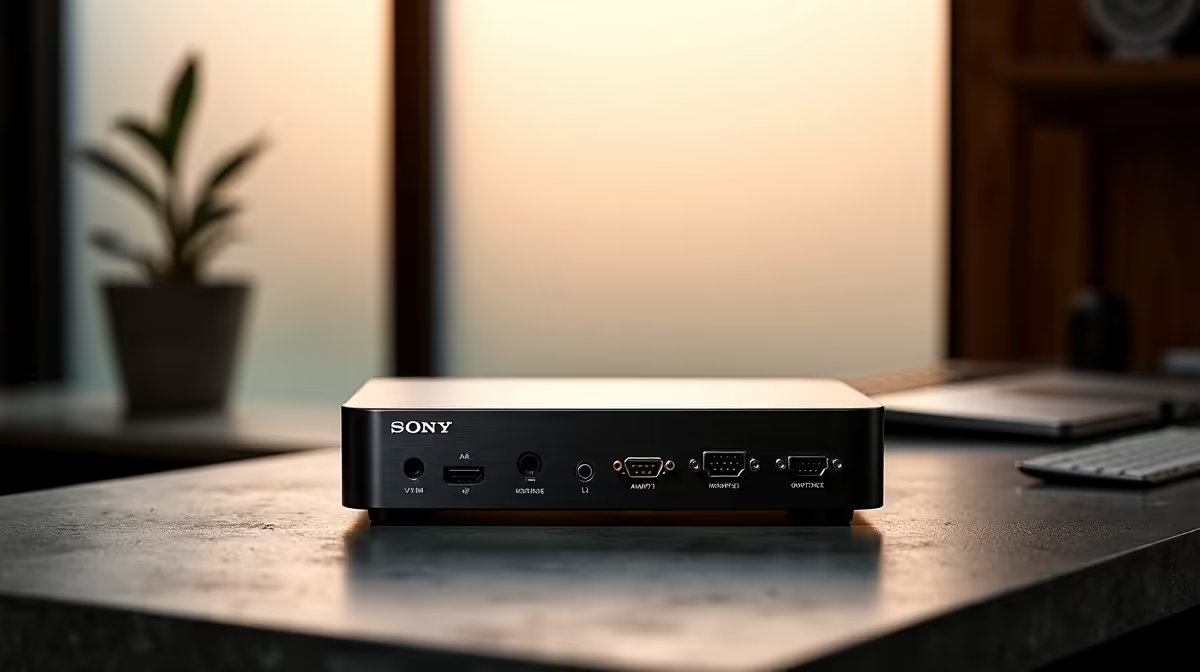
The rise of hybrid work in South Africa has made KVM switches a genuinely useful piece of home office kit - particularly for professionals who need to switch between a personal machine and a work-issued laptop without the desk clutter of separate monitors, keyboards, and mice. Choosing the right KVM in 2026 means understanding display resolution support, USB-C integration, and how well the device handles modern high-refresh-rate monitors.
Quick Answer
The best KVM switches for a South African home office in 2026 are the ATEN CS1942DP (dual DisplayPort, 4K60), TESmart 2-Port HDMI KVM (budget 4K30 option), and the Level1Techs KVM (for advanced display-accurate users). For USB-C laptop integration, the ATEN CS62DP is the recommended option.
What to Look for in a Home Office KVM in 2026 🔧
Modern KVM requirements differ significantly from those of five years ago. The key considerations for SA home office users:
Display resolution and refresh rate - A 4K 60 Hz KVM is now the standard recommendation. Many 2025–2026 monitors are 4K or 1440p at 144–165 Hz, and a KVM that only supports 4K30 or 1440p60 becomes the bottleneck in your display chain. Verify that the KVM's display specs match your monitor's full capability before purchasing.
Connection type: HDMI vs DisplayPort - DisplayPort KVMs are preferred for high-refresh-rate monitors, as HDMI 2.0 caps at 4K60 but HDMI 2.1 (less common in KVMs) is needed for 4K120+. If your monitor uses DisplayPort natively, a DP KVM avoids the signal quality compromises of HDMI-to-DP adapters.
USB-C support - Many SA professionals use USB-C laptops (MacBooks, Dell XPS, ThinkPad) alongside a desktop. KVMs with USB-C input support allow the laptop to connect via a single cable, passing video and USB data simultaneously. This simplifies the desk setup significantly.
USB port count and type - Most basic KVMs provide 2 USB-A ports for keyboard and mouse. More useful models add additional USB ports for peripherals like webcams, USB audio interfaces, or external storage - avoiding the need to replug these when switching computers.
Top KVM Recommendations for SA Home Offices 💡
ATEN CS1942DP (2-port Dual DisplayPort 4K60) - The strongest all-round recommendation for dual-monitor home office setups. Supports two 4K60 displays per computer, with USB 3.1 peripheral hub. The dual-display support is key for productivity setups with main and secondary monitors. SA pricing approximately R3,500–R4,500. Build quality is excellent and ATEN's multi-year warranty is supported locally.
TESmart 2-Port HDMI KVM - Best budget option for single-monitor 4K setups. Supports 4K30 (60 Hz on some firmware versions), USB-A keyboard and mouse switching, and a clean compact form factor. SA pricing under R1,500. Best suited to users who do not use high-refresh-rate monitors and want simple 2-computer switching without complexity.
ATEN CS62DP (USB-C + DisplayPort) - The recommended option for MacBook or USB-C laptop users who pair with a desktop. One input accepts USB-C (video + data + power passthrough on capable hubs), the other takes DisplayPort. Single 4K60 display. SA pricing approximately R2,500–R3,000. Ideal for the laptop-plus-desktop home office setup that has become standard for SA hybrid workers.
Level1Techs KVM (DisplayPort 1.4) - A community-favourite among enthusiasts for its accurate DisplayPort signal handling that avoids the re-enumeration issues (monitor going to sleep, losing refresh rate settings) common in cheaper KVMs. Supports 4K144 and 1440p165. SA availability requires importing, but pricing is competitive at approximately USD $150–$200. Best for users who have already experienced refresh rate or resolution regression with cheaper KVMs.
For a complete home office setup, pair your KVM with a quality monitor and an ergonomic keyboard and mouse combo - switching all peripherals through a quality KVM makes a tidy, productive workspace.
Installation Tips for SA Home Office Setups ⚡
Most KVMs switch between computers using either a physical button or a keyboard shortcut (typically ScrollLock + ScrollLock, or Ctrl + Ctrl). Some models support automatic switching when a computer sends a USB signal (waking from sleep). Test your chosen shortcut method before finalising your desk setup - some corporate laptops with restricted BIOS settings block KVM keyboard shortcuts.
For users on fibre with a single router, KVMs do not affect network connectivity - both computers maintain their own ethernet or Wi-Fi connections independently. If you need to share a network printer or NAS between both computers, configure sharing at the network level rather than through the KVM.
Frequently Asked Questions ❓
Q: Will a KVM switch work with my company-issued laptop if it has IT restrictions? A: KVMs are transparent hardware devices - they appear as a standard USB keyboard and mouse to each connected computer. IT restrictions that block external USB devices may cause issues, but standard endpoint security policies do not affect KVM operation. Check with your IT department if you experience connectivity problems.
Q: Can a KVM switch support three monitors in an SA home office setup? A: Most consumer KVMs support one or two monitors. Triple-monitor KVM support exists but is significantly more expensive and typically aimed at trading or enterprise deployments. A practical alternative is to use two monitors on the KVM and one monitor on a dedicated input, switching the KVM monitors between computers while the third stays fixed.
Q: Do KVM switches add input lag to keyboards and mice? A: Good-quality KVMs (ATEN, Level1Techs) add negligible input lag - imperceptible in office work and not measurable in standard use. Very cheap no-brand KVMs can occasionally introduce slight lag in USB peripheral response, but this is not an issue with the recommended models above.
Q: Is a KVM switch better than a software KVM for SA home office use? A: Hardware KVMs work regardless of operating system, software firewalls, or corporate IT restrictions - they are universally compatible. Software KVMs (like Synergy or Barrier) require both computers to be on the same network and may conflict with corporate security software. For most SA hybrid workers, a hardware KVM is the more reliable solution.
Evetech stocks Graphics Card Deals and Evetech Best Sellers — shop online with fast delivery across South Africa.
Ready to Find Your Perfect Match? Explore relevant Evetech options, compare current South African pricing, and choose hardware that fits your setup. Shop now











