

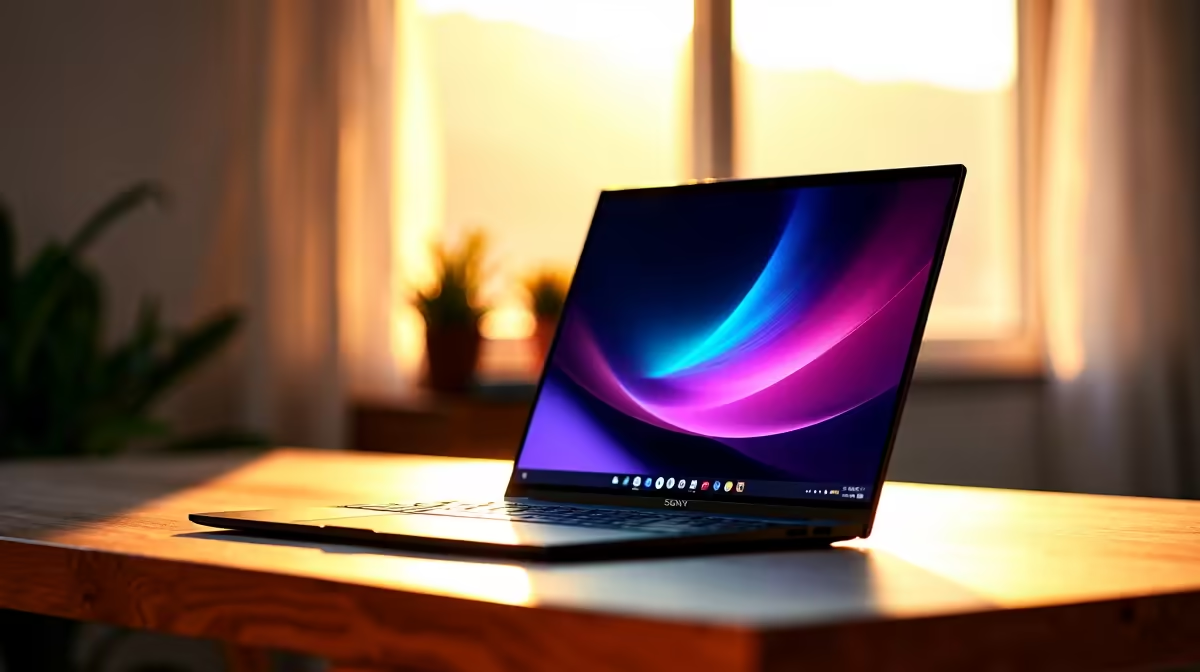
Congratulations on surviving your first year at Unisa. The honeymoon phase is officially over. Second-year modules are heavier. The reading lists are much longer. You are spending hours navigating myUnisa and typing up endless assignments. A sluggish machine will only slow your momentum. If you want to conquer your degree, you need the right hardware. Let us explore the best laptop for 2nd year Unisa students in SA.
Why Your Second Year Demands Better Tech 🎓
First-year modules often require basic word processing. Now you are dealing with massive PDFs and complex data analysis software. Multitasking is your new daily reality. You cannot afford system crashes mid-assignment. When browsing laptops for sale in South Africa, prioritise absolute reliability. You need a device that boots fast and stays cool under intense pressure. Distance learning requires dependable tools. Your computer is essentially your entire campus. A slow processor means wasted study time. You need to optimise your workflow to stay ahead of deadlines.
Key Specs for Unisa Distance Learning
Aim for at least 8GB of RAM for smooth multitasking. You will have multiple browser tabs open alongside Microsoft Word. If you study IT or graphic design, push that to 16GB. Storage speed is equally crucial for productivity. A 512GB NVMe SSD ensures your study materials open instantly. Sometimes you want to unwind after submitting a tough portfolio. Many students look at the best gaming PC deals for weekend entertainment. However... a versatile notebook lets you study anywhere.
Load-Shedding Survival Tip ⚡
Always keep your study laptop charged to 100% before scheduled power cuts. Lower your screen brightness and turn off keyboard backlighting to stretch your battery life during those crucial evening study sessions.
Balancing Student Budgets and Performance
University life is notoriously expensive. Textbooks cost a small fortune in ZAR every semester. You need maximum value for your hard-earned money. If you prefer studying at a fixed desk at home, consider pre-built PC deals instead of a mobile device. Desktop setups often give you more raw computing power per Rand. They are excellent for focused study sessions. But for pure flexibility, a solid mid-range notebook wins every time. You can take it to the library or a local coffee shop. Keep a close eye on weekly tech specials to score premium hardware on a tight student budget.
Future-Proofing Your Academic Setup 🚀
You want a machine that will easily last until graduation day. The best laptop for 2nd year Unisa students in SA should handle tomorrow's software updates too. If you choose a desktop route later for heavy 3D rendering, you can always buy graphics cards to boost visual performance. For now, focus on a notebook with a strong modern CPU. Look for an Intel Core i5 or AMD Ryzen 5 processor. Excellent battery life is also non-negotiable for South African students. Your future self will thank you when final exams approach. Invest wisely today.
Ready to Upgrade Your Study Setup? Don't let outdated tech hold back your academic potential. Whether you need a lightweight daily driver for assignments or a powerhouse for creative modules, we have you covered. Explore our massive range of laptop specials and find the perfect machine to conquer your Unisa degree.











