

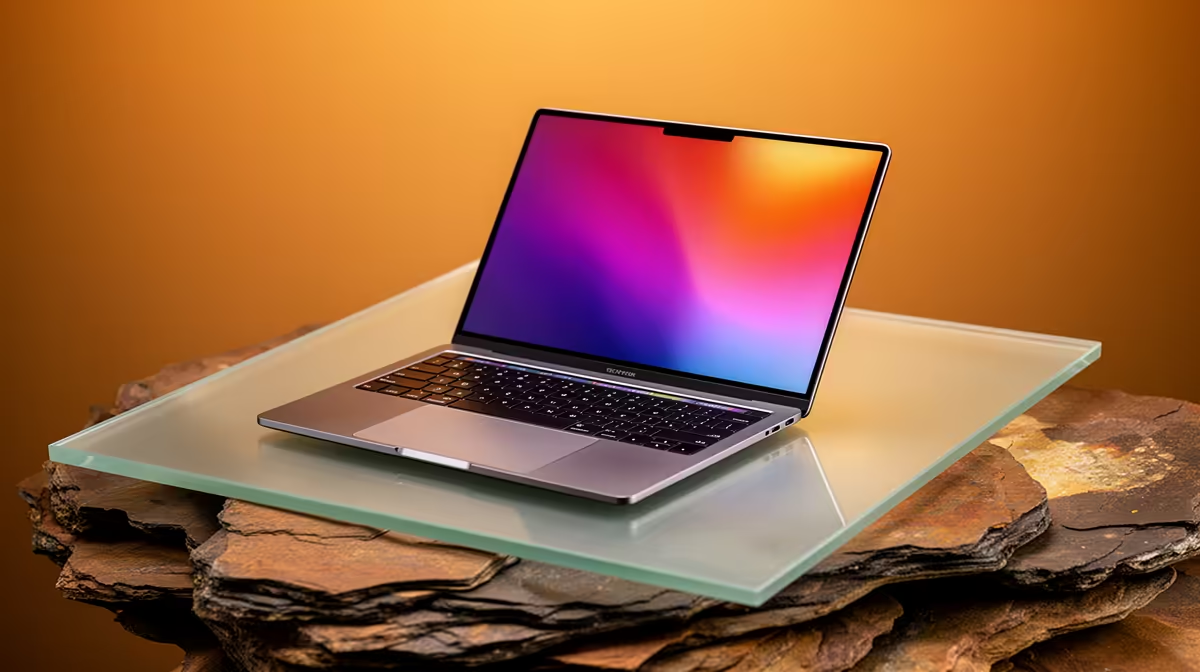
Third year at Tuks is no joke. Between finalising major projects in the Merensky Library and unwinding after exams, your old machine from first year is probably screaming for mercy. If you're hunting for the best laptop for 3rd year UP students in SA, you need a rig that balances raw power, battery life, and student-friendly ZAR pricing. Let's dive into what makes the perfect campus companion.
The Hatfield Hustle... Finding the Right Balance 🎒
Walking from South Campus to the IT building takes time. You don't want to lug around a heavy brick. But you also need enough RAM and processing power to handle heavy software... especially if you're studying engineering, computer science, or multimedia. A solid choice means looking at the latest notebooks for sale in South Africa.
For your third year, look for at least 16GB of RAM and a modern multi-core processor. This ensures your machine can keep dozens of browser tabs, PDF textbooks, and research tools open simultaneously without lagging. Fast NVMe storage is also non-negotiable. You want your system to boot up in seconds so you never miss a beat when a lecture starts.
Powering Through Projects and Playtime 🚀
All work and no play is a quick recipe for burnout. When the weekend hits, you want a machine that can handle the latest gaming titles. If you're studying from home or a res with decent desk space, you might even consider upgrading your setup entirely. Checking out some top-tier best gaming PC deals is a smart move if you want maximum performance per Rand.
Alternatively, if you already have a desktop at your student digs and just need to boost its rendering power for 3D modelling or weekend gaming sessions, you don't need a whole new system. You could simply buy graphics cards to breathe new life into your current rig... saving you money while delivering top-tier frame rates.
Maximising Your Student Budget 💸
Let's be real... student budgets are exceptionally tight. Spending upwards of R15,000 means you need guaranteed longevity. You want hardware that will survive your postgraduate studies or your first real-world job in corporate South Africa.
If a highly portable machine isn't strictly necessary for your daily lectures, a desktop often provides much better value for your hard-earned ZAR. You can find incredible value in pre-built PC deals that offer desktop-grade cooling, easy upgrade paths, and unmatched raw power.
For those who strictly need mobile power, timing your purchase is everything. Keep an eye out for seasonal specials to score high-end specifications at a fraction of the normal retail cost. A well-timed purchase can save you thousands... money that is far better spent on textbooks, transport, or a well-deserved coffee at the Student Centre.
Campus Battery Tip ⚡
When moving between classes at UP, switch your laptop to 'Battery Saver' mode and lower your screen brightness to 60%. This simple trick can stretch your battery life by up to two hours... ensuring you don't run out of juice during a crucial lecture.
Ready to Find Your Perfect Match? The university workload is complex, but for maximum power, choice, and value in South Africa, a dedicated Windows machine is hard to beat. Explore our massive range of laptop specials and find the perfect machine to conquer your world.











