

Finding the Best Laptop for Engineering at UCT in 2026
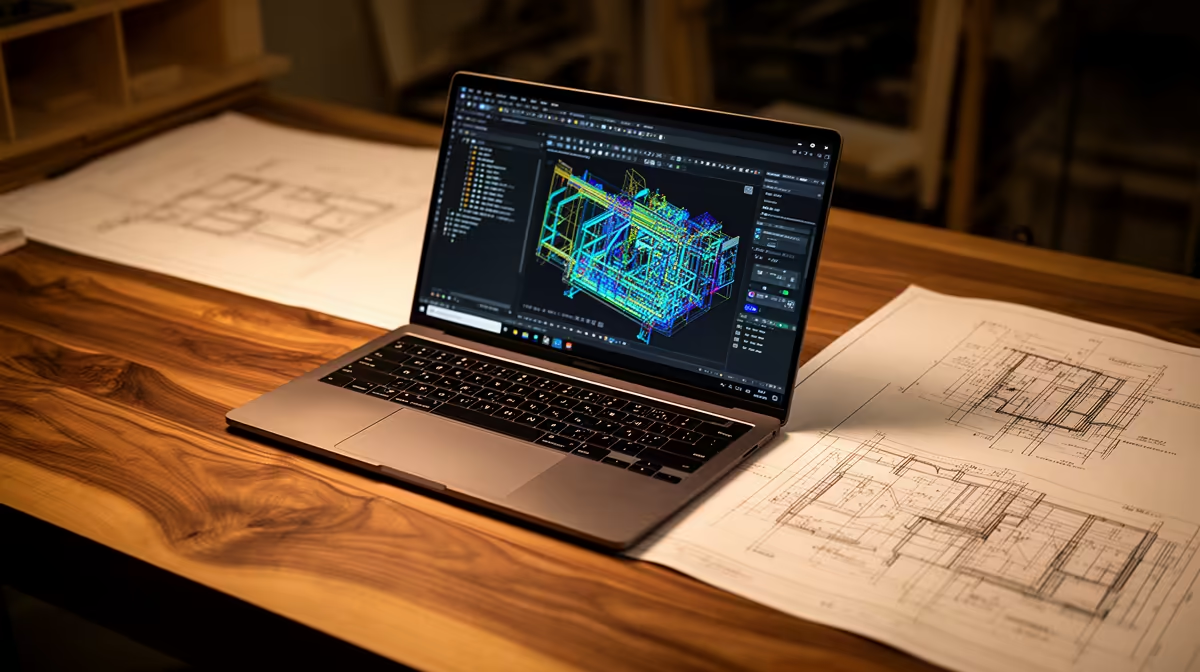
Choosing the perfect laptop for engineering at UCT can make or break your student experience. You need a machine that smoothly handles complex CAD software and programming tasks—without draining your budget. Whether you're drafting projects or running simulations, the best laptop for engineering at UCT in 2026 must balance performance, portability, and durability. Let’s explore top tips and practical advice to match your course requirements ⚡.
Key Requirements for Engineering Students’ Laptops at UCT
Engineering courses demand serious computing power. You’ll need at least an Intel Core i5 or AMD Ryzen 5 processor paired with 8GB RAM (16GB is better) to run software like AutoCAD, MATLAB, and SolidWorks efficiently. A dedicated graphics card, such as NVIDIA GeForce GTX or RTX series, boosts 3D modelling and rendering performance significantly.
Also, storage speed matters—opt for SSDs over HDDs to cut down loading times and improve responsiveness. Screen size between 14 and 15.6 inches hits the sweet spot for portability without sacrificing workspace. Battery life over 6 hours helps when campus outlets are scarce 🔧.
For a wide selection, check out Evetech’s range of notebooks for sale in South Africa. They offer reliable options built for productivity and gaming alike, perfect for engineering needs.
Balancing Performance and Budget: What to Prioritise
While higher specs are tempting, focus on components that deliver the most impact. Prioritise a powerful CPU and fast SSD—the GPU can be mid-tier if you’re tight on cash. Remember, heavier gaming GPUs are not always necessary unless you want to explore game development or VR labs.
Keep an eye on deals from trusted local suppliers. Evetech offers excellent gaming PC deals that sometimes include laptops with competitive specs at great prices. Comparing these can reveal surprising value for engineering students.
Essential Laptop Features for UCT Engineering Courses
Battery life, keyboard comfort, and build quality are key. Look for laptops with backlit keyboards for late-night study sessions. The chassis should be sturdy—think aluminium or reinforced plastic—to survive campus life.
Connectivity is crucial; ensure multiple USB ports, HDMI, and reliable Wi-Fi 6 or better. This supports smooth presentations and external monitor setups in labs.
For pre-built desktop solutions for your study space, Evetech’s pre-built PC deals could be worth considering alongside your portable laptop. They deliver strong performance for simulations and multitasking.
Maximise Performance on a Budget
Opt for laptops with upgradeable RAM and storage. Starting with 8GB RAM is fine, but adding more later keeps your device future-proof. Also, external GPUs can be a smart investment if gaming or rendering demands increase.
Why a Dedicated Graphics Card Matters for Engineering Students
Graphics cards aren’t just for gaming—they accelerate 3D rendering and CAD workflows. NVIDIA’s GTX and RTX series suit engineering software; RTX also benefits AI and machine learning courses.
Finding the right GPU at a great price can save you thousands. Browse the latest options and pricing on Evetech’s graphics cards page to find compatible models that fit your needs and budget.
Final Thoughts on Choosing the Best Laptop for Engineering at UCT 2026
Start by listing the software you’ll use and your budget. Focus on CPU, RAM, storage, and GPU—those build your machine’s backbone. Don’t sacrifice build quality or battery life for specs alone. South African students at UCT have access to great deals locally, so shop smart and early.
Keep an eye on Evetech’s specials page for discounts and bundles that can upgrade your tech without breaking the bank 🚀.
Upgrade Your Study Tech Today Invest wisely in your engineering future—Shop now at Evetech for laptops that deliver power and portability perfect for UCT studies.











