

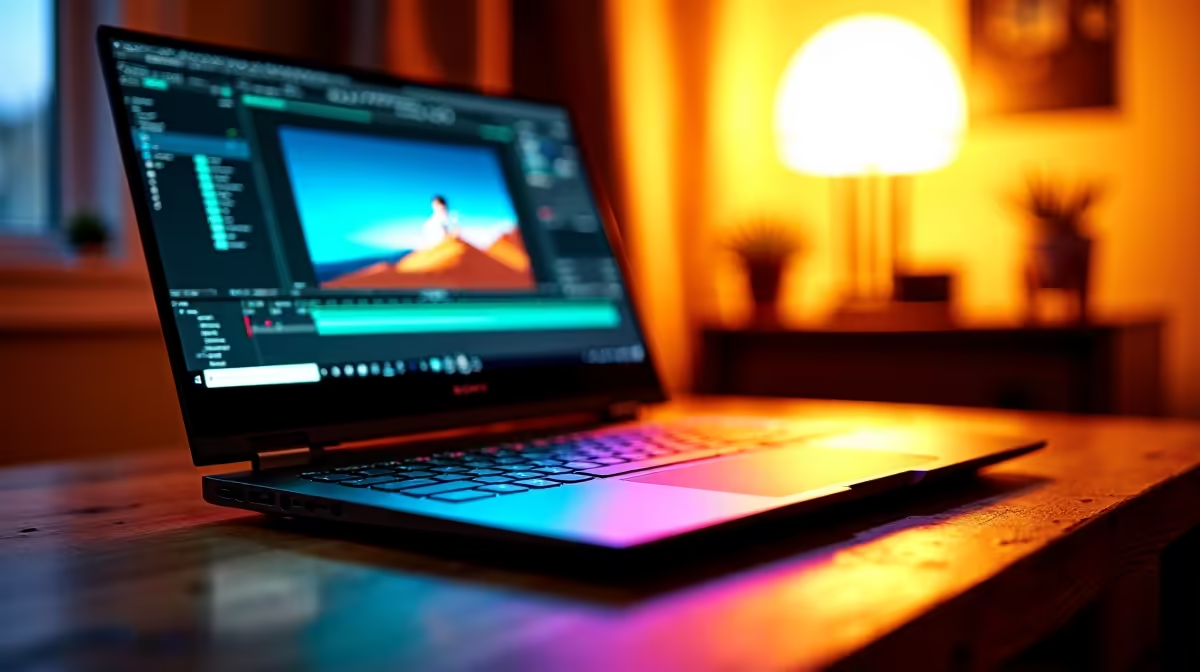
South African content creators - whether you're a YouTuber, video editor, photographer, or streamer - need a laptop setup that handles raw footage, colour-accurate editing, and reliable connectivity without breaking the bank or forcing you to compromise on performance. Here's what to prioritise and how to build the optimal setup locally.
Quick Answer
What's the best laptop setup for content creators in SA? A laptop with a Ryzen 9 or Core i7/i9 processor, at least 32GB RAM, a dedicated GPU for accelerated rendering, an IPS or OLED display with sRGB 100% coverage, and a fast 1TB+ NVMe SSD forms the foundation. Add an external monitor, fast fibre (Vumatel or Afrihost), and cloud backup for a complete SA creator setup.
🔧 Choosing the Right Laptop: What Matters for Creators
Processor Content creation is heavily CPU-bound. Video encoding, audio rendering, and export times are determined almost entirely by CPU performance. For SA creators working with 4K footage, a 12-core or higher processor (Ryzen 9 9950HX or Core i9-14900HX) is worth the investment. If you primarily work with 1080p footage or photography, a Ryzen 7 9750H or Core i7-13700H is sufficient.
RAM: Don't Settle for 16GB Premiere Pro, DaVinci Resolve, and After Effects are memory-hungry. 32GB RAM is the practical minimum for smooth 4K editing workflows. 64GB is worth considering if you work with multiple applications open simultaneously or produce motion graphics alongside video editing.
GPU for Accelerated Rendering A dedicated NVIDIA GPU (RTX 4060 or above) unlocks GPU-accelerated encoding in DaVinci Resolve and Premiere Pro, cutting export times dramatically. For creators who also game, this doubles as your gaming GPU. NVIDIA's NVENC encoder on RTX laptops is also excellent for streaming via OBS.
Display Quality Colour accuracy is non-negotiable for content creators. Look for:
- 100% sRGB coverage as a minimum
- DCI-P3 90%+ for video creators targeting streaming platforms
- IPS or OLED panel (OLED offers superior contrast and colour volume)
- Minimum 1440p resolution - editing 4K footage on a 1080p screen is workable but limiting
Storage A 1TB NVMe SSD is the minimum. Video projects consume storage fast - a single 4K project can easily run to 200GB+ including proxies and exports. Consider an external 2TB SSD for project storage and archiving.
📊 Building Your Full Creator Setup
The laptop is just the starting point. A complete SA creator workstation includes:
External Monitor A colour-calibrated external monitor significantly improves your editing accuracy. A 27-inch IPS or OLED monitor with 100% sRGB is a worthwhile addition for colour grading and photo retouching. Dual-screen editing - timeline on the laptop, preview on the external monitor - is a major workflow improvement.
Peripheral Setup
- USB-C hub with HDMI out, USB-A ports, and SD card reader (essential for camera media ingestion)
- External mechanical keyboard for long editing sessions
- Precision mouse or graphic tablet for colour grading and masking work
- Quality headset for audio editing and client calls
Connectivity Fibre is the baseline for SA content creators - uploading 4K videos to YouTube, Mzansi Magic streaming platforms, or client delivery services requires upload speeds of at least 20Mbps. Vumatel and Afrihost offer reliable uncapped fibre packages that handle this comfortably. For MTN or Telkom mobile backup on travel days, ensure your laptop has a USB-C connection that supports USB tethering.
Cloud Backup Local storage fails. Set up automated cloud backup (Google Drive, OneDrive, or Backblaze) for your active projects. Raw footage should live on an external drive with a second copy elsewhere. Losing a client project to a drive failure is an expensive and avoidable lesson.
💡 Budget Guidance for SA Creators
Evetech's laptop range starts around R8,000. For content creation, here's a realistic breakdown by budget:
- R8,000–R14,000: Entry-level creator laptop (Core i5/Ryzen 5, 16GB RAM, 512GB SSD). Suitable for photography editing and 1080p video in Premiere or Resolve, but 4K work will be slow.
- R14,000–R22,000: Mid-range creator laptop (Core i7/Ryzen 7, 32GB RAM, 1TB SSD, RTX 4060). Handles 4K editing comfortably with GPU acceleration.
- R22,000+: High-end creator laptop (Core i9/Ryzen 9, 64GB RAM, 2TB SSD, RTX 4070/4080). Professional-grade exports and smooth DaVinci Resolve 4K colour grading.
For NSFAS recipients or student creators, the R5,200 allowance covers a capable entry-level machine. Prioritise RAM (upgrade to 16GB minimum) and supplement with an external SSD for project storage.
❓ Frequently Asked Questions
Is DaVinci Resolve better than Premiere Pro for SA creators? DaVinci Resolve's free version is extremely capable and better optimised for GPU acceleration than Premiere Pro. For colour grading especially, Resolve is the industry standard. Premiere Pro is more widely used in collaborative agency environments where Adobe Creative Cloud integration matters.
Do I need an external GPU (eGPU) for my laptop? For most SA creators working in 1080p–4K video, an RTX 4060 or higher laptop GPU is sufficient. eGPUs add cost and complexity without proportionate benefit on modern RTX laptop GPUs. Invest the budget in more RAM or a faster external SSD instead.
What internet speed do I need for content creation in SA? For uploading 4K content and collaborating on cloud-based projects, a 50Mbps+ uncapped fibre line from Vumatel, Afrihost, or similar provider is recommended. Asymmetric lines with faster download than upload are less suitable - prioritise upload speed for a creator workflow.
Browse Laptop Specials and Graphics Card Deals at Evetech to find the right laptop for your needs and budget.
Ready to Find Your Perfect Match? Shop at Evetech











