

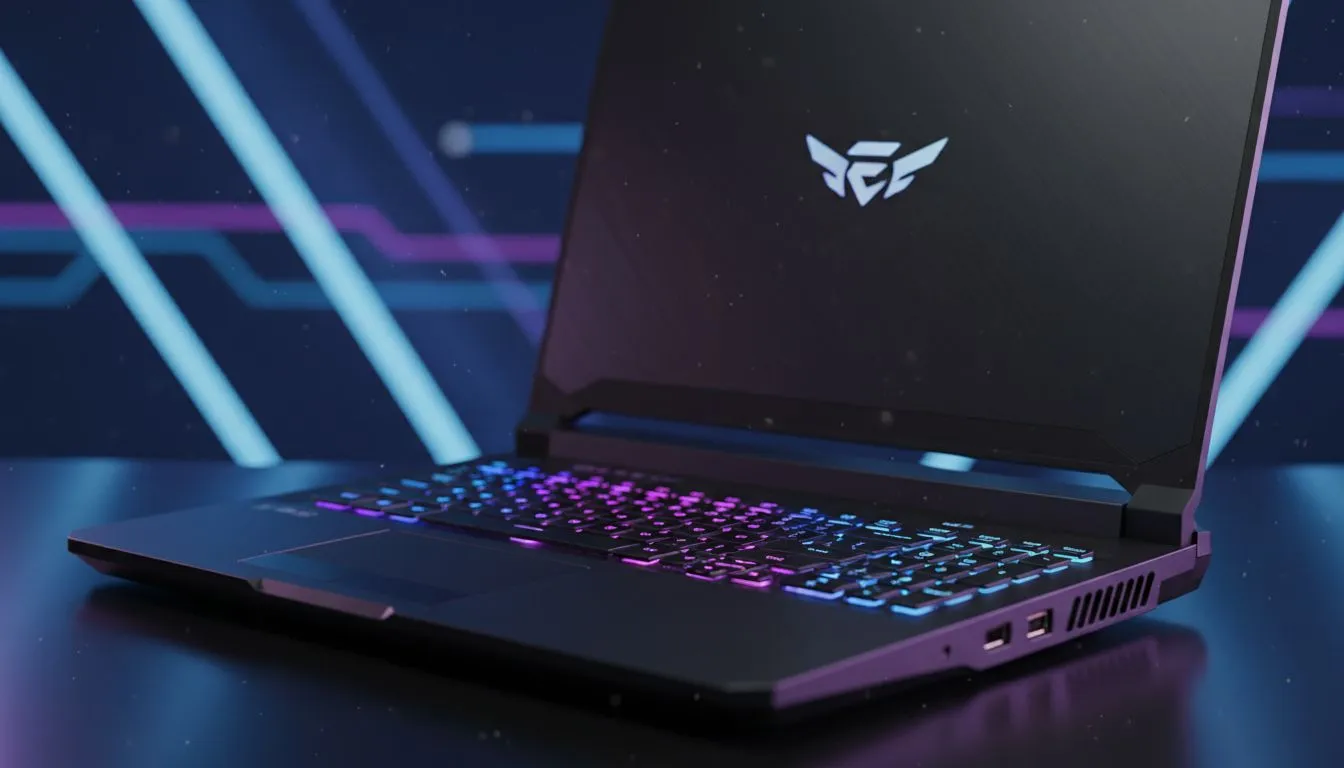
Prioritising Frame Rates and Refresh Rates in CS2
CS2 demands precision. Every millisecond counts when you are peeking a corner in a competitive match. For South African gamers, having a machine that maintains a stable frame rate is non-negotiable. This Evetech guide to choosing the right model will ensure you stay ahead of the pack. Whether you are a casual player or a local pro, the right hardware defines your experience. ⚡
Counter-Strike 2 is built on the modern Source 2 engine. It is significantly more demanding than Global Offensive. You need a high refresh rate screen to see enemies faster. Most competitive players look for at least 144Hz. Finding the best gaming laptop deals often means balancing screen speed with raw power. A smooth display reduces input lag... giving you that split-second advantage in a clutch situation.
The Engine Room: CPU Performance for CS2
CS2 is notoriously heavy on the processor. A fast CPU ensures your minimum frame rates stay high. This prevents those annoying stutters during smoke grenades or intense firefights. If you prefer Team Blue, you can find excellent Intel laptops on special that offer high clock speeds.
Alternatively, many gamers swear by the efficiency of AMD. Browsing the latest Ryzen laptop deals can reveal powerful multi-core options. These chips handle gaming and background tasks like Discord without breaking a sweat. High clock speeds are the secret to keeping your crosshair steady when things get chaotic.
CS2 Performance Tip ⚡
To lower your input latency, always play in Fullscreen mode rather than Windowed. Ensure your Windows Power Plan is set to "Best Performance" when plugged in. This ensures your CPU doesn't throttle during a crucial round on Inferno.
Graphics Power and Latency Reduction
While the CPU does the heavy lifting, the GPU still matters for visual clarity. NVIDIA's latest architecture provides features like Reflex. This technology reduces system latency significantly. You should look for GeForce RTX gaming laptops on special to take advantage of these competitive features.
High-quality textures make spotting enemies at a distance much easier... especially on maps like Ancient or Nuke. Modern RTX cards also ensure your frame times remain consistent. This consistency is what allows you to build muscle memory. When your hardware is predictable, your aim becomes more reliable. ✨
Finding Value for South African Gamers
We know that budget is a major factor for local players. You do not need to spend a fortune to get a competitive edge. There are fantastic options if you buy gaming laptops under R20k that still hit that 144FPS sweet spot.
Focus on 16GB of RAM and a decent SSD to keep load times short. Your rank depends on your skill... but your hardware shouldn't hold you back. Choosing the right model is about balancing your budget with the specs that matter most for Source 2. 🚀
Ready to Find Your Perfect Match? The quest for the ultimate CS2 experience starts with the right hardware. For maximum power, choice, and value in South Africa, our curated selection is hard to beat. Explore our massive range of laptop specials and find the perfect machine to conquer your world.











