

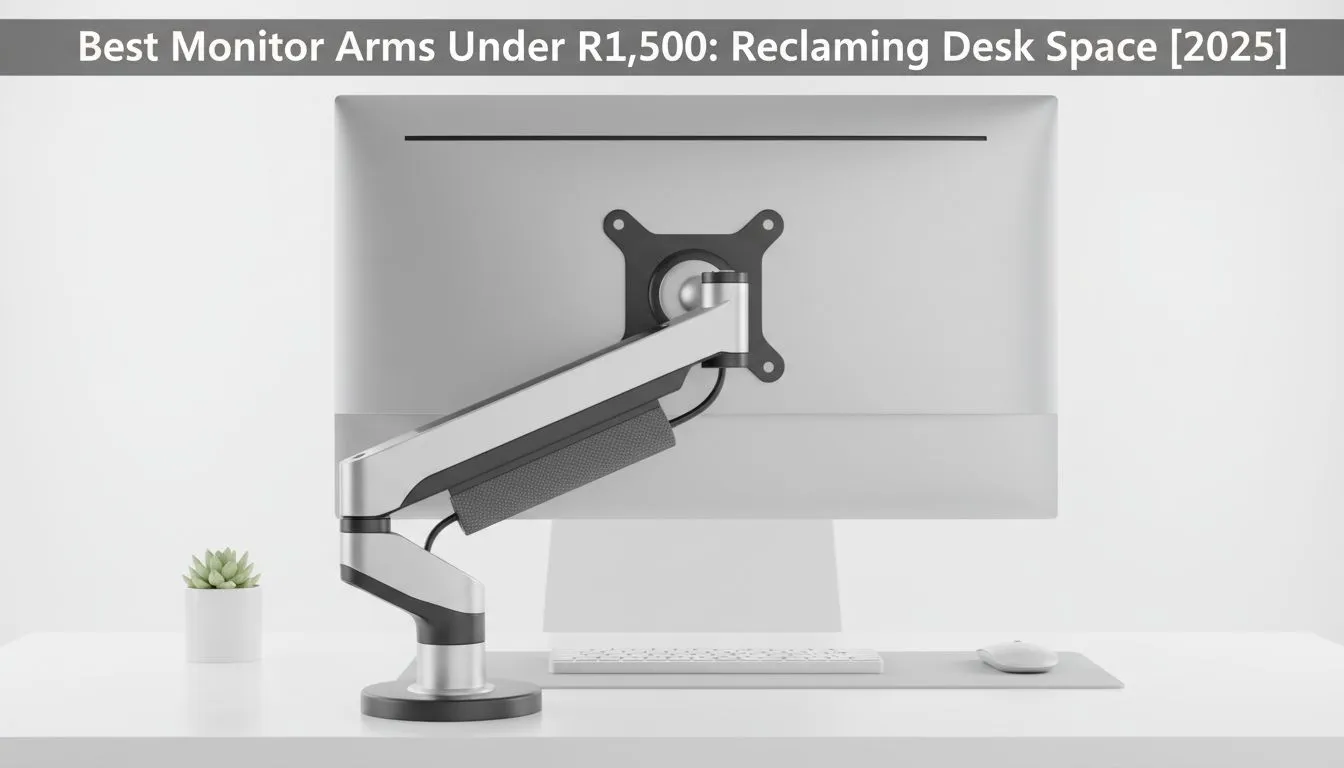
Is your desk a disaster zone of tangled cables and lost real estate? Stock monitor stands are often bulky, ugly dust magnets that limit how you play and work. Here is the good news... you don't need a massive budget to fix it. Finding the best monitor arms under R1500 is the easiest way to float your screen, save your neck, and reclaim that precious desk space for the gear that actually matters. 🚀
Why Ditch the Stock Stand?
Most PC monitors come with static stands that sit too low. This forces you to hunch over, leading to the dreaded "gamer neck" after a long session. A dedicated arm lets you adjust height, tilt, and rotation on the fly.
Beyond ergonomics, it is about aesthetics and room. When you lift your display, you open up a massive area directly underneath it. This is prime territory for your peripherals. You finally have enough runway to flick your gaming mouse without hitting the monitor base during intense FPS moments.
Building the Ultimate Clean Setup
Once you have installed a budget-friendly arm, your battlestation transforms. You can push your gaming keyboard further back for writing or drawing, then pull it forward for gaming.
It also helps with cable management. Most arms come with clips to hide HDMI and power cords, preventing them from tangling with your headphone headsets. A clean desk improves focus... much like upgrading to fast solid state drives improves your PC's load times. It is all about removing friction from your experience.
Check Your VESA Pattern 🔧
Before buying an arm, check the back of your monitor for four screw holes in a square pattern. This is the VESA mount. Standard sizes are 75x75mm or 100x100mm. If your screen doesn't have these holes, you might need a separate adapter kit to mount it safely.
Perfect for Streamers and Creators
If you are looking to get into content creation, desk space is even more critical. You need room for streaming essentials like capture cards and stream decks.
By using a monitor arm, you can position your screen vertically (portrait mode) for reading chat, while keeping the main area clear for your microphones. It also creates a dedicated spot to tuck away gaming controllers when you switch from console to PC gaming.
What to Expect Under R1500
You might think you need to spend thousands for a gas-spring arm, but the sub-R1500 category in South Africa offers incredible value. Look for arms that support at least 6kg to 8kg, which covers most 24 to 27-inch panels.
Installation is usually simple, using a C-clamp that grips the edge of your desk. No drilling required... just tighten it down, mount the VESA plate, and you are ready to roll. ✨
Upgrade Your View Today Don't let a cramped desk cramp your style. Whether you need a single arm for a minimalist look or a dual-mount for multitasking, we have the hardware to support your vision. Shop our range of Monitor Accessories and take your setup to the next level.











