

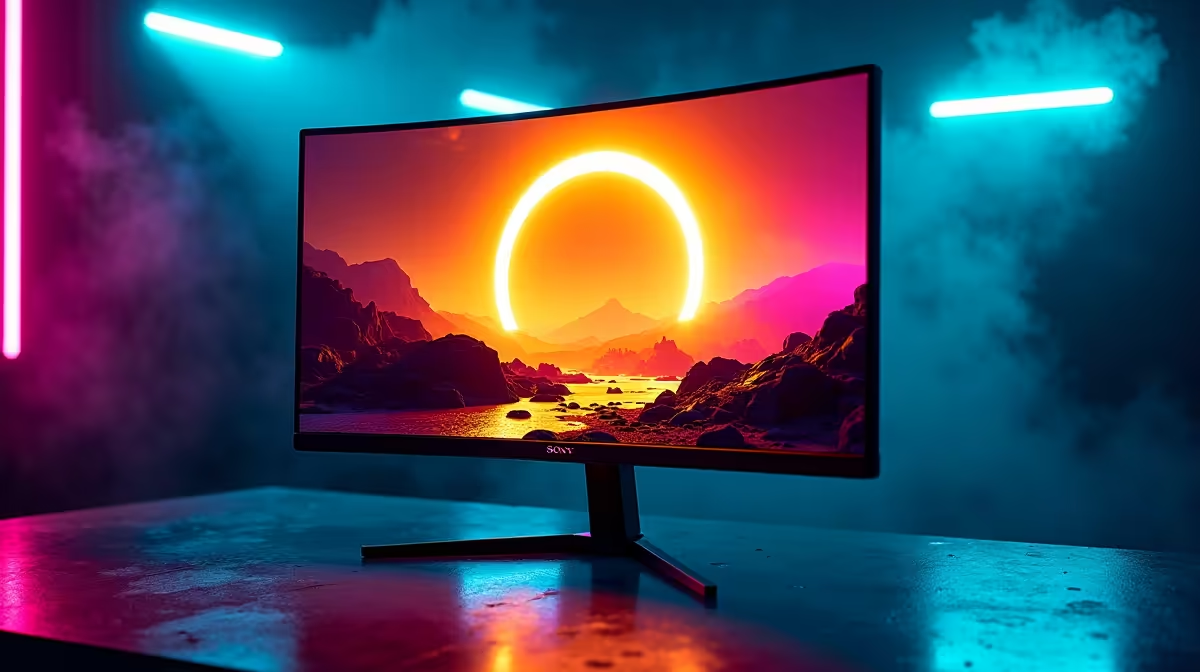
Tired of getting flattened by a Runebear you barely saw in a dark cave? The Lands Between are unforgiving, and a subpar monitor makes them even tougher. With Shadow of the Erdtree looming, your display is the one piece of gear you can’t afford to neglect. Finding the best monitor for Elden Ring isn't just about pretty colours; it's about survival, immersion, and giving yourself the best chance to conquer the Land of Shadow. ✨
Why Your Monitor is Crucial for the Land of Shadow
Elden Ring is a masterpiece of environmental storytelling and atmospheric design, from the decaying beauty of Limgrave to the terrifying gloom of Caelid. The right display brings this world to life, while the wrong one can turn it into a blurry, stuttering mess. A high-quality gaming monitor ensures you can spot distant enemies, react to split-second attack cues, and appreciate the incredible art direction.
Think of it this way: every frame of delay or motion blur could be the difference between a perfect dodge and a "YOU DIED" screen. An optimal Elden Ring monitor delivers the clarity and responsiveness you need to truly master its demanding combat.
Key Specs for the Best Elden Ring Monitor
Navigating monitor specs can feel as complex as deciphering item lore. Let's break down what truly matters for the best monitor for Elden Ring experience, keeping the typical South African gamer's setup in mind.
Resolution: 1440p is the Sweet Spot
While a 4K display is tempting, 1440p (2560x1440) offers the perfect balance of sharp visuals and achievable frame rates for most gaming PCs. You get a significant leap in detail over 1080p without needing a top-tier graphics card that costs a fortune. The world feels richer, textures are crisper, and spotting that hidden Imp in a catacomb becomes just a little bit easier. You can browse a wide range of PC monitors to see the difference for yourself.
Refresh Rate & Response Time: Smoothness is Survival ⚡
Elden Ring's PC port has its quirks, but a high refresh rate monitor (144Hz or more) still provides a tangible benefit. It dramatically reduces input lag and motion blur, making your inputs feel more immediate and the action incredibly smooth. When you're trying to parry Margit's attacks, that responsiveness is everything. Look for a monitor with a 1ms response time to ensure ghosting doesn't obscure enemy movements during fast-paced fights.
Panel Type: IPS for Glorious Colour
For a game as visually stunning as Elden Ring, an IPS (In-Plane Switching) panel is the top choice. It delivers the most accurate and vibrant colours, ensuring the Erdtree's golden glow and the Lake of Rot's... well, rot... look exactly as the developers intended. The superior viewing angles also mean the picture stays consistent even if you shift in your chair during a long boss battle.
Calibrate for the Catacombs 🔧
Once you get your new monitor, don't just plug it in and play! Use the built-in Windows Display Colour Calibration tool (just search for it in the Start Menu) or online tools like Lagom.nl. Properly adjusting your gamma and black levels will ensure you can see details in Elden Ring's darkest dungeons without crushing the blacks or washing out the image.
Adaptive Sync: Slaying Screen Tearing
Nothing pulls you out of the moment like a jagged tear across your screen during a critical dodge. Adaptive Sync technology solves this by synchronising your monitor's refresh rate with your GPU's frame output.
- For NVIDIA users, look for G-Sync compatible monitors.
- If you're running an AMD card, you'll want to check out monitors with AMD FreeSync.
- Many modern screens also support the VESA standard, so keep an eye out for Adaptive Sync displays for broad compatibility.
Finding the Right Display for Your Budget
You don't need to spend R20,000 to get a fantastic display for Shadow of the Erdtree. Brands today offer incredible value across different price points. You can find excellent gaming monitors from AOC that are packed with features, while Dahua's impressive displays often provide amazing specs for their price. For those looking for proven reliability and sleek design, there are always great options from HP to consider.
Choosing the best monitor for Elden Ring is about matching these key features to your budget and PC's capabilities. A well-chosen 1440p, 144Hz IPS monitor will serve you brilliantly in the Land of Shadow and beyond.
Ready to See the Land of Shadow in a New Light? Your journey to become Elden Lord deserves a display that does it justice. Don't let a poor monitor be your final boss. Explore our massive range of PC monitors and find the perfect screen to conquer Elden Ring's next great challenge.











