

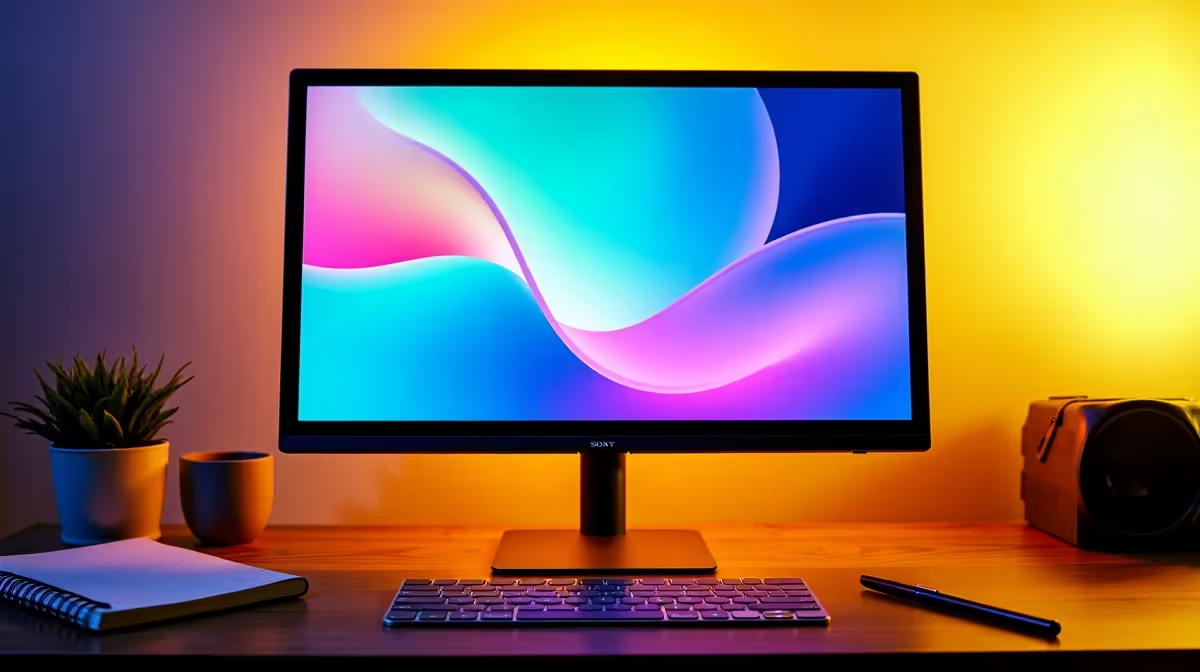
Quick Answer
For a first-year UKZN student, the best monitor is a 24-inch Full HD IPS panel with 100Hz or higher refresh rate, USB-C or HDMI connectivity, and low blue light certification for long study sessions. It needs to handle both academic work and casual gaming, fit a res or digs desk, and stay within a student budget.
What First-Year UKZN Students Actually Need From a Monitor
UKZN's Howard College, Westville, and Medical School campuses mean students work across disciplines with different demands. Engineering and built-environment students use AutoCAD and BIM software that benefits from screen real estate. Commerce students work primarily in Google Workspace and Microsoft 365. Medical and health sciences students review detailed diagrams and research PDFs.
For all of these use cases, an IPS panel at 1920x1080 (Full HD) provides accurate colour reproduction, wide viewing angles for group study sessions, and enough pixel density at 24 inches (91 PPI) for comfortable reading. TN panels are cheaper but their narrow viewing angles and washed-out colours are a significant drawback for study and content viewing.
Refresh rate: 100Hz minimum is worthwhile even primarily for academic use. Smoother scrolling through long research documents and spreadsheets reduces eye strain over multi-hour study sessions. For students who also game, 144Hz enables smooth gameplay in lighter titles on integrated or entry-level discrete graphics.
Budget Targets for UKZN Student Monitors in 2026
Entry range (R2,200 to R3,500): 24-inch Full HD IPS at 100Hz. These cover all academic workloads and light gaming. HDMI 1.4 connectivity covers most laptop outputs from the past 5 years.
Mid-range (R3,500 to R5,500): 24 to 27-inch Full HD or QHD IPS at 144Hz. At QHD (2560x1440), a 27-inch panel gives noticeably sharper text, which is valuable for extended reading. Worth the stretch if your laptop has an HDMI 2.0 port or USB-C DisplayPort output.
For NSFAS-funded students with the R5,200 laptop allowance already spent, a monitor is an additional expense. Some students pool resources with res roommates for a shared study monitor. A single 27-inch panel mounted centrally for two study desks is a practical arrangement.
Connectivity and Desk Setup for Res and Digs
UKZN res rooms vary significantly in desk size. Howard College's older blocks have compact desks where a 24-inch monitor is the practical limit. Westville's newer accommodations have larger study surfaces that comfortably fit a 27-inch panel.
Connectivity essentials: HDMI input is the primary connection for most student laptops. If your laptop has USB-C with DisplayPort Alternate Mode (check your laptop specification), a USB-C to HDMI or USB-C to DisplayPort cable gives you a clean single-cable connection. Verify your specific laptop's USB-C port supports video output before relying on this connection method.
Load-shedding in Durban affects res and off-campus digs accommodation. A monitor on a UPS is valuable if you have critical deadlines. Monitors draw between 20W and 45W for a 24-inch IPS panel, well within most UPS capacity alongside a laptop charger.
For vaalie students commuting from home in the Durban metro, a monitor at home doubles as a comfortable workspace for thesis writing and project work outside campus hours.
Eye Care for Extended Study Sessions
First year at UKZN is academically demanding. Late-night study sessions in the run-up to June tests and November exams mean many hours in front of a screen. Look for monitors with flicker-free backlights and low blue light modes. These reduce the visual fatigue that causes headaches during 4-plus hour study blocks.
Eye care software like Windows Night Light or monitor-level blue light filters (usually a physical button or OSD setting) should be enabled from 7pm onward to reduce melatonin disruption, which matters for students managing irregular sleep schedules during exam season.
Frequently Asked Questions
Is a 27-inch monitor too big for a res room desk? For most UKZN res arrangements, a 27-inch monitor is on the larger side but manageable if your desk is at least 60cm deep. The recommended viewing distance for a 27-inch 1080p monitor is 60 to 80cm. At 1440p (QHD), the sharper pixels allow comfortable use slightly closer, making it better suited to compact desk setups.
Do I need a monitor with built-in speakers? Built-in monitor speakers are convenient but their audio quality is generally poor. If your budget is limited, skip the speaker premium and use your laptop's built-in speakers or a small Bluetooth speaker. Spend the savings on a better IPS panel or higher refresh rate instead.
Can I use a TV as a monitor for study and gaming at UKZN? A 32-inch 4K TV is sometimes cheaper than a 27-inch monitor and works acceptably for gaming. However, most budget TVs have higher input lag (20 to 50ms vs. 1 to 5ms for a gaming monitor), no flicker-free backlight, and are calibrated for bright lounge environments rather than close-range study use. A purpose-built monitor is better for academic work.
Will a QHD monitor work with a budget NSFAS laptop? QHD (2560x1440) output requires your laptop's HDMI or USB-C port to support higher resolutions. HDMI 1.4 ports (common on budget laptops) are limited to QHD at 60Hz. HDMI 2.0 or USB-C DisplayPort supports QHD at 144Hz. Check your specific laptop specification before purchasing a QHD monitor expecting high refresh rate output.
Ready to Find Your Perfect Match? Browse monitors at evetech.co.za











