

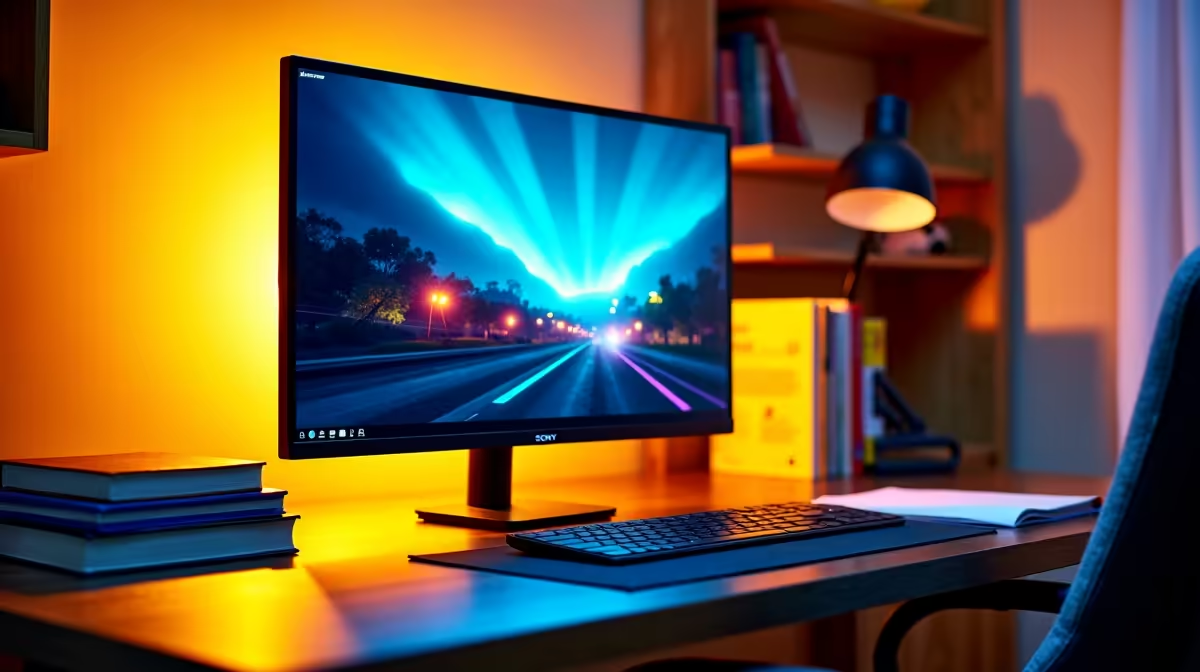
Third year at TUT is no joke. The assignments pile up and projects get heavier. Staring at a cramped 15-inch screen simply won't cut it anymore. If you're juggling heavy code, complex design layers, or endless research tabs, you need serious screen real estate. Finding the best monitor for 3rd year TUT students in SA is about balancing budget, eye care, and pure productivity. Let us upgrade your setup.
Why Upgrading Your Display Matters Now 🚀
By the time you hit your third year, your workload demands extreme multitasking. You simply cannot afford to constantly Alt-Tab between your research notes and your main project. A dedicated display boosts your efficiency and saves you valuable time. Whether you're plugging into your trusty notebook or building a custom rig, a good screen is non-negotiable. If your current portable machine is struggling to keep up, it's time for an upgrade. Browse some reliable laptops for sale in South Africa to properly drive that new display.
Key Features for Pretoria Students
What exactly makes a display the best monitor for 3rd year TUT students in SA? It comes down to resolution, refresh rate, and panel type. For most students, a 24-inch or 27-inch IPS panel hits the absolute sweet spot. It offers excellent colour accuracy for multimedia students at the Arts campus. It also provides crystal-clear text for IT students writing thousands of lines of code.
You might plan to pair your new screen with a dedicated desktop for heavy 3D rendering. If so, checking out the best gaming PC deals is a very smart move. A powerful machine needs a monitor that can actually keep up with its output.
Balancing Your ZAR Budget 🔧
We know student budgets are extremely tight. You want maximum value for every single Rand. Thankfully, you don't need to drop R10,000 to get a fantastic visual setup. Many high-quality 1080p and 1440p displays fall right into a student-friendly price bracket. When you buy monitors, always look for essential features like flicker-free technology and built-in blue light filters. Those brutal late-night study sessions will severely strain your eyes without proper protection.
Eye Care Pro Tip ✨
Always adjust your screen brightness to match your room lighting. Use Windows Night Light to reduce blue light after sunset. It drastically reduces eye fatigue when you are pushing through those massive final year projects.
Building the Ultimate Study Station
Your desk is your daily command centre. A dual-monitor setup or a sleek ultrawide can completely transform how you tackle assignments. If you're upgrading your workspace from scratch, a reliable tower is just as important as the screen itself. You can find incredible value by exploring pre-built PC deals. These setups take the hassle out of building your own system.
Don't forget to keep a close eye out for seasonal discounts. Hardware prices naturally fluctuate throughout the year. Grabbing your gear during the latest tech specials can easily save you thousands of ZAR. This leaves you with much more cash for your textbooks... or some well-deserved weekend gaming sessions. The right gear simply makes varsity life easier.
Ready to Upgrade Your Study Station? Finding the perfect balance between work and play is crucial for surviving your third year. For maximum power, choice, and value in South Africa, Evetech has you covered. Explore our massive range of monitor specials and find the perfect screen to conquer your degree.











