

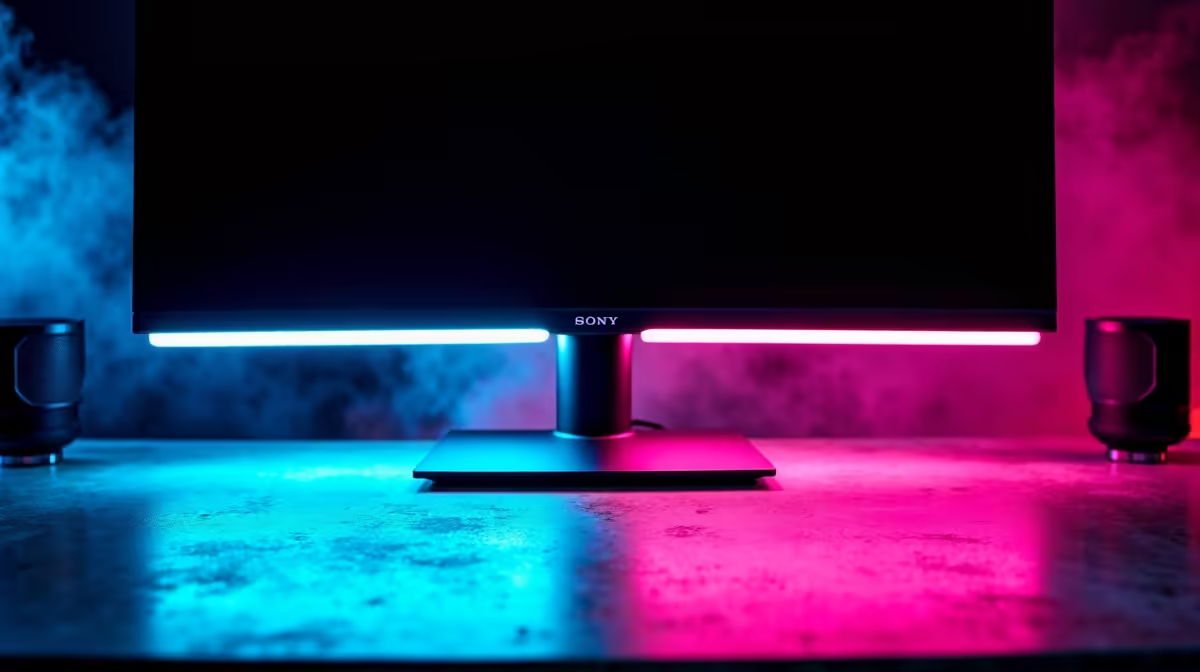
A good monitor light cuts eye strain, reduces glare on your screen, and keeps your desk lit without blowing out your display - and for SA gamers pulling long sessions, that matters more than most people expect. The right light improves focus, reduces headaches, and makes late-night gaming and work far more comfortable than relying on overhead room lighting alone.
Quick Answer
What is the best monitor light for gaming in South Africa? Monitor lights - also called monitor lamps or screen bars - that sit on top of your display and angle light downward onto your desk are the best option for gamers. Top picks for SA buyers in 2026 balance brightness control, USB power, and glare-free design at price points from R500 to R2,000.
🔧 What Makes a Monitor Light Good for Gaming
Gaming sessions often run late into the night. Overhead lighting creates harsh shadows and screen glare; a monitor light is designed to illuminate your keyboard and desk surface without any spill onto the panel itself. This is the core feature to look for: asymmetric optical design that keeps the beam off the screen.
Brightness range matters too. You want enough output to see your desk clearly but the ability to dim down for immersive dark-room gaming without disturbing flatmates or family. Colour temperature control - from warm white (around 2700K) to cool daylight (6500K) - lets you match ambient light to your session type, reducing the colour contrast your eyes have to adjust between screen and surroundings.
For gaming setups with RGB or ambient lighting, a monitor light that doesn't interfere visually or electronically is essential. Purely LED-based screen bars with USB power pass-through are ideal: they draw minimal power and don't require an additional wall outlet.
📊 Key Specs to Compare
When evaluating monitor lights for your SA gaming desk, compare these specifications:
Brightness (lux): Aim for at least 500 lux at the desk surface for comfortable keyboard visibility. Premium models hit 1,000+ lux.
Colour temperature range: 2700K–6500K gives maximum flexibility. Narrower ranges limit how well you can match different environments.
Control method: Touch controls on the light itself are convenient; remote controls or app-based dimming are even better for desk setups where reaching up to the monitor edge is awkward.
Clip weight and monitor compatibility: Screen bars clip to the top bezel of your monitor. Ultrawide and curved monitors sometimes have bezel shapes that don't hold a clip securely - check compatibility before buying.
USB power vs. mains: USB-C and USB-A powered bars are the most common and most convenient. Some premium models use a separate power brick for higher brightness output.
💡 Monitor Light Tips for SA Gaming Desks
If your gaming space doubles as a study or work setup - common for SA students and hybrid workers - a monitor light with dual colour temperature modes is worth the premium. Use cool white during study hours and warm white during evening gaming to reduce circadian disruption.
For multi-monitor setups, consider whether you need one centred bar or individual bars per screen. A single bar on your primary display is usually sufficient, as it primarily lights the keyboard area rather than the full room.
Cable management is easy with monitor lights: most run off your PC's USB port directly, so there's no extra cable run to manage beyond what's already on your desk.
Mounting position matters. Centre the bar on your monitor top edge, and if adjustable, angle it slightly downward toward your keyboard. Too far forward and it shines into your eyes; too far back and it misses your desk surface entirely.
❓ Frequently Asked Questions
Will a monitor light cause glare on my screen? A quality monitor light with asymmetric optics is designed specifically to prevent this. Cheap knockoffs without proper optical design can cause screen glare - check for anti-glare certification or user reviews confirming glare-free performance before purchasing.
What's a good budget for a monitor light in SA? Decent entry-level options start around R400–R600. Mid-range lights with colour temperature control and touch dimming sit in the R800–R1,200 range. Premium models with remote control and high lux output push to R1,500–R2,000.
Do monitor lights work with ultrawide or curved monitors? Many do, but check clip compatibility. Some screen bars have adjustable clips designed for curved bezels. Very thin bezels on some ultrawide displays can also cause balance issues - look for models that advertise curved or ultrawide support explicitly.
Is a monitor light better than a desk lamp for gaming? For most gaming setups, yes. Desk lamps often create hotspots, may introduce screen glare, and take up desk real estate. A monitor-mounted bar keeps your desk clear, illuminates evenly, and is purpose-designed for display environments.
Shop All Monitors and Graphics Card Deals at Evetech for fast delivery across South Africa.
Ready to Find Your Perfect Match? Shop at Evetech











