

Building a sprawling metropolis in Cities: Skylines II or a charming medieval village in Manor Lords is pure magic. But is your monitor doing your creation justice? A fuzzy display can turn a masterpiece into a muddle. Choosing the best monitor for city building games isn't just about size; it's about seeing every tiny detail, from a single citizen's path to the texture of a thatched roof. Let's find the perfect screen for your grand designs. ✨
Why Your Monitor is Crucial for City Building Games
Unlike fast-paced shooters where every millisecond counts, city builders are a game of details and data. Your screen is your window into a complex, living world. A great monitor for games like Manor Lords allows you to appreciate the beautiful art direction, while a high-resolution display for Skylines II makes managing intricate road networks and zoning districts far less of a headache. You need clarity to spot problems and screen real estate to manage complex UI elements without feeling cramped.
Key Features for the Best City Building Monitors 🖥️
Finding the perfect display means looking beyond the marketing hype and focusing on the specs that truly matter for this genre. It's about creating an immersive and comfortable command centre for your virtual empire.
Resolution: More Pixels, More Power
The jump from 1080p to 1440p (QHD) or 4K (UHD) is massive for strategy games. More pixels mean sharper text, clearer icons, and the ability to zoom out and still see distinct details in your city. When you're trying to manage a complex economy or trace a single water pipe, that extra sharpness is invaluable. With a massive selection of PC monitors to choose from, finding a high-resolution screen that fits your budget is easier than ever.
Screen Size and Aspect Ratio: Go Wide for a Better View
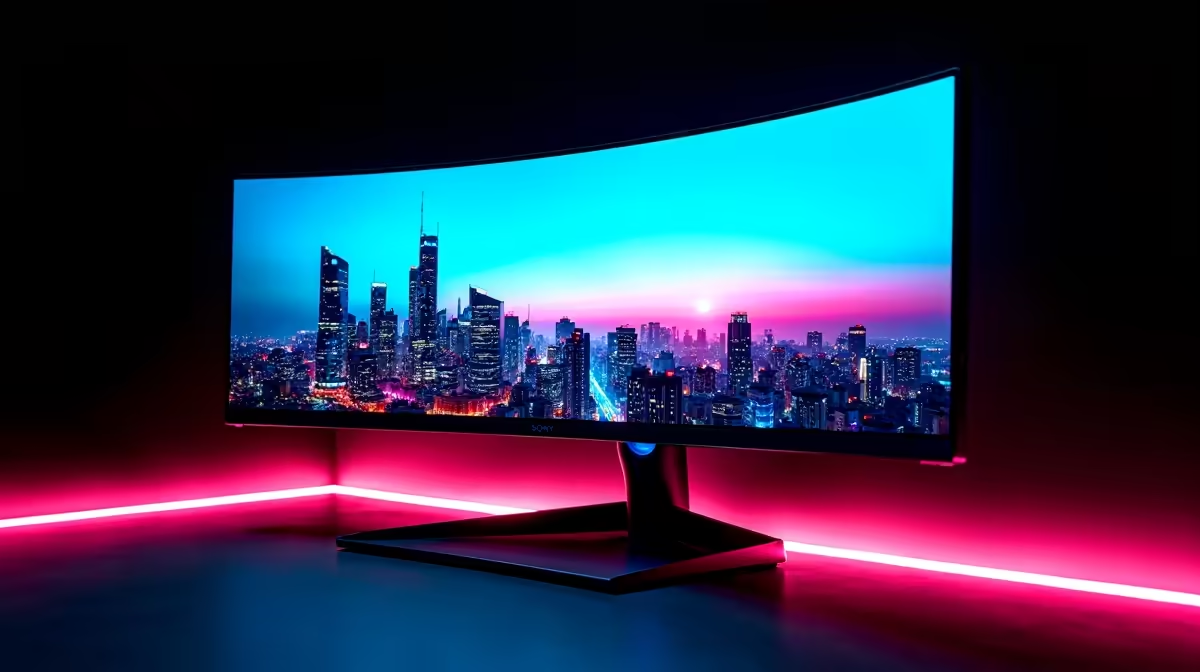
A bigger screen is almost always better for city builders. A 27-inch monitor is a fantastic starting point, but an ultrawide (21:9 aspect ratio) display can completely transform your experience. That extra horizontal space is perfect for keeping multiple menus open, giving you a panoramic view of your creation without constantly having to pan the camera. It feels less like looking at a screen and more like looking out of a window.
Ultrawide Optimisation Tip 💡
On Windows, use the free PowerToys FancyZones utility to create custom snap layouts. For city builders, you can create a large central zone for the main game view and two smaller side zones for keeping guides, spreadsheets, or Discord open. It makes multitasking while you build an absolute breeze!
Panel Type & Colour Accuracy
For the rich, vibrant worlds of modern city builders, an IPS (In-Plane Switching) panel is the top choice. They offer superior colour accuracy and wider viewing angles compared to older TN panels. This means the lush greens of your farmlands and the deep blues of your harbours will look true-to-life, making your city feel more alive.
Smooth Scrolling: Refresh Rate and Adaptive Sync
While you don't need a 240Hz refresh rate, stepping up from a basic 60Hz to 75Hz or 120Hz makes a noticeable difference. Panning and scrolling across your large city becomes significantly smoother and less jarring on the eyes. To eliminate screen tearing, look for a monitor with sync technology. Whether it's the widely available Adaptive Sync, the popular FreeSync (AMD), or the premium experience of G-Sync (NVIDIA), it ensures your GPU and monitor work together for a seamless view.
Top Monitor Brands for Every South African Builder 🏙️
When it comes to choosing the best screen for city builders, different brands offer unique strengths. You don't always have to buy the most expensive gaming-focused model to get a brilliant experience.
For example, many HP monitors are renowned for their excellent colour accuracy and build quality, making them a superb choice for both productivity and detailed gaming. If you're looking for incredible value without compromising on core features, brands like Dahua often provide high-resolution panels at very competitive price points in ZAR. Meanwhile, gaming specialists like AOC are perfect if you want a monitor that excels in strategy games but can also handle fast-paced action on the side.
Ultimately, the best monitor for your city-building sessions is one that fits your space, your budget, and your desire for detail.
Ready to See Your City in a New Light? From sprawling 4K canvases to budget-friendly powerhouses, the perfect view for your virtual world is waiting. Explore our massive range of PC monitors and find the ideal display to bring your creations to life.











