

Quick Answer
The best monitors for SA law firms in 2026 are 27-inch 4K IPS panels like the Dell UltraSharp U2725QE, LG UltraFine 27UQ750 and ASUS ProArt PA279CV, priced between R8,500 and R14,000 at Evetech. They deliver sharp text for long document review, accurate colour for evidence handling and proper ergonomic adjustability for full-day legal work.
Why Law Firms Need Different Specs Than Gaming Setups
Legal work is text-heavy and dual-document by nature. You're reviewing 200-page contracts side by side, cross-referencing case law, and reading dense PDFs for hours. That demands high pixel density (3,840 x 2,160 at 27 inches gives you 163 PPI versus 109 PPI on 1440p), accurate sRGB colour for evidence photos and screenshots, and matte anti-glare panels to handle Joburg and Cape Town office lighting. Refresh rate is irrelevant, anything above 60Hz is overkill. Ergonomics, USB-C docking and KVM matter far more for legal workflows than gaming-focused features like high refresh or HDR.
Top Monitor Picks for SA Legal Practices
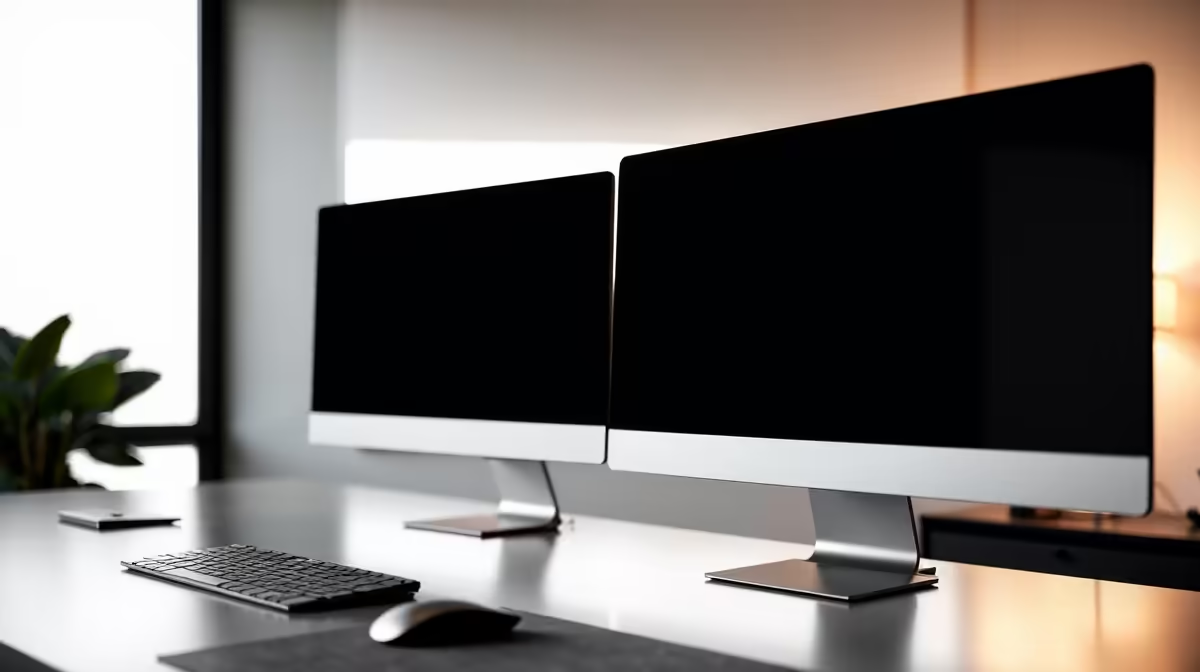
The Dell UltraSharp U2725QE around R12,500 is the gold standard for legal work, offering 4K IPS Black panel technology, 96W USB-C power delivery, integrated KVM and 5-year advanced exchange warranty. The LG UltraFine 27UQ750 at R10,500 covers 95% DCI-P3 with USB-C docking, ideal for attorneys reviewing exhibit photos and digital evidence. The ASUS ProArt PA279CV at R8,500 is the budget pick with factory-calibrated 100% sRGB and Hardware Calibration support. For partners with two-screen setups, dual 27-inch 4K monitors at around R20,000 total are far more productive than a single ultrawide for clause-by-clause document comparison. The BenQ PD2705U at R11,000 also deserves consideration for its CAD-mode and Darkroom-mode software features useful for forensic document examination.
USB-C, KVM and Practical Docking Realities
Modern legal work involves a firm-issued laptop docking at the desk and switching between matter files. A monitor with USB-C Power Delivery (90W+) eliminates the laptop charger and connects keyboard, mouse and ethernet through one cable. KVM lets you control two PCs (firm laptop and personal device) with one keyboard-mouse pair, useful for paralegals managing multiple workflows. Built-in ethernet pass-through avoids wifi drops during virtual hearings. These features cost a couple thousand more upfront but save daily friction for years. Daisy-chain DisplayPort lets you run a second monitor off the first via a single cable, simplifying cabling at the desk.
Eye Comfort, Compliance and the SA Office Environment
Long-hours legal work demands flicker-free backlighting and low-blue-light certification (TUV Rheinland or Eyesafe). All three top picks above ship with these. Anti-glare matte coating is essential, glossy panels reflect overhead fluorescents and ruin productivity. Height-adjustable stands with at least 130mm travel and pivot rotation matter for portrait-mode document review, switching to portrait orientation for full-page A4 documents is a genuine productivity boost. SA loadshedding considerations: pair monitors with a small 1500VA UPS so a power dip doesn't lose unsaved work, and confirm your DisplayPort or USB-C cable handles the brief signal renegotiation. Most modern 4K monitors handle the brief power blip without issue, but verify before committing to an office-wide rollout.
Bulk Procurement Tips for SA Practices
For firms rolling out 10+ workstations, talk to Evetech's business team about staged delivery and configuration. Buying in tranches of 5-10 units lets you stagger cash flow while maintaining warranty start dates. Most SA legal practices run a 4-5 year monitor refresh cycle, which aligns well with the 5-year warranty on Dell UltraSharp models. Stick with one model across the firm to simplify cable inventory, KVM setup and IT support. Consider a small stock of one or two spare units for immediate swaps when a panel develops issues.
Frequently Asked Questions
Is 4K worth it over 1440p for legal document review?
Yes. The text crispness gap between 1440p and 4K at 27 inches is immediately visible after a full day of reading contracts. Most attorneys won't go back once they've worked on 4K for a week. The R2,000-R3,000 premium pays back in eye comfort over a 5-year monitor lifespan.
Should law firms buy curved or ultrawide monitors?
Probably not for primary use. Ultrawides are great for spreadsheets and timeline software, but two flat 27-inch 4K monitors give better side-by-side document layout for clause comparison. Curved panels distort straight lines slightly, which annoys some legal users reviewing exhibits.
What warranty matters for office monitor deployments?
Look for at least 3-year warranty with on-site or advanced exchange. Dell UltraSharp ships with 5-year cover including dead-pixel guarantee, which matters for firms running 20+ monitors. Evetech handles RMA locally so you don't lose a working day, which is a meaningful difference compared to international procurement.
Ready to Find Your Perfect Match? Equip your SA legal practice with monitors built for long-hours work. Browse business monitors at Evetech











