

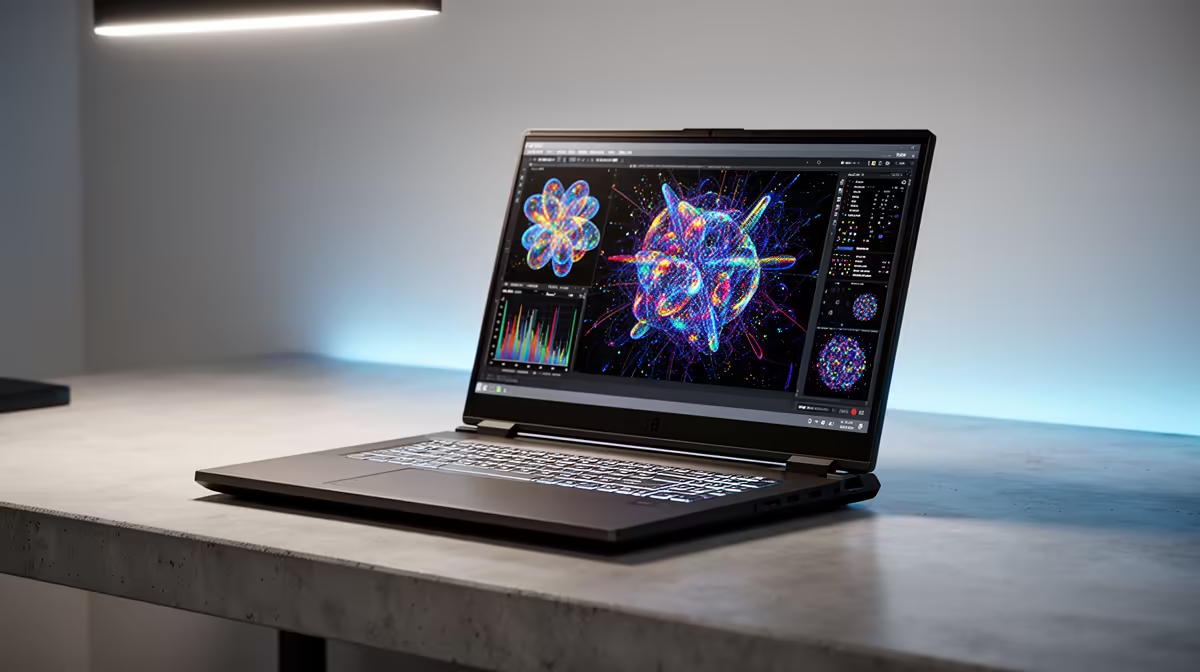
Starting a science degree in Mzansi is tough enough without your laptop freezing during a crucial lab report. If you're relying on your student allowance, finding the right tech is vital. You need a machine that handles heavy data crunching without draining your budget. Let's explore the best NSFAS laptops for science students heading into January 2026 SA, ensuring you get maximum performance for your ZAR.
What Makes a Great Science Student Laptop?
Science students run demanding software. Whether you're compiling Python code, running statistical models in R, or rendering 3D molecular structures, a basic entry-level machine will struggle. You need a solid processor and at least 8GB to 16GB of RAM. Storage is equally crucial... aim for a 512GB SSD so your machine boots up fast and loads massive datasets instantly.
Finding these specs within a student budget is entirely possible if you know where to look. For those needing portability around campus, browsing through our extensive range of notebooks for sale in South Africa is a fantastic starting point to gauge what is available.
Balancing Power and Affordability
Your NSFAS allowance needs to stretch far. Thankfully, modern processors from AMD and Intel offer incredible value for money. You don't need to spend R40,000 to get a highly reliable machine. Sometimes, students who study from home or live in a commune prefer a dedicated desktop setup for heavy lifting. If you prefer a stationary powerhouse for complex physics simulations, you might want to look at some top-tier best gaming PC deals that double as incredible academic workstations.
Alternatively, if you want something ready to plug and play right out of the box without the hassle of building it yourself, checking out pre-built PC deals can save you time and help optimise your study schedule. But for the average student walking between lecture halls, a laptop remains the ultimate tool.
Campus Battery Pro Tip ⚡
Always look for laptops with a battery life of at least 8 hours. Load shedding schedules might be less predictable these days, but having a full charge means you can keep working on your thesis even when the campus power trips.
Getting the Best Value for January 2026 SA
When searching for the best NSFAS laptops for science students this year, keep a close eye out for seasonal promotions. Retailers often drop prices right before the first semester begins. You can stretch your ZAR much further by keeping an eye on the latest specials available online. This leaves you with extra budget for your favourite textbooks or a decent wireless mouse.
For computer science, engineering, or data science students, graphical power is another massive factor. If you eventually decide to build a custom desktop for your digs to handle machine learning tasks, knowing where to buy graphics cards will ensure your rendering times drop significantly. However, a modern laptop with integrated graphics is usually more than enough for your first and second-year modules. 🔬
Making Your Final Choice
Don't rush your purchase. Compare the specifications, check the warranty details, and ensure the keyboard is comfortable for those late-night typing sessions. A backlit keyboard is a massive bonus for studying in dim light.
Weight is another crucial factor. Carrying a heavy machine across a massive campus like Tuks, Wits, or UCT will quickly become exhausting. Aim for a laptop that weighs under 2kg. Combine that portability with a tough chassis that can survive being bumped around in a backpack. Your NSFAS funds are a stepping stone to your future career... spend them wisely on equipment that works as hard as you do. 🚀
Ready to Find Your Perfect Match? Finding the right balance between a student budget and processing power doesn't have to be stressful. Explore our massive range of laptop specials and find the perfect machine to conquer your academic year. ✨











