

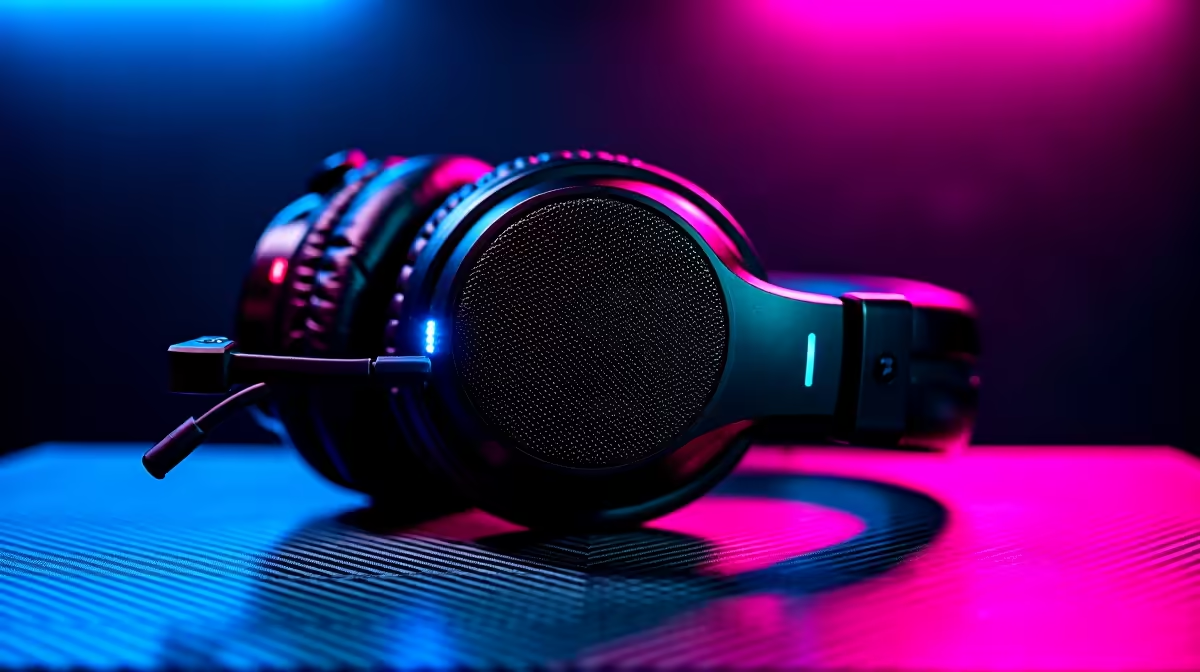
Starting a Twitch channel in Mzansi takes more than just good vibes. You are fighting loadshedding, dodging high ping, and competing globally. To stand out from the crowd, you need the right gear. Finding the best peripherals for the SA Twitch streamer in SA 2026 requires balancing quality with real ZAR value. Let us look at exactly what you need to hit that Twitch Affiliate status.
Building the Foundation of Your Stream 🚀
Before you worry about 4K webcams or fancy green screens, your main rig needs to handle the heavy lifting. Streaming requires serious processing power to encode video while maintaining high frame rates in-game. If your current system is bottlenecking your broadcasts, it is time to upgrade. You should browse the best gaming PC deals available locally to secure a stable foundation.
A solid mechanical keyboard and a high-DPI mouse are your primary tools. Look for linear switches that are quiet enough not to bleed into your microphone. Do you want a quick upgrade without the hassle of building from scratch? Exploring pre-built PC deals ensures you get a balanced system ready for OBS Studio.
Audio and Visual Upgrades That Matter ✨
Your viewers will forgive a slight drop in video resolution... but bad audio will make them leave instantly. A dedicated USB condenser microphone is absolutely non-negotiable. It is a core part of the best peripherals for the SA Twitch streamer in SA 2026. Pair it with a sturdy boom arm to keep desk vibrations away from your recordings. You should also consider adding a pop filter. This stops harsh vocal sounds from ruining your audio mix.
Lighting is your next big priority. A simple LED ring light can make a budget webcam look incredibly sharp. Positioning your light source correctly adds depth and colour to your camera feed. Do you stream on the move or cover esports events across the country? High-performance laptops paired with portable capture cards offer the ultimate flexibility for local content creators.
Streaming Pro Tip ⚡
Use NVIDIA Broadcast to artificially remove background noise like barking hadedas or loud fans. It uses your GPU to filter audio perfectly, meaning your viewers only hear your voice during intense clutch moments.
Powering Your Setup Behind the Scenes 🔧
You cannot push crisp pixels to Twitch if your hardware is constantly struggling. As games become more demanding in 2026, your stream encoding relies heavily on your GPU. Upgrading your system with the latest graphics cards ensures you get access to advanced NVENC encoding. This keeps your stream looking buttery smooth without sacrificing your in-game performance. A powerful graphics card handles the rendering so your CPU can focus on running your stream alerts.
Building the ultimate broadcast setup does not have to completely drain your wallet. Savvy South African gamers know how to optimise their budgets. Keeping a close eye on weekly specials is the smartest way to upgrade your studio. Every Rand saved on your core hardware is another Rand you can invest in custom channel emotes. Alternatively, use those savings to buy a heavy-duty UPS to survive the next grid failure.
Ready to Go Live? Upgrading your streaming setup is the first step toward growing your Twitch community. Whether you need a quieter keyboard, a crisper microphone, or a total system overhaul, we have the gear you need. Explore our massive range of PC components and peripherals and find the perfect match to conquer your streaming goals.











