

Quick Answer
The best portable gaming setup for South African loadshedding combines a gaming laptop, a portable monitor or hotspot for connectivity, and a power bank or UPS to extend play time through outages. The key is independence from the national grid without sacrificing gaming performance.
Why a Portable Setup Changes the Loadshedding Experience
For South African gamers, loadshedding is no longer a surprise -- it is a scheduled reality. Stage 2 cuts two hours out of every day, and Stage 6 can eat through eight hours of power across multiple windows. A desktop PC with a UPS buys an hour at most. A purpose-built portable gaming setup buys the entire outage, and in many cases transforms a frustrating blackout into uninterrupted play time. The portable gaming approach is also cost-effective compared to a whole-home UPS or solar system. A quality gaming laptop, a compact power bank, and the right accessories represent a one-time investment that covers loadshedding for years. Many South African students in res at UCT, Stellenbosch, UJ, or UKZN have already made this shift, with laptops handling both academic work and gaming in a single package.
Core Components of a Loadshedding-Ready Gaming Setup
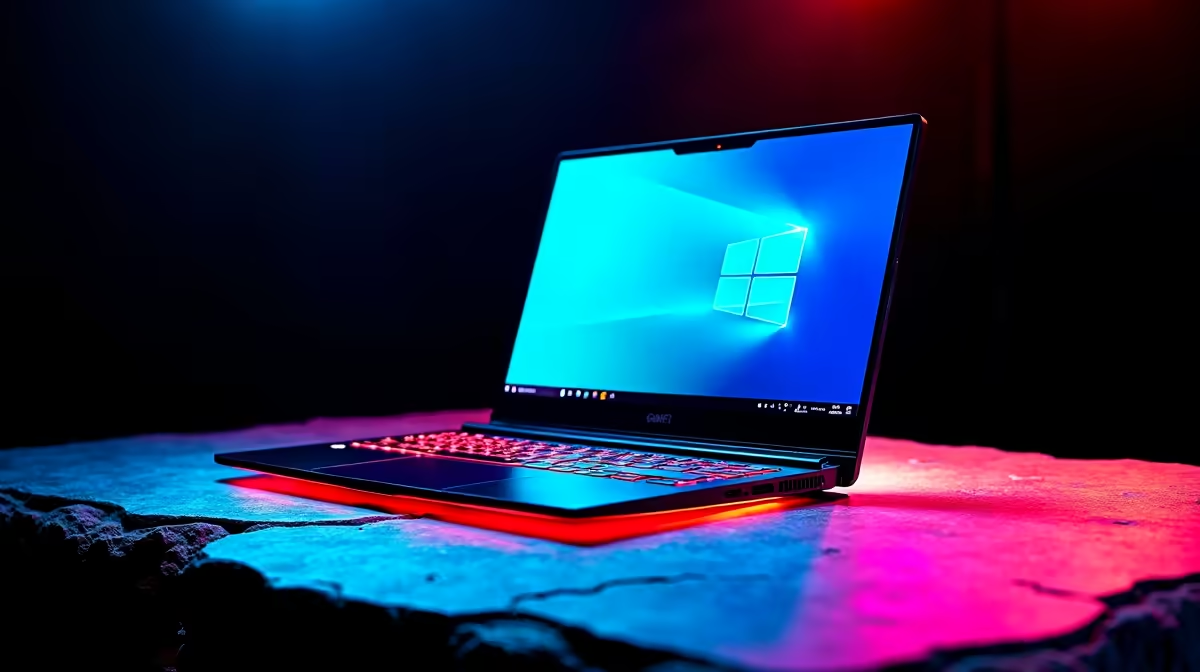
Gaming Laptop as the Foundation: A gaming laptop with a 72 Wh or larger battery is the centrepiece. On moderate gaming settings, a well-optimised gaming laptop delivers 2 to 3 hours of active gameplay on battery. Higher-end models with efficient GPU architecture push this to 4 hours. Look for laptops with Nvidia RTX 40-series or newer GPU options, which include DLSS 3 or DLSS 4 for boosting frame rates at lower power draw. Power Bank for Extended Sessions: A 100 W or 140 W USB-C power bank extends a gaming laptop's play time by another 1 to 2 hours depending on the laptop's power draw. In South Africa, 100 W PD power banks are widely available and legally importable. Pair with a USB-C cable that supports 100 W charging -- not all cables do. This combination handles Stage 2 and Stage 4 outages without breaking a sweat. Portable Hotspot or LTE Router: Online gaming requires internet, and fibre drops out during loadshedding if the CPE or ONU lacks backup power. A prepaid LTE hotspot or a smartphone with a healthy data bundle keeps you connected. SA gamers on Telkom, MTN, or Vodacom LTE with local servers for games like Warzone, Apex Legends, or FIFA frequently report 30 to 60 ms ping, which is sufficient for most competitive titles. Compact Wireless Peripherals: A wireless gaming mouse and compact wireless keyboard make the portable setup more comfortable for extended sessions beyond the laptop's built-in peripherals. Battery life on modern wireless peripherals is measured in months for mice and weeks for keyboards, so loadshedding has no real impact on them.
Power Management Tips for SA Gaming Setups
Battery health matters across a 3 to 5 year ownership window. Charge your gaming laptop to 80 to 90 percent during power-available windows rather than keeping it at 100 percent constantly. Most gaming laptops in 2026 include a battery health mode or conservation mode that caps charging at 80 percent, extending the overall battery cell lifespan. This is particularly relevant for SA users who cycle through charge and discharge multiple times per day during heavy loadshedding schedules. Game settings optimisation is equally important. Enabling DLSS or AMD FSR, capping frame rates at 60fps on battery, and dropping shadow quality preserves battery runtime without killing the experience. Many titles have battery-friendly modes built in. For a secondary screen in a dorm room or home office, a portable USB-C powered monitor running off the laptop's USB-C port eliminates the need for a separate power source entirely. 15-inch portable monitors draw 5 to 10 W and are powered directly by the laptop, making them the most power-efficient way to extend screen real estate during an outage.
Recommended Portable Gaming Setup Budget in ZAR
Entry-level portable loadshedding setup: R8,000 to R12,000. A gaming laptop in this range handles esports titles and lighter AA games on battery for 2 to 3 hours. Pair with a R1,200 to R1,800 100 W power bank for an additional hour of play. Mid-range setup: R14,000 to R20,000. Laptops in this bracket bring dedicated RTX 40-series graphics with DLSS support, larger batteries (80 Wh+), and QHD screens. Gameplay on battery hits 1080p High or Medium settings at 60fps for 2.5 to 4 hours. Premium portable setup: R25,000 and above. Flagship gaming laptops with RTX 4070 or higher, 2.5K or 2K displays, and 99 Wh batteries (the maximum for airline carry-on). With a 140 W power bank, a full loadshedding block barely dents the play time.
FAQ
How long can a gaming laptop last on battery during loadshedding?
Depends on the laptop and game. Esports titles like Fortnite or CS2 on optimised settings run for 3 to 4 hours on a modern gaming laptop. AAA games on high settings are closer to 1.5 to 2.5 hours. A 100 W power bank adds another 1 to 2 hours.
Can I run a gaming PC on a UPS through loadshedding?
Yes, but a standard home UPS provides 30 to 60 minutes for a mid-range gaming PC, depending on power draw. For full loadshedding coverage, a gaming laptop setup is more practical and less expensive than a large-capacity UPS.
What internet solution works best during SA loadshedding for gaming?
A 4G/LTE hotspot with a data bundle on a reliable SA network is the most portable option. Starlink is available in some SA regions and provides consistent low-latency connectivity independent of municipal power infrastructure.
Is a portable monitor worth buying for a loadshedding gaming setup?
For a dedicated gaming desk setup that you want to keep portable, yes. USB-C powered portable monitors draw power directly from the laptop and add no grid dependency. They are particularly useful in res or digs where desk space is limited.
Ready to Find Your Perfect Match? Build your loadshedding-proof gaming setup starting with a capable gaming laptop from Evetech. Shop Gaming PCs and Laptops at Evetech











