

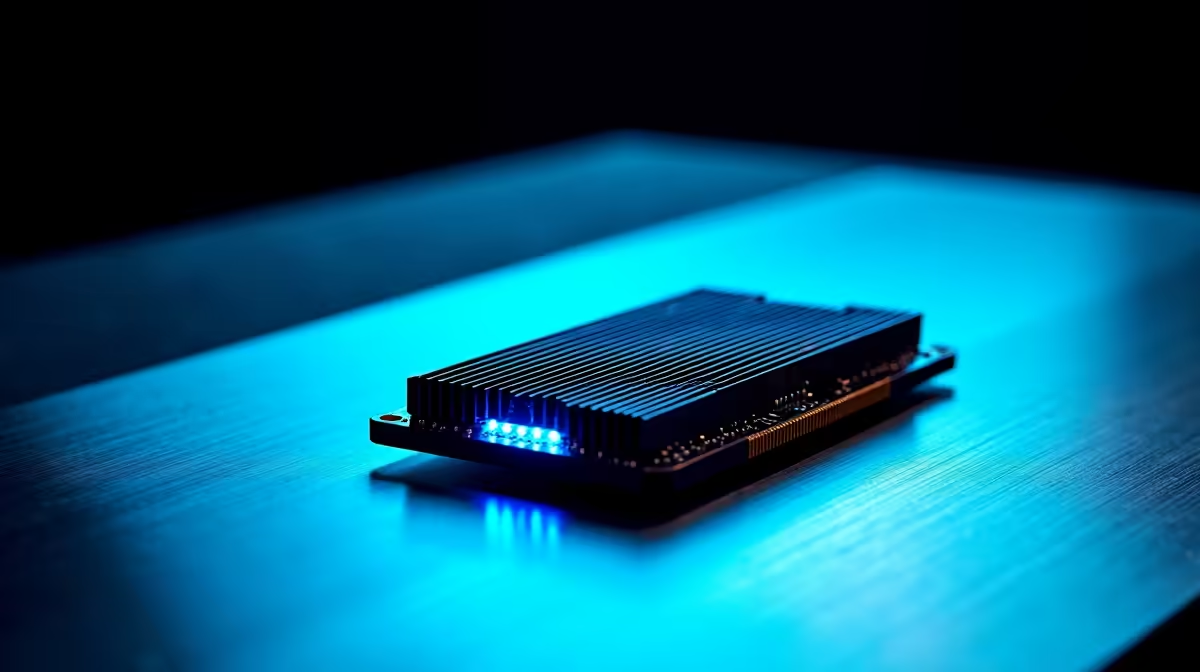
The wait for Pearl Abyss's open-world epic is almost over. But before you step into the brutal continent of Pywel, you need to ask yourself one question. Can your rig handle it? Finding the best RAM for Crimson Desert is not just about grabbing the most expensive sticks. It is about balancing speed and capacity to prevent stuttering when those massive siege battles finally kick off ⚔️.
Why Memory Matters for the BlackSpace Engine
Open-world games are notorious memory hogs. Crimson Desert uses the proprietary BlackSpace Engine to render its incredibly detailed environments and complex physics. As you explore seamless landscapes, your system constantly shuffles massive texture files. If you lack capacity, your PC uses your storage drive as a swap file... cue the dreaded frame drops. To avoid this bottleneck, you will need to upgrade your desktop memory to match the game's intense graphical requirements.
Capacity Guide: 16GB vs 32GB
For modern AAA titles in 2026, 16GB is the absolute minimum requirement. It will get you running, but background apps like Discord or Chrome will aggressively fight for system resources. Stepping up to 32GB is the true sweet spot. It offers enough headroom for ultra settings, high-resolution textures, and seamless multitasking. In fact, most of our top-tier gaming PCs now ship with 32GB as standard to ensure incredibly smooth gameplay out of the box.
Performance Pro Tip ⚡
Always install your memory in pairs to take advantage of dual-channel speeds. If your motherboard has four slots, place your two sticks in slots 2 and 4 to ensure the best stability and performance.
Speed and Latency: Finding the Sweet Spot
Capacity is only half the battle. Speed is equally crucial for pushing high frame rates to your monitor. If you are on an older DDR4 platform, aim for 3200MHz or 3600MHz with low latency timings. For newer rigs running DDR5, 6000MHz is currently the gold standard. We build many of our reliable pre-built desktop systems around these exact memory speeds to maximise CPU performance and minimise input lag 🚀. Remember to enable XMP or EXPO in your BIOS after installing new sticks... otherwise, they will default to sluggish base speeds.
Mobile Warriors: Do Not Get Left Behind
Desktop users have it easy with quick upgrades. If you prefer gaming on the move, you must ensure your machine has user-upgradable SODIMM slots. Fortunately, many modern gaming laptops in South Africa allow you to swap out factory sticks with ease. Upgrading a laptop from 16GB to 32GB can breathe serious new life into your portable setup for a fraction of the cost of buying a brand-new machine.
Making Your ZAR Go Further
Upgrading does not have to break the bank. Spending a few thousand ZAR on a quality 32GB kit is the most cost-effective performance boost available today. Keep a close eye on our weekly component specials to score premium DDR4 or DDR5 kits without emptying your wallet ✨. The right memory upgrade ensures your system is primed, optimised, and fully ready for launch day.
Ready to Find Your Perfect Match? Preparing your rig for the next generation of open-world gaming is crucial for maximum power and value in South Africa. Explore our massive range of memory upgrades and find the perfect kit to conquer your world.











