

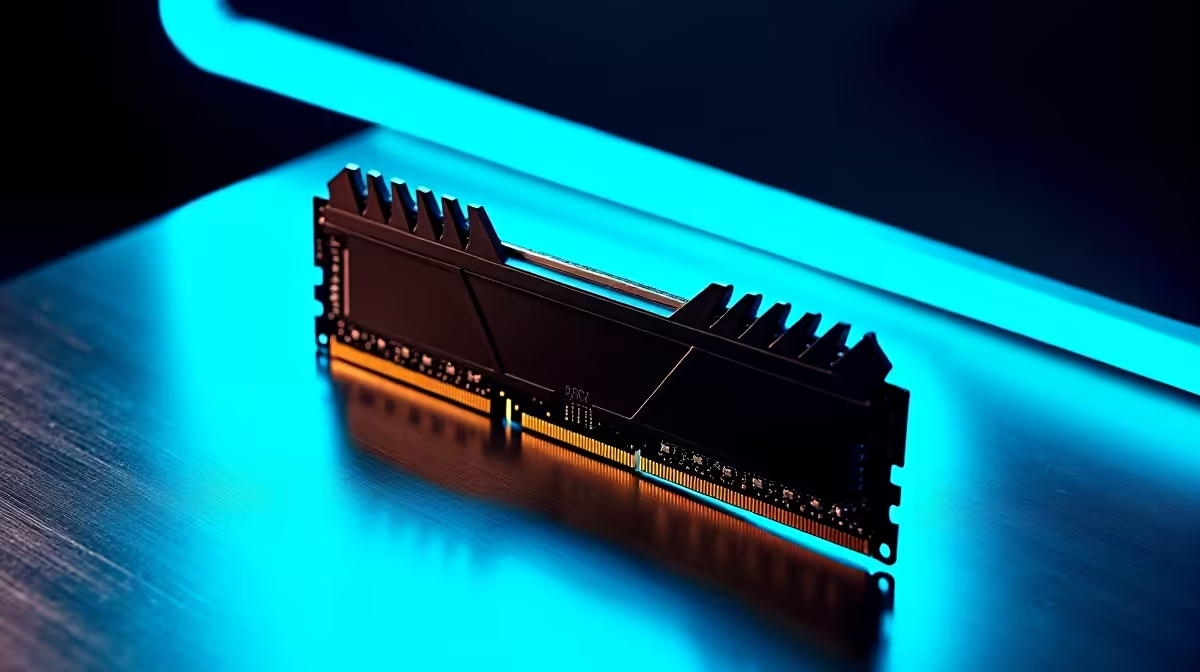
It is January 2026. The holidays are fading fast. The reality of a new academic year is setting in. Before you face another semester of intense assignments, let us talk about your PC. Sluggish performance during a late-night study session is a complete nightmare. Upgrading your memory is the smartest, most budget-friendly way to boost your rig. Let us find the best RAMs for back-to-school 2026 in South Africa.
Why Upgrading Your Memory Matters This Year 🚀
Whether you are compiling heavy code or rendering 3D art... your system needs breathing room. Keeping fifty browser tabs open for research demands serious hardware. Random Access Memory provides that essential short-term workspace. When your PC runs out of this space, it slows down to a crawl.
If your system is lagging heavily, it is definitely time to browse the latest desktop memory options. A quick RAM upgrade keeps your PC running flawlessly. It can make an old machine feel brand new again. A responsive system means you spend less time waiting for applications to load and more time actually getting work done. This is crucial when deadlines are looming.
Finding the Best RAM for Back-to-School 2026
Choosing the right kit depends on your specific needs. The transition to DDR5 is the standard for 2026. It offers massive bandwidth improvements over older generations. This means faster load times and smoother multitasking. However, DDR4 remains incredibly viable. It is perfect for budget-conscious students trying to stretch their ZAR.
Not everyone wants to build from scratch. Tinkering with delicate components can be stressful. Sometimes, a complete system overhaul is the most cost-effective route. If your current machine is beyond a simple RAM swap, checking out top-tier gaming PC deals might save you both time and frustration.
For those studying on the move, desktop components simply will not help. You need portability without sacrificing raw speed. Thankfully, modern notebooks for sale in South Africa come packed with high-speed DDR5 memory straight out of the box... perfect for campus life.
Capacity and Compatibility Guidelines 🔧
How much memory do you actually need? For basic word processing and web browsing, 8GB is the absolute bare minimum. However, for a smooth experience in 2026, 16GB is the recommended baseline. If your coursework involves video editing, step up to 32GB. It is a brilliant investment for playing demanding AAA games after class.
Memory speed, measured in megahertz, also plays a crucial role. Modern processors thrive on faster memory. Aim for at least 3200MHz on DDR4 or 5600MHz on DDR5. This ensures your CPU is never starved for data.
If you prefer a plug-and-play solution, avoid stressing over motherboard compatibility. Consider exploring pre-built PC specials. These systems are engineered by experts. They ensure highly optimised RAM and processor pairing right from day one.
Performance Pro Tip ⚡
Always install your RAM sticks in pairs to take advantage of dual-channel memory speeds. If your motherboard has four slots, place them in slots two and four for maximum stability and performance.
Maximising Your ZAR for the Academic Year ✨
Every single Rand counts when you are prepping for the new semester. You do not always need the most expensive RGB memory kits. Look for reputable brands with solid heat spreaders and low latency timings. Upgrading is often as simple as clicking a module into place. It is the perfect entry point for anyone looking to learn about PC building.
To make your budget stretch even further, keep a close eye on daily tech specials. You can easily snag premium upgrade kits at a fraction of the normal cost. Investing in quality components now prevents headaches during final exams later. A stable, responsive computer is your absolute best tool for academic success.
Ready to Ace the Academic Year? Upgrading your RAM is the ultimate cheat code for better productivity and smoother gaming. Don't let a slow PC hold you back in 2026. Explore our massive range of memory upgrades and find the perfect match to conquer your workload.











