

Is your gaming laptop starting to feel a bit... slow? You're not alone. In South Africa, massive game updates and bloated install sizes can bring even decent rigs to a crawl. Forget waiting minutes for a map to load while your squad is already dropping. The single best upgrade you can make is a Solid State Drive (SSD). This guide will help you find the best SSDs for gaming laptops in South Africa for 2024.
Why Your Gaming Laptop Deserves an SSD Upgrade
Let's be honest, the spinning hard disk drive (HDD) is a relic. Upgrading to an SSD is like swapping a donkey cart for a supercar. Your laptop will boot up in seconds, applications will snap open instantly, and most importantly, those painfully long game loading screens will shrink dramatically. 🚀
Imagine dropping into Apex Legends or Warzone a full 15 seconds before your mates... that's the kind of edge we're talking about. This isn't just about speed; it's about a smoother, more responsive experience that makes your entire system feel brand new. Modern Solid State Drives are more affordable than ever, making this a high-impact, low-cost upgrade.
NVMe vs. SATA: What's the Difference for Gamers?
When you start shopping, you'll see two main types: SATA and NVMe. What's the deal?
- SATA SSDs: These are the older standard. They are reliable and much faster than a traditional HDD, but they top out at speeds of around 550MB/s. They are a fantastic budget-friendly option for breathing new life into an older gaming laptop.
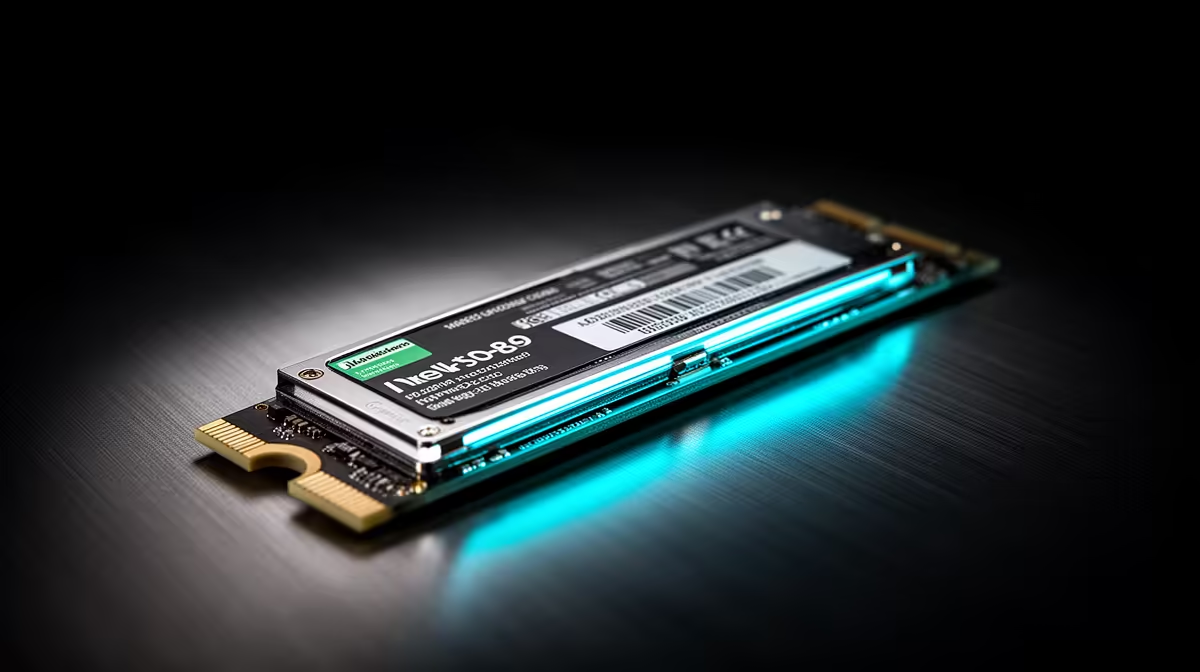
- NVMe SSDs: This is the new hotness. 🏎️ NVMe (Non-Volatile Memory Express) drives plug directly into a special M.2 slot on your motherboard, bypassing older data transfer protocols. This gives them blistering read/write speeds, often exceeding 7,000MB/s on the latest Gen4 models.
For pure gaming load times, the difference between a good SATA and a top-tier NVMe can be just a couple of seconds. However, for overall system performance and future-proofing your machine, choosing from the latest high-speed NVMe SSDs is the smartest move if your laptop supports it.
Check Your Laptop's Specs First! 🔧
Before you buy, quickly Google your laptop's model number + "SSD upgrade" or "M.2 slot". You need to confirm if it has a compatible M.2 slot (and whether it's NVMe or SATA-keyed) and check the maximum physical length the slot supports (e.g., 2280). A quick check saves a lot of hassle!
Key Specs for the Best Laptop Gaming SSDs
Beyond the type, a few numbers matter when choosing the right drive. Don't get lost in the jargon; focus on what gives you the best performance for your Rand.
Capacity is King
With games like Call of Duty easily topping 200GB, storage space vanishes fast. While 500GB is a decent start, 1TB is the new sweet spot for most gamers. It gives you enough room for your operating system, key applications, and a healthy library of 3-5 massive AAA titles without constantly having to uninstall something. If your budget allows, a 2TB drive ensures you're set for years. You can explore our full range of SSDs to find the perfect capacity for your needs.
What If You're Out of Internal Slots? ⚡
Many gaming laptops only have one or two M.2 slots. If you've already filled them up but still need more space for your Steam library, don't despair. A high-speed external SSD connected via USB-C or Thunderbolt can deliver fantastic speeds, perfect for storing and playing less demanding titles or your back-catalogue of classics without needing a screwdriver.
Ready to Banish Load Screens for Good? An SSD is the most impactful upgrade you can make to your gaming laptop. Check out the best SSD deals in South Africa and get the performance you deserve today.











