

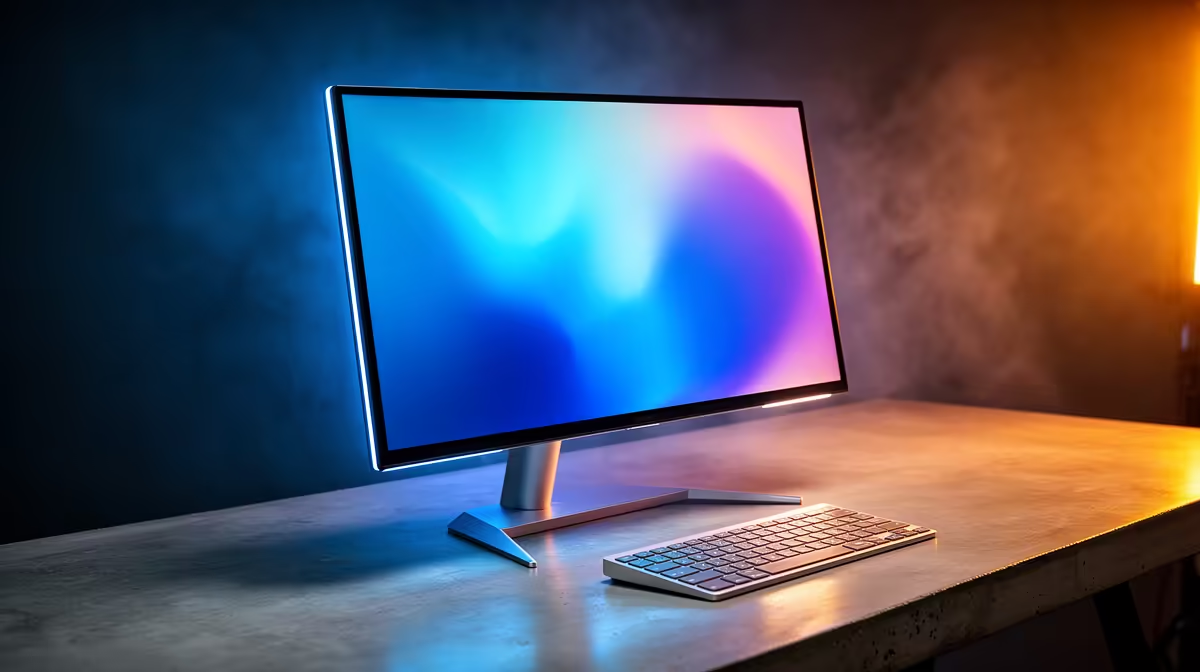
Why USB-C Monitors Are a Must-Have for MacBook Users in South Africa ⚡
For South African MacBook owners, finding the best USB-C monitor is a practical way to expand screen real estate without messy cables. Plug and play convenience means you can connect your MacBook to high-quality displays with just one cable, boosting productivity and gaming experiences alike. Whether you're editing photos, streaming, or juggling windows, the right USB-C monitor gives you crisp visuals and easy setup.
What to Look for in the Best USB-C Monitor for MacBook
Choosing the best USB-C monitor for MacBook hinges on a few key factors: native resolution, colour accuracy, and power delivery. MacBooks are known for brilliant Retina displays, so your external monitor should match or complement that sharpness. Look for monitors that offer at least 4K resolution with excellent sRGB or DCI-P3 colour coverage if you’re into creative work. Fast refresh rates and low input lag also add oomph for gaming or smooth scrolling.
Since MacBooks use USB-C for output and charging, pick a monitor with at least 60W power delivery—this keeps your device charged without cluttering your desk with power bricks. South Africans should consider local availability and pricing, which you can easily compare on sites like Evetech’s PC Components section.
Top USB-C Monitor Features to Maximise Your MacBook Experience
- Plug and Play Setup: USB-C reduces cable clutter, simplifying your workspace and setup. Your MacBook detects the monitor instantly with minimal fuss.
- Colour Accuracy: Essential for photo and video editing; look for factory-calibrated displays.
- Power Delivery: Some monitors double as chargers, delivering enough watts to keep your MacBook running during heavy use.
- Screen Size & Resolution: Bigger screens with 4K resolution let you fit more content on the screen, reducing eye strain during long sessions.
- Connectivity Ports: Extra USB ports or SD card slots on your monitor can boost productivity.
You’ll find many suitable monitors featured alongside South Africa’s best laptops and notebooks, so pairing your MacBook with the right accessories is simple.
Smart Power Management
Power your MacBook and extend laptop battery health by selecting USB-C monitors with 65W or higher power delivery. This avoids running your MacBook’s battery below 20 % frequently, which helps reliability.
South African Buying Insights: Where to Grab the Best Deals
South African gamers and tech buyers can often find unbeatable value by checking out bundles and deals that include PCs and monitors. Even if you’re fully committed to MacBook, consider browsing Evetech’s best gaming PC deals and pre-built PC offers for a second rig or workstation. Sometimes, you’ll find fantastic monitor deals bundled with other gear.
Keeping an eye on Evetech’s specials page is a smart move to catch discounts on tech essentials. Whether you want a sleek screen for your MacBook or considering upgrading your entire setup, local deals can save you a hefty amount.
Setting Up Your MacBook with a USB-C Monitor: A Quick Guide 🚀
Once you have your USB-C monitor, just connect it directly to your MacBook USB-C port. macOS automatically scales the display, but if colours look off, calibrate your monitor in System Preferences under Displays. For multiple-monitor setups, check that your MacBook model supports extended displays over USB-C or Thunderbolt 3.
If you’re upgrading your gaming setup, do explore the full range of Evetech’s PC Component selections for monitors with ultra-low latency that can double as excellent MacBook companions.
Plug into the Best with Evetech Find the best USB-C monitor for your MacBook and elevate your workspace or play zone. Shop now at Evetech for pixel-perfect performance that keeps pace with your lifestyle.











