

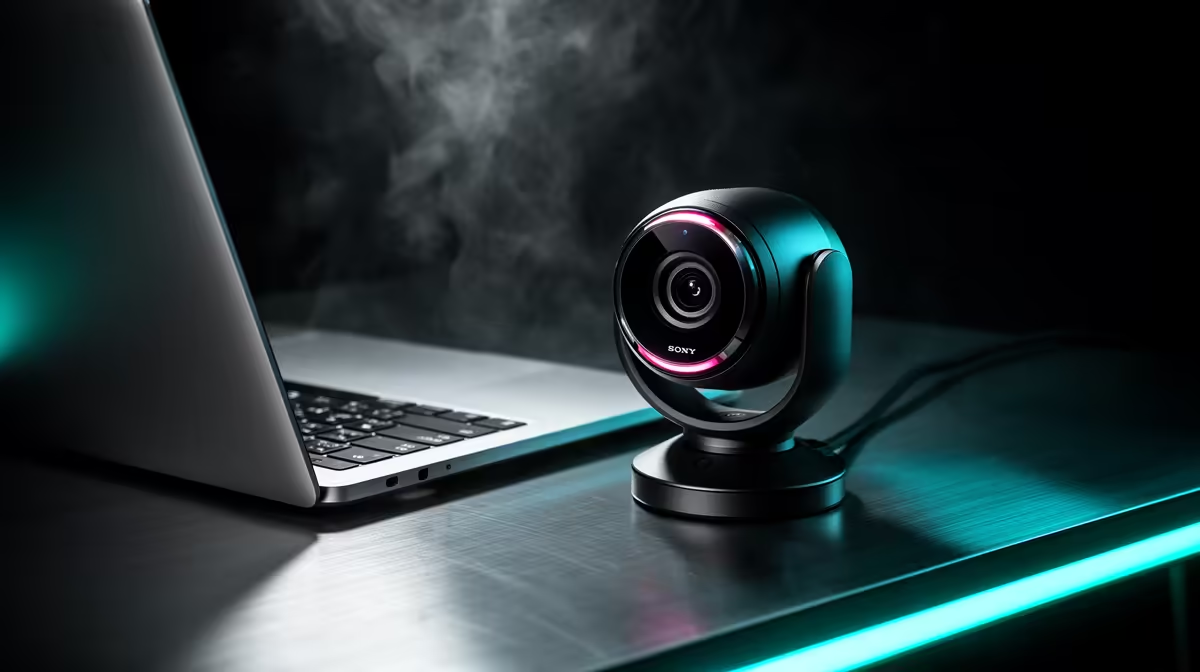
Finding the Best Webcam for MacBook in South Africa 2026
If you're a South African MacBook user looking to level up your video calls or stream in crisp quality, you need the best webcam for MacBook in South Africa 2026. Built-in cameras can often feel underwhelming — grainy images, poor low-light performance, and flaky connections. Let’s dive into top webcam choices that elevate your setup without breaking the bank ⚡.
Why You Need a Better Webcam for Your MacBook
Apple’s MacBook webcams are decent, but when you want sharp 1080p or even 4K video, external webcams take the lead. Whether you’re streaming, attending online classes, or recording content, quality webcams boost your clarity and confidence. Plus, picking a webcam optimised for Macs avoids driver headaches.
Gaming and streaming enthusiasts often pair their MacBooks with dedicated rigs. You can also check out premium pre-built gaming PC deals for high-end setups that complement your streaming — see what Evetech has for affordable, plug-and-play power.
What Features To Prioritise in a MacBook Webcam
Focus on native MacOS compatibility first — no third-party drivers needed. Next, aim for Full HD (1080p) at minimum; Ultra HD remains the preferred choice if your streaming demands high resolution. Autofocus and low-light correction help keep you sharp in any room.
Some webcams include built-in microphones, but often, external options offer clearer sound. Many South Africans streaming or gaming professionally pair webcams with separate mics and graphics cards for smooth multitasking — you can find top-tier graphics cards here to boost your rig's visuals.
Best Webcam Picks for Your MacBook in South Africa
- Logitech StreamCam: Popular for Mac users with crisp 1080p @ 60fps and USB-C compatibility. It has smart autofocus and supports portrait mode perfect for vertical streams.
- Razer Kiyo Pro: Offers a wide-angle lens with HDR capability. It tackles low-light situations like a pro. Ideal for gaming streamers juggling bright and dim setups.
- Elgato Facecam: A favourite among content creators. It features premium Sony sensors and fixed focus for consistent sharpness.
Check Evetech’s specials page regularly, especially if you want to score these webcams at competitive ZAR prices — special deals link here.
How to Connect and Optimise Your Webcam on MacBook
Plug-and-play is the mantra: USB-C webcams work immediately, but USB-A models may need an adapter. Go into System Preferences > Security & Privacy to enable webcam access for apps like Zoom or OBS Studio.
Adjust lighting and background to enhance video quality. Consider using natural light and avoid mixed lighting sources that confuse sensors. You can also explore new notebook options if you want a fresh MacBook with upgraded ports and performance — see the latest models on Evetech here.
Webcam Setup Tip
For sharper video, position your webcam slightly above eye level. This angle is flattering and mimics in-person eye contact, boosting engagement on streams.
Elevate Your Streaming Setup with a Solid Gaming PC
If MacBook’s video capabilities feel limiting and you crave a serious stream or gaming experience, consider investing in a gaming PC. Evetech offers powerful custom builds and deals tailored for South African tech buyers, perfect for streaming with webcams that demand robust USB bandwidth and smooth processor performance.
Discover ideal gaming PC deals that match your budget and performance needs at Evetech’s gaming PC deals page.
Upgrade Your Setup with Evetech Ready for unbeatable video quality and performance? Shop now at Evetech and explore exclusive specials on webcams, laptops, and gaming rigs tailored for South African gamers and creators.











