

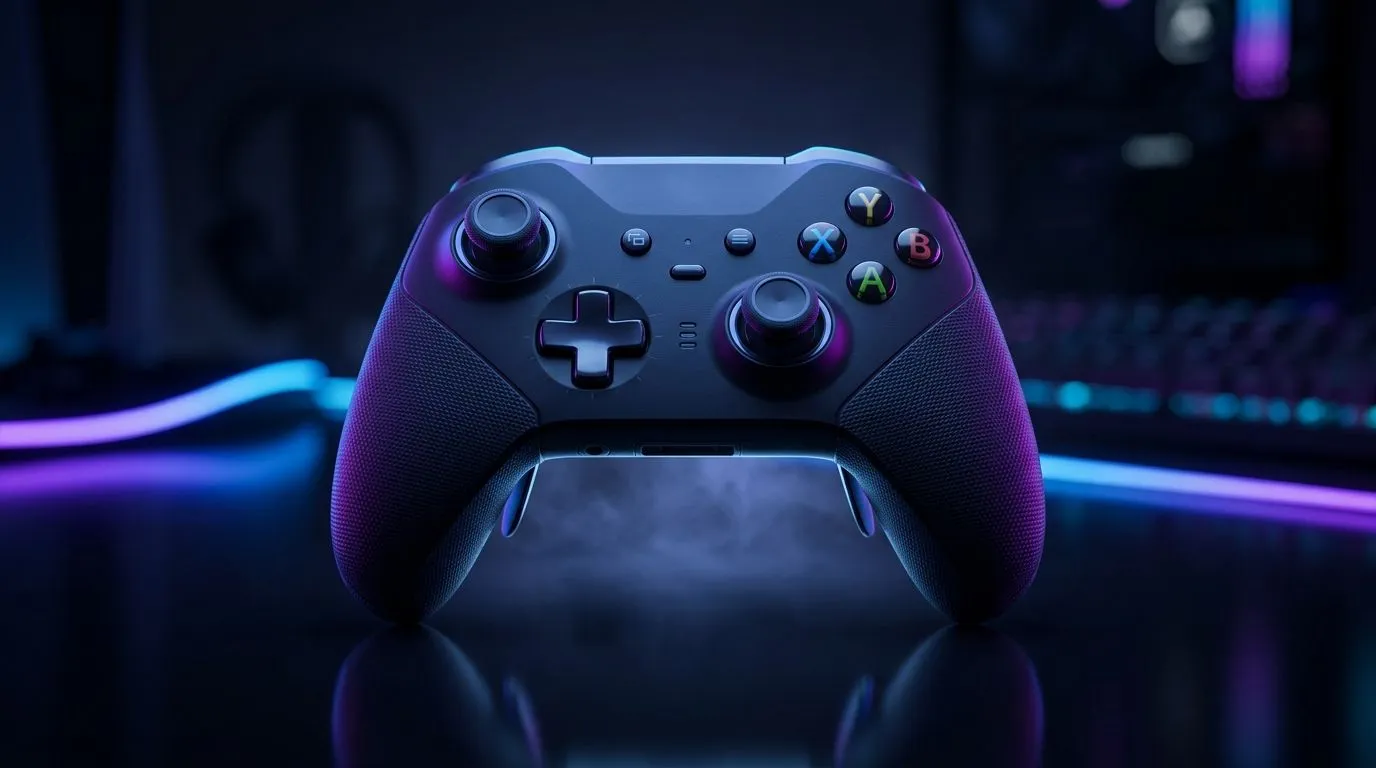
Wireless Control That Feels Right in Every Match: 2.4 GHz + Bluetooth
South African gamers know the feeling… your controller lags half a beat, your aim goes soft, and suddenly it’s not your fault. If you’re building a setup that stays stable on Wi‑Fi crowded days, the right wireless controller matters. A Best Wireless Gaming Controller With 2.4 GHz and Bluetooth is a smart buy for PC, consoles (where compatible), and even your phone for quick sessions on the move. 🎮✨
In this Gear Review, we’ll break down what “2.4 GHz + Bluetooth” actually gives you, what to check before you buy, and how to avoid common wireless pain points.
What “2.4 GHz + Bluetooth” Means for Your Latency and Distance
A controller that supports both connection types is built for real-life chaos.
- 2.4 GHz (USB dongle): usually offers lower latency and more consistent performance than Bluetooth for gaming. You plug in the dongle, pair once, and you’re good.
- Bluetooth: tends to be more convenient for pairing with TVs, handhelds, and phones. It’s also great when you don’t want extra USB hardware connected.
If you’re switching between devices often, the dual-mode support is the difference between “plug and play” and “why isn’t it pairing again?” 🔧
The spec you should actually care about
Look for a controller that clearly states it supports 2.4 GHz wireless via a dongle and also Bluetooth pairing. If the listing doesn’t mention both, you might be paying for half the feature set.
For more options across popular brands in one place, browse Evetech’s controller range here: gaming controllers on Evetech.
Best Wireless Gaming Controller With 2.4 GHz and Bluetooth: How to Pick the Right One
Not all dual wireless controllers are equal. Here’s a practical checklist before you spend your next gaming budget in ZAR.
Range and stability (your real-world test)
2.4 GHz is typically strongest near the dongle. If you sit farther away (or your desk is blocked by a PC tower), consider USB extension options so the dongle has a clearer “line” to you.
Battery life and charging style
Long sessions matter. Prefer controllers that support easy recharging (USB-C where possible) and have clearly communicated battery life in the product description.
Stick and trigger feel
Wireless is only half the story. For FPS and racing games, you’ll feel micro differences in stick tension and trigger travel. If you’re sensitive to input feel, prioritise models with adjustable dead zones or software support (where available).
Where to Start: Popular Choices From Evetech
If you want a reliable starting point without getting lost in specs, focus on models that clearly list both connection options and are well-supported by the retailer.
Here’s a solid option worth comparing: Razer Wolverine V3 Tournament Edition (8K) deal. For brand-focused browsing, you can narrow it down too: Raze controllers.
Wireless Gaming Controller Setup Tips (So You Don’t Lose to Lag) ⚡
Even the best controller can feel bad if the setup is wrong.
Productivity Pro Tip ⚡
Before you jump into a ranked match, test your controller on one device with 2.4 GHz first, then switch to Bluetooth and compare response time. If your game has controller calibration or dead zone settings, set them once and keep notes. It saves you from “why does my aim drift?” later.
Quick pairing workflow (and what to avoid)
- Pair the controller to one device at a time.
- Don’t leave multiple devices paired if the controller supports fast switching. It can cause brief reconnection hiccups.
- If your PC has multiple Bluetooth adapters, consider using the dongle for gaming and Bluetooth only when needed.
A tiny micro-story from the local couch co-op life
I’ve seen this a lot at LAN nights… someone plugs in the dongle, joins a lobby, everything feels perfect… then the controller switches to Bluetooth “because the TV was paired earlier.” The fix is simple: unpair old devices, then commit to 2.4 GHz for matches. Small effort, big sanity.
Ready to Buy: Best Wireless Gaming Controller With 2.4 GHz and Bluetooth (Next Step)
If you want less wireless drama and more consistent input, prioritise controllers that genuinely support both 2.4 GHz (dongle) and Bluetooth, with specs that are clearly listed.
Ready to Find Your Perfect Match? The Mac vs Windows debate is complex, but for maximum power, choice, and value in South Africa, Windows is hard to beat. Explore our massive range of laptop specials and find the perfect machine to conquer your world.











