

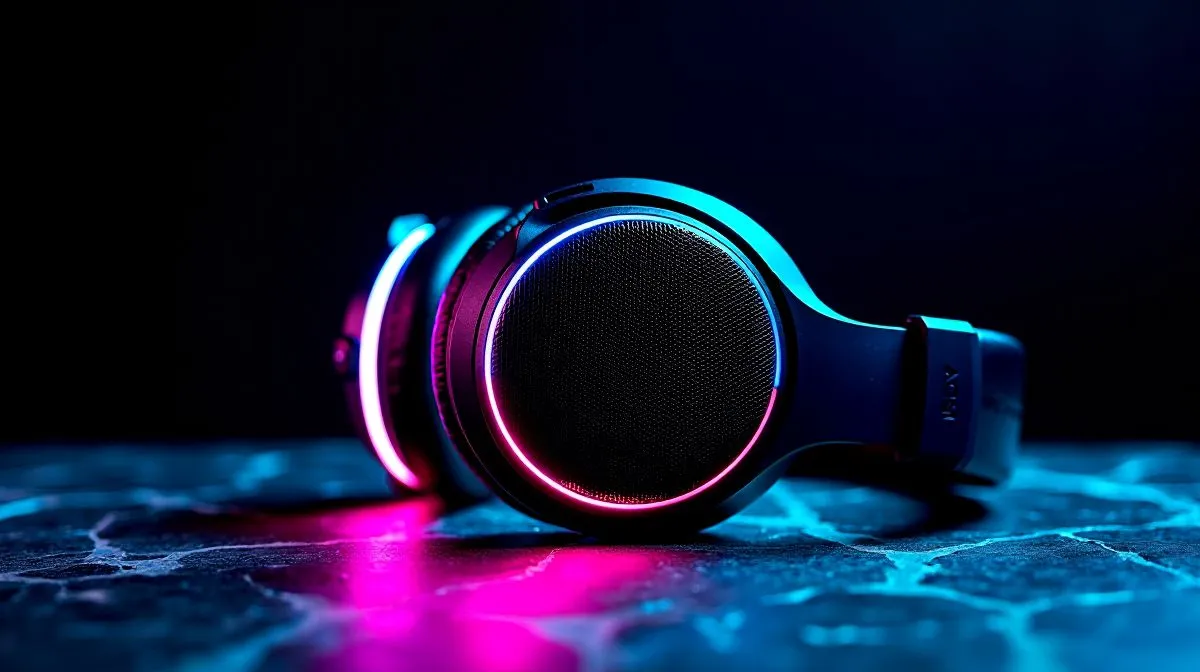
Best Wireless Gaming Headsets for South Africans: what to buy (and why it matters)
Every LAN session and couch raid has the same problem… the audio only sounds as good as your headset. If you’re in South Africa, you also deal with load-shedding, mobile data, and inconsistent Wi‑Fi for wireless setups. So choosing the right wireless gaming headset isn’t just about RGB. It’s about stable connection, clear positional audio, and comfort during long nights of ranked grind.
In this guide, we’re looking at the Best Wireless Gaming Headsets for South Africans who want solid sound without babysitting settings all day. ✨
Best Wireless Gaming Headsets for South Africans: key features to check first
Before you buy, scan for these essentials. They’ll save you money and frustration later.
Wireless type and connection stability 🔧
Most “gaming wireless” headsets use either a low-latency USB dongle or Bluetooth. Dongles usually win for games because they’re built for latency consistency. Bluetooth can work, but connection quality can vary with your setup.
Sound profile and mic quality (especially for SA squads) 🎧
A good headset shouldn’t just sound loud. You want clear mids for footsteps and accurate highs for hearing details without harshness. And your mic matters for comms. Even the best aim gets ignored if your squad can’t hear you.
Comfort for long play sessions
Look for lightweight designs and breathable ear pads. If you wear glasses, prioritise clamping force and padding thickness.
Quick Fit & Setup Tip ✨
"Wear the headset for 10 minutes before you commit. If you feel pressure points now, you’ll feel them in a 2-hour session. Then set your audio output to the headset first, before changing game audio settings. This stops games from reverting to the wrong device."
Best Wireless Gaming Headsets for South Africans: recommended picks from Evetech
Ready to skip the guesswork? Here are solid options to consider across different budgets and preferences.
Razer options for wireless comfort and clarity
If you want a mainstream wireless headset that many players enjoy for gaming, check out the Razer Barracuda X Chroma Wireless Headset (Phantom White) here: See the Razer Barracuda X Chroma Wireless Headset deal on Evetech
For more Razer headsets (including wireless models), this category page is a good starting point: Browse Razer headphones and headsets on Evetech
Browse by headset type for faster decision-making
If you just want to compare quickly, use Evetech’s headsets listing to narrow by what you need (wireless, mic focus, and more): Explore Evetech’s headphone headsets range
Want to prioritise surround-style audio? Start with the 7.1 filter: Shop headphone headsets with 7.1 audio on Evetech
Or if you prefer a simpler, cleaner stereo mix for competitive play, use the Stereo filter: Browse headphone headsets for Stereo audio on Evetech
Best Wireless Gaming Headsets for South Africans: how to set them up for max performance ⚡
Once you’ve chosen a headset, setup is where quality becomes consistent.
- Update firmware (if the headset supports it). This can improve stability and audio tuning.
- Pick one audio device. On Windows, ensure the game outputs to the headset and not your monitor speakers.
- Test mic and volume in a party, not just in settings. If your squad hears clipping or low volume, adjust before ranked starts.
- Run a quick sound check using in-game volume sliders and Windows sound controls.
And yes… if your connection drops mid-match, it’s rarely “bad luck.” It’s usually distance, interference, or competing Bluetooth devices. Keep the dongle close, and try a different USB port if needed.
Ready to Find Your Perfect Match? The Mac vs Windows debate is complex, but for maximum power, choice, and value in South Africa, Windows is hard to beat. Explore our massive range of laptop specials and find the perfect machine to conquer your world.











