

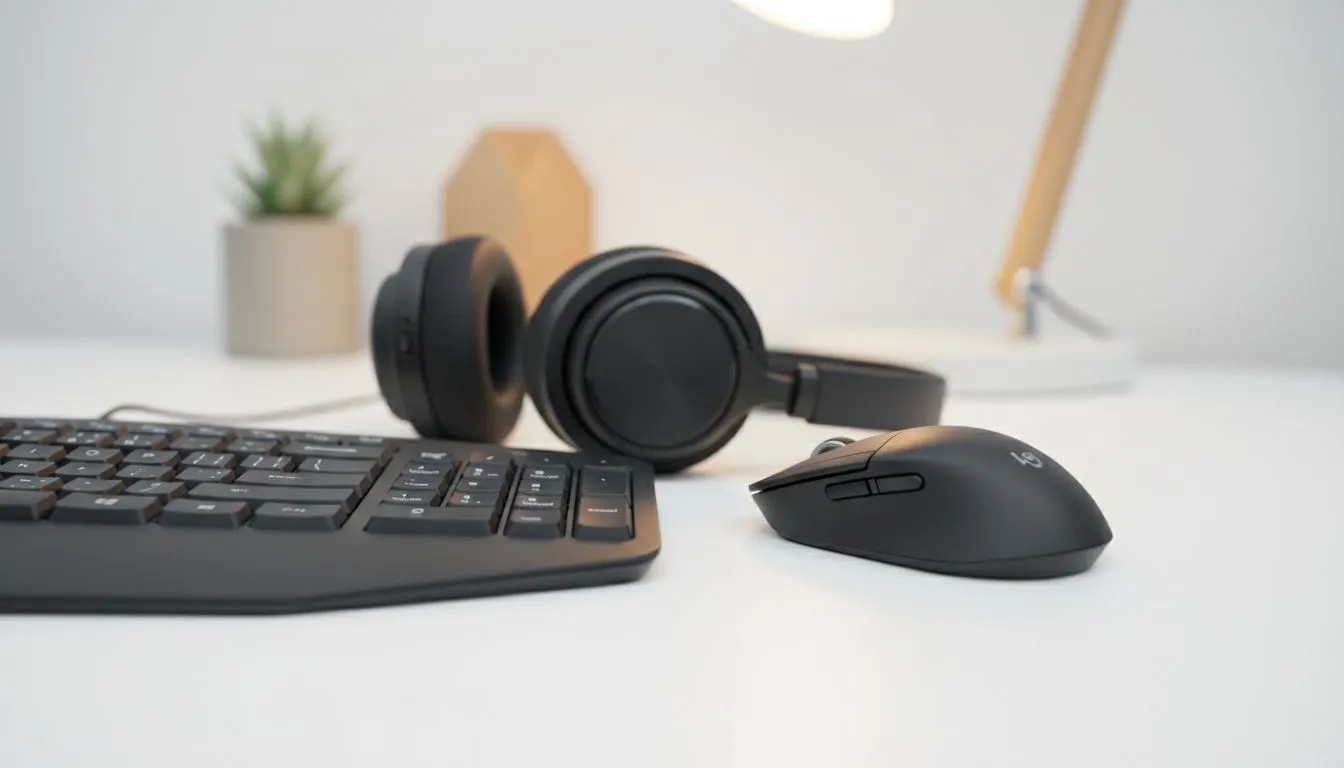
Best wireless peripherals for working from home in South Africa — quick take 🔧
South African gamers and remote workers: tired of cable clutter, but not of lag? The right wireless peripherals can free your desk and keep responsiveness high. This guide strips the noise and points you to reliable options, local deals and simple setup steps so your home office feels like a pro station in hours, not days.
Best wireless peripherals for working from home in South Africa — keyboards to prioritise
When choosing the best wireless peripherals for working from home in South Africa, start with the keyboard. Mechanical switches give tactile feedback for long typing sessions, while low-profile wireless membranes can save desk height. For compact keyboards and premium key switches, browse Evetech’s curated list of the best gaming keyboard deals — many offer wireless options that work great for work and play.
If budget is tight, consider models filtered for wireless connectivity. Evetech’s wireless selection shows current stock and ZAR prices so you can compare at a glance: check their wireless keyboards listings.
Best wireless peripherals for working from home in South Africa — mice and combos ⚡
A precise wireless mouse is as important as a good keyboard. Look for 2.4GHz dongle or Bluetooth dual-mode so you can switch between devices. If you want a single purchase that covers both, keyboard and mouse combos are excellent value and simplify pairing. Evetech’s keyboard and mouse combos often include warranty and local support — useful when you need quick replacements.
Pro tip: if you do a lot of fine design or competitive gaming at home, prioritize a higher-DPI sensor and low click latency. Evetech product pages list specs so you can match numbers to your workflow.
Best wireless peripherals for working from home in South Africa — wired vs wireless realities 🚀
Not every desk benefits from wireless. Wired keyboards still lead in absolute latency and cost-effectiveness — if you want measurably lower input lag, consider wired options. Evetech’s wired filter makes it easy to compare prices and models: see the wired keyboards selection to benchmark against wireless alternatives.
Local warranty, battery replacement and Bluetooth pairing stability are practical considerations. Review product pages for battery type and warranty details before you buy.
Best wireless peripherals for working from home in South Africa — setup and battery tips
Good setup beats gimmicks. Place your wireless dongle on a small USB extension to reduce interference. Keep spare AA/AAA or a USB-C cable handy. For bargain hunters, Evetech lists budget keyboards where you can score under R500 when promotions run — check the cheapest keyboards page for current offers and exact ZAR pricing.
Productivity Pro Tip ⚡
On Windows, use the PowerToys FancyZones utility to create custom snap layouts for your windows. It's a lifesaver for managing multiple apps on an ultrawide monitor, letting you organise your timeline, preview window, and asset folders perfectly for video editing.
Best wireless peripherals for working from home in South Africa — final checklist before you buy
Quick checklist: confirm connectivity mode (Bluetooth or dongle), check stated battery life, verify warranty and local returns, and read South African user reviews where possible. If you’re balancing budget and performance, compare the wireless listings and deals on Evetech for real-time ZAR pricing and stock.
Ready to Find Your Perfect Match? The Mac vs Windows debate is complex, but for maximum power, choice, and value in South Africa, Windows is hard to beat. Explore our massive range of laptop specials and find the perfect machine to conquer your world.











