

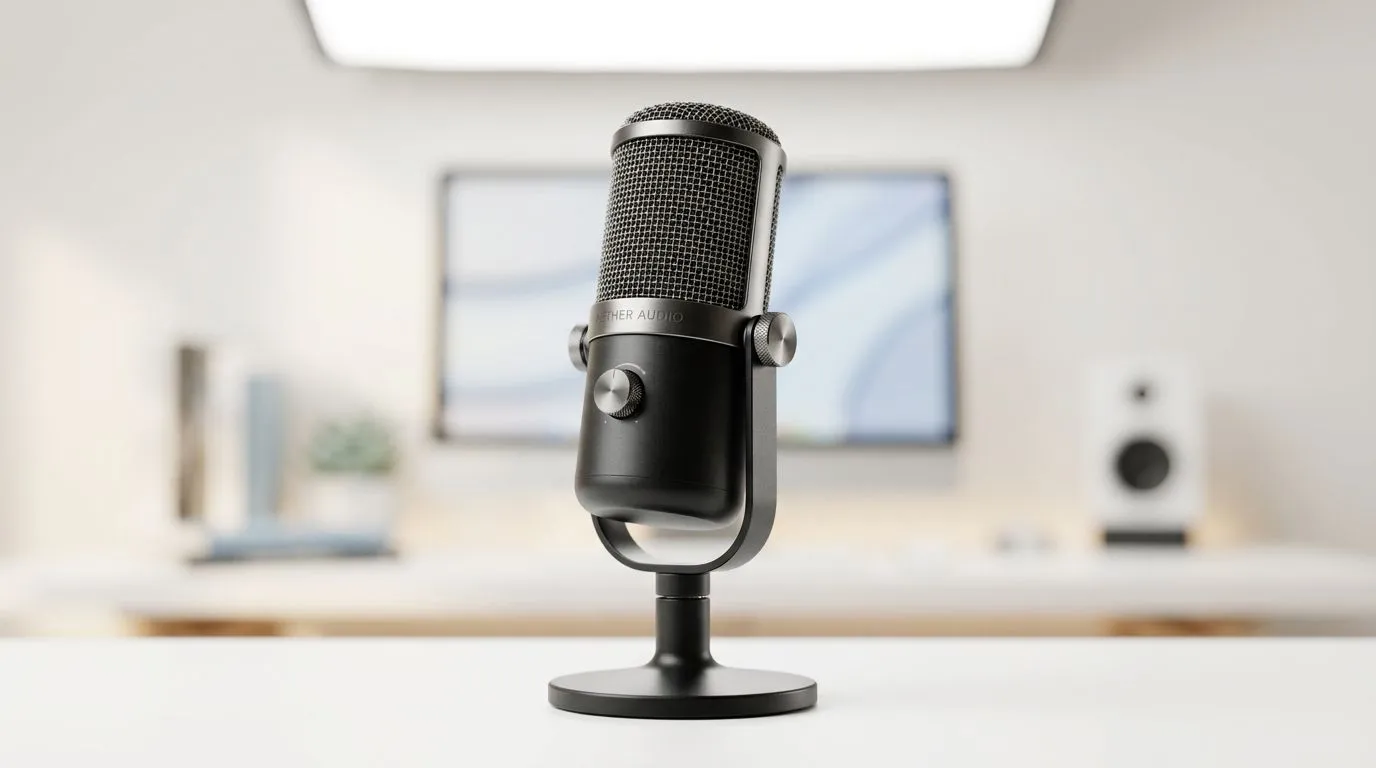
Better audio input for Zoom and Teams: quick wins for SA users 🔧
If your meetings sound flat or your squad can’t hear you over background noise, a small change can save your reputation. Whether you're a Durban streamer or a Cape Town project lead, better audio input for Zoom and Teams makes calls clearer, reduces repeat explanations, and keeps people engaged. Read fast for gear tips, setup fixes, and budget routes that actually work.
Choosing a mic for better audio input in Zoom and Teams
Start by deciding between USB convenience and XLR flexibility. USB mics are plug-and-play and ideal if you want minimal fuss; XLR needs an audio interface but gives more control and upgrade paths. See the practical categories and gear options on Evetech’s streaming essentials page for examples and price context: streaming essentials. For most home offices, a mid-range USB condenser or dynamic mic in the R1,000–R4,000 ZAR range balances clarity and cost.
Setup tips for better audio input for Zoom and Teams ⚡
Positioning beats power. Place the mic 10–20cm from your mouth and slightly off-axis to reduce plosives and breath noise. Use a pop filter and a simple shock mount to cut thumps. Adjust your input level so normal speech peaks around -12 dB to avoid clipping.
Quick Setup Tip ⚡
Use the built-in mic input level in Zoom Teams and test with a colleague. If they hear popping, move the mic slightly further away or lower the gain.
Room treatment needn't be expensive. Small rugs, thick curtains, and a bookshelf behind you reduce reflections. For creative desktop ambience, consider visual and lighting accessories like Cololight panels to add a professional backdrop: Cololight options.
Software settings and noise tools for better audio input in Zoom and Teams
Enable echo cancellation and automatic gain control only if needed. Both Zoom and Teams offer built-in noise suppression; test with them on and off to find the best balance. For higher-end cleanup, apps like VoiceMeeter or an iPad as a remote monitor can help. If you prefer brand-integrated solutions, check Corsair-branded streaming peripherals that pair well with their audio suites: Corsair streaming gear.
Accessories and camera pairing for better audio input in Zoom and Teams 🎙️
Key accessories: pop filter, boom arm, shock mount, and a modest audio interface if you choose XLR. If you also need an upgrade to your video, pairing a clean mic with a decent webcam improves presence. Browse Evetech’s webcam selection to match your audio upgrade: webcams.
Final checklist before you call
- Mic type chosen and gain set correctly
- Mic positioned 10–20cm off-axis
- Pop filter and shock mount in place
- Noise suppression tested in your meeting app
- Backup USB mic on hand for travel or quick setups
Ready for a quick upgrade? Small changes now stop wasted time later and make you sound professional across Zoom and Teams.
Ready to Find Your Perfect Match? The Mac vs Windows debate is complex, but for maximum power, choice, and value in South Africa, Windows is hard to beat. Explore our massive range of laptop specials and find the perfect machine to conquer your world.











