

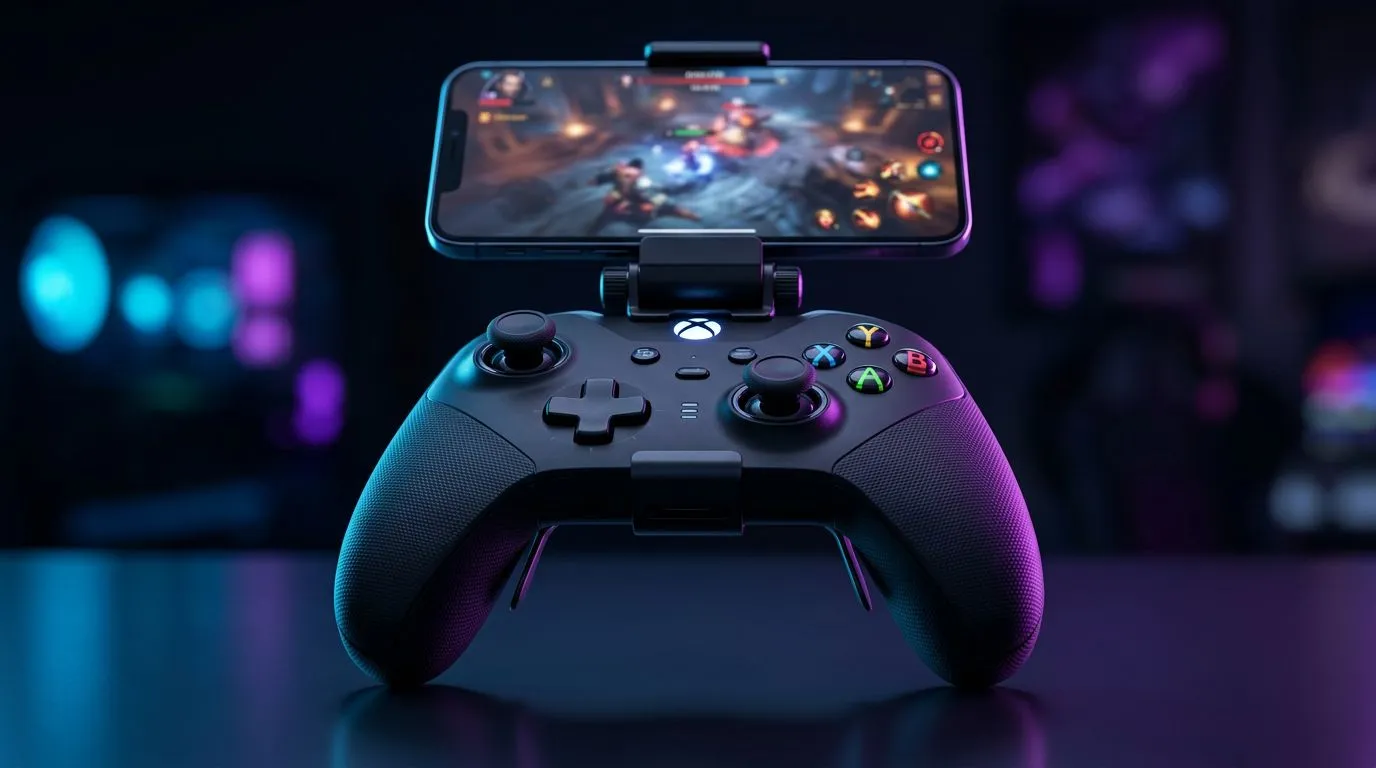
Play Anywhere: Bluetooth controller for phone: Game Like a Pro
South African players, tired of clumsy touch controls or laggy adapters? The right Bluetooth controller for phone unlocks console-style precision on mobile MOBA nights and long commuter sessions. Whether you squad up in Cape Town or grind rank in Pretoria, a compact pad with stable Bluetooth and mapped triggers changes match outcomes—and your frustration levels. 🚀
How to pick a Bluetooth controller for phone
Start with comfort and compatibility. Look for controllers that officially support Android and iOS profiles, low-latency Bluetooth, and adjustable triggers for shooters. If you value tournament-level responsiveness, consider products listed with advanced polling or wired-mode options; for example, the Razer Wolverine V3 Tournament Edition (8K) is a high-spec pick that hardcore players reference regularly — check its Evetech listing for details. (https://www.evetech.co.za/razer-wolverine-v3-tournament-edition-8k/best-deal/24274) 🎯
Wireless tech that actually matters
Bluetooth versions matter less than implementation. A well-optimised controller will reconnect cleanly and keep input lag low. Also check battery life and whether the controller supports passthrough charging for long sessions. For a quick browse of available models and current prices in ZAR, Evetech’s controller category is a good starting point. (https://www.evetech.co.za/PC-Components/buy-gaming-controllers-365)
Setup and pro tips to reduce lag and improve aim
- Always update firmware via the manufacturer app before play.
- Turn off Wi-Fi scanning and background apps while gaming.
- Use the controller’s native Bluetooth pairing mode rather than OS-level emulation, when available.
- If a game supports controller deadzone tuning, set small deadzones for snappier stick response.
Mobile Competitive Tip ⚡
Use the controller’s built-in sensitivity and deadzone settings first. If aim still feels off, tweak in-game sensitivity in small increments. Calibration beats aggressive sensitivity jumps every time.
Razer and mid-range picks to consider
If you favour premium brands, Evetech stocks Razer controllers you can compare by price and stock in ZAR—handy during seasonal deals. (https://www.evetech.co.za/PC-Components/buy-gaming-controllers-365?brands\=Razer) For many local gamers, a well-reviewed mid-range Bluetooth controller offers the best value: reliable Bluetooth, decent battery life, and comfortable ergonomics.
Short setup walk-through (2 minutes)
- Charge the controller to 100% for the first session.
- Enable Bluetooth on your phone and put the controller in pairing mode.
- Accept the pairing prompt and test in a non-ranked match.
- Tweak in-game mapping and sensitivity. That’s it—game like a pro.
Final thoughts: your next steps
Choosing the best Bluetooth controller for phone is a balance: ergonomics, button mapping, latency, and price in ZAR. Try to test in-store where possible, or buy from sellers with clear return terms. Small choices like trigger feel and stick tension add up over sessions.
Ready to Find Your Perfect Match? Looking for the best Bluetooth controllers and accessories in South Africa? Explore our massive range of PC peripherals and components and find gear that fits your setup, budget, and playstyle.











