

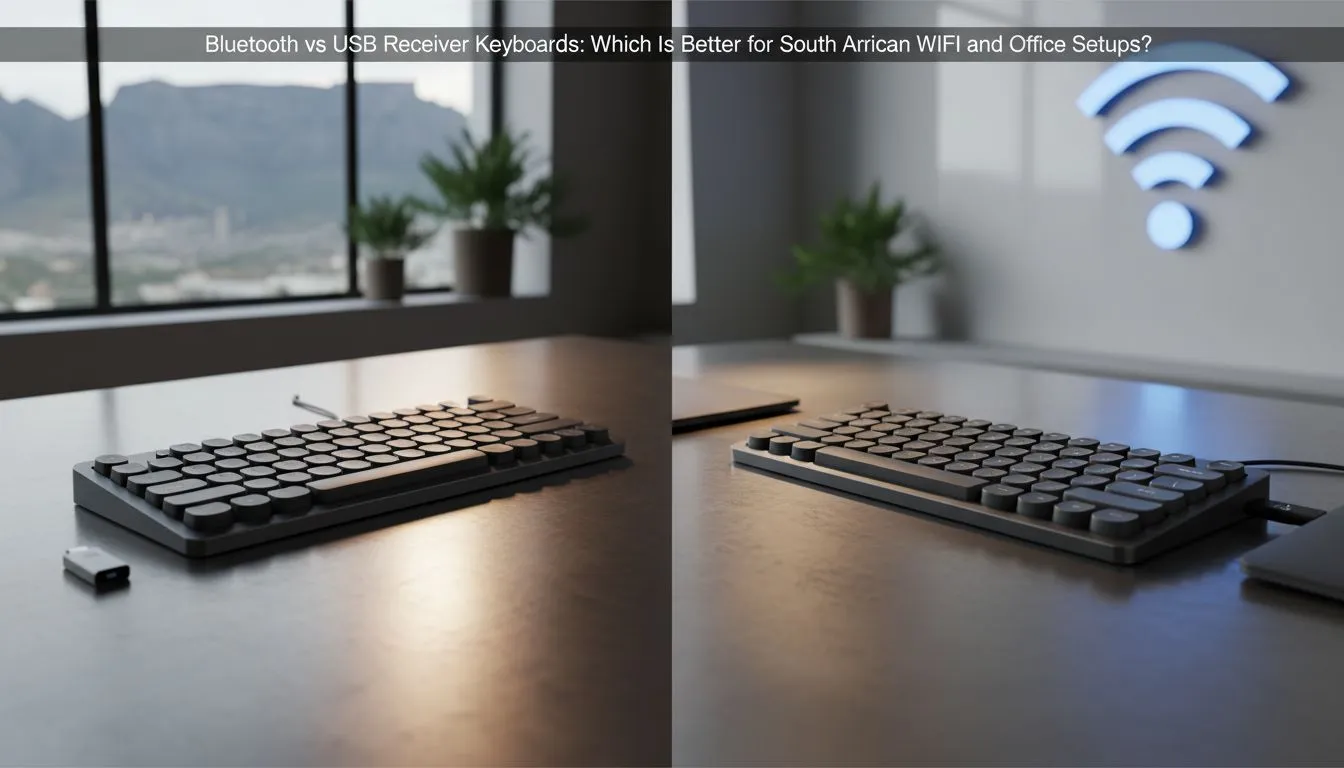
Finding the Perfect Click for Your Workspace
Navigating the daily grind in a busy Sandton or Cape Town office requires the right tools. When setting up your workstation, the debate often boils down to one question: Bluetooth vs USB keyboard: Which is best for South African offices? Whether you are crunching spreadsheets or sneaking in a quick gaming session during lunch, your choice affects productivity and desk aesthetics alike. 🔧
Reliability and Performance: Why Wired Still Wins
For many professionals, the primary concern is reliability. A USB keyboard offers a plug-and-play experience that is hard to beat. You never have to worry about battery levels during a critical meeting or signal interference in a crowded office space. If you value a stable connection that works the moment you plug it in, exploring reliable wired keyboards is the smartest move for your setup.
USB connections also offer lower latency. While this is crucial for gaming, it also provides a snappier feel when typing long reports. In the South African context, where load shedding might mean working from a laptop in a dimly lit coffee shop, not having to manage another rechargeable device is a massive plus. ⚡
The Freedom of Wireless: Cutting the Cord
On the other side of the "Bluetooth vs USB keyboard: Which is best for South African offices?" debate is the desire for a clean, minimalist desk. Bluetooth models eliminate cable clutter entirely, allowing you to move your keyboard freely or even use it with tablets and phones. If you prefer a modern aesthetic, checking out the latest wireless connectivity options can transform your workspace into a clutter-free zone.
Productivity Pro Tip ⚡
If you frequently switch between a laptop and a desktop, look for a keyboard with multi-device pairing. This allows you to toggle between three different devices at the press of a button, making it much easier to manage your WhatsApp Web on one screen while typing a document on another.
Finding Value and Efficiency in Your Gear
Sometimes, the best way to upgrade your office is to look at the total package. Many users find that a keyboard mouse combo provides the best synergy, often using a single USB dongle to connect both peripherals. This saves precious USB ports on your PC or laptop hub... a vital consideration for modern ultrabooks.
If you are on a tight budget but still want a premium typing experience, you can find the cheapest gaming keyboard in South Africa that doubles as a fantastic office workhorse. These boards often feature mechanical switches that last much longer than standard membrane office keys. 🚀
Making the Final Decision
Ultimately, the choice depends on your specific environment. If you move around often, Bluetooth is your friend. If you sit at a dedicated desk and want zero-fuss operation, USB is the gold standard. For those who want the best of both worlds, checking the best gaming keyboard deals often reveals high-end models that offer both wired and wireless modes in one unit. ✨
Ready to Find Your Perfect Match? The Bluetooth vs USB keyboard debate depends on your workflow, but whether you need wireless freedom or wired reliability, we have the right gear for you. Explore our massive range of keyboard specials and find the perfect machine to conquer your workday.











