

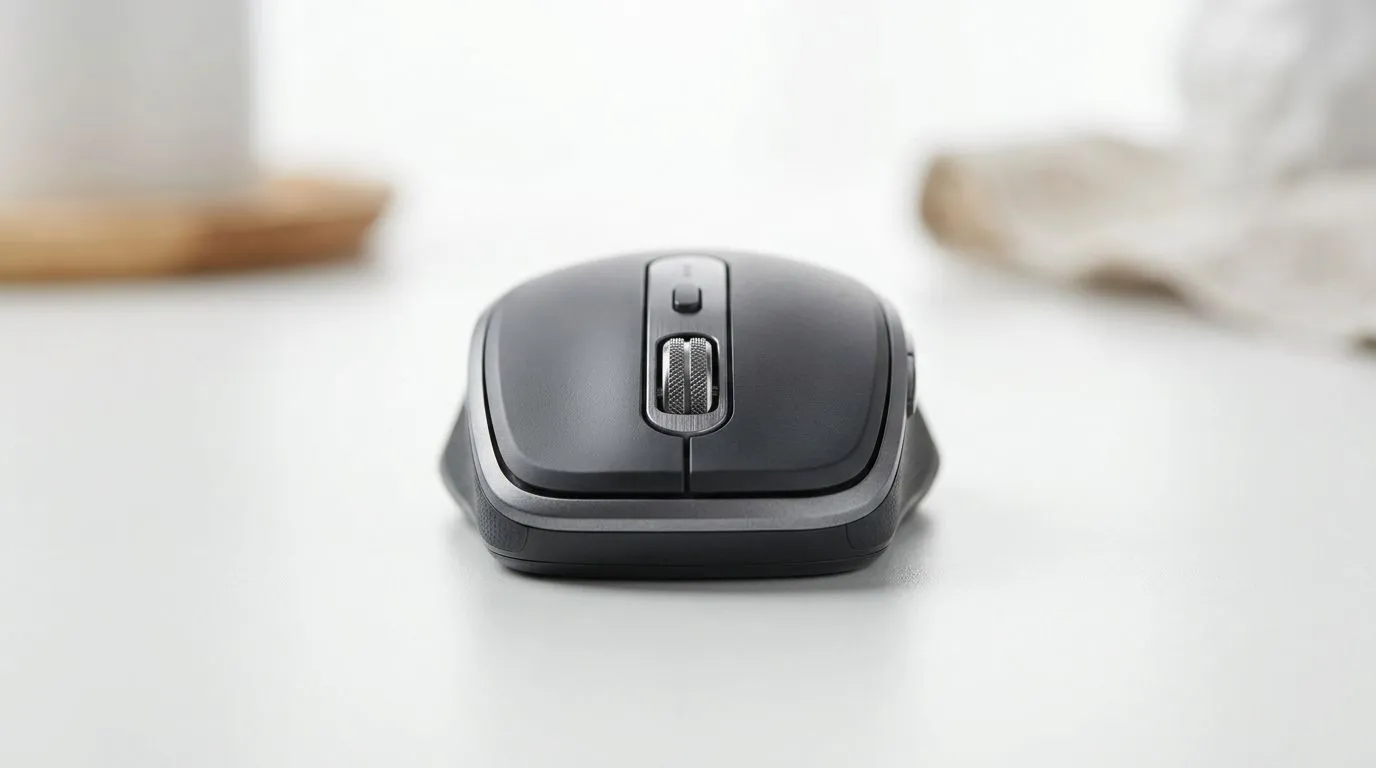
Bluetooth vs USB Receiver Mice in South Africa: Quick Reality Check
If you’re gaming on a budget in South Africa, your mouse choice can make or break your aim. You also don’t want to get caught with lag… or a dead battery the night before ranked. So, is a Bluetooth setup better, or does a USB receiver mouse win? Let’s break down Bluetooth vs USB receiver mice in South Africa in plain terms, then help you pick the right gear for your desk, your games, and your budget in ZAR.
Bluetooth vs USB Receiver Mice in South Africa: The Key Differences
Both options are wireless, but they don’t behave the same way.
How Bluetooth typically performs
Bluetooth mice connect using your PC’s Bluetooth radio. In real-world use, that can mean slightly more variables… like distance, interference, and whether your PC is busy managing multiple Bluetooth devices. For office work and casual gaming, it’s usually fine. For fast FPS play, consistency matters.
How USB receiver mice typically perform
USB receiver mice use a dedicated 2.4GHz dongle. That generally gives more stable connection performance because the receiver focuses only on your mouse link. It’s the “plug-and-forget” approach many gamers prefer, especially in households with lots of Wi‑Fi devices.
What to consider for South African setups
South African homes often have crowded 2.4GHz environments (routers, neighbours, smart devices). That’s one reason many players lean toward 2.4GHz USB receivers for competitive sessions.
Where Evetech buyers usually start
If you’re browsing Evetech’s options, you’ll find wired, wireless, and accessory-focused choices across categories:
- Wired mice for zero wireless uncertainty
- Wireless mice for convenience and cable-free desks
- Mouse accessories for optimising your setup
For browsing help, start here: Gaming mouse accessories and options
Bluetooth vs USB Receiver Mice in South Africa: Latency, Battery, and Comfort
Latency and connection stability
In broad terms, USB receiver mice often deliver more consistent low-latency behaviour for gaming. Bluetooth can be stable too, but it depends more on system conditions. If you’re the kind of player who notices micro-stutters during flick shots… you’ll likely feel the difference.
Battery and charging habits
Bluetooth mice usually use less power in some designs, but they can still run into battery routines, especially if you forget to charge before long sessions. USB receiver mice also need charging, but the experience is often smoother because the connection stays predictable.
Comfort and switching costs
A quick comfort win is often more important than the connection type. If you find a shape that fits your grip, you’ll aim better and fatigue less. That’s why it’s smart to test your hand position before you overthink tech specs.
Bluetooth vs USB Receiver Mice in South Africa: Choosing the Right Mouse for Your Games 🔧
If you play FPS or battle royale
Go for a USB receiver wireless mouse if you can. You’re buying consistency. For the “no excuses” feel, wired still remains the simplest option.
If you want wired options to compare shapes and sensors, check: Wired mouse selections
If you play MOBA or casual shooters
Bluetooth can be perfectly serviceable. Your accuracy depends more on training and settings than the connection type.
If you’re building a clean desk (stream setup, LAN, office)
USB receiver wireless is popular because it’s cleaner than multiple cables, while staying reliable. If you’re comparing overall wireless choices, browse: Wireless mouse range
Deals can matter in ZAR… a lot ⚡
If you’re upgrading on a tight budget, hunting a deal is smart. Start with current savings ideas: best gaming mouse deals
Bluetooth vs USB Receiver Mice in South Africa: Setup Tips That Actually Help ✨
Pick the best connection habit
- Keep your mouse near the receiver.
- Avoid placing the receiver behind metal desks or large monitors.
- If you use Bluetooth, remove extra paired devices you don’t need.
Calibrate DPI and in-game sensitivity
Even the best wireless mouse feels “off” if your DPI and sensitivity don’t match. Set a DPI you can repeat, then adjust in-game settings slowly.
Productivity Pro Tip ⚡
On Windows, open your mouse settings and ensure your pointer speed matches your in-game sensitivity targets. Then, test two DPI steps (like 400 and 800) in an aim trainer. Consistency beats chasing the highest number every time, especially with wireless tracking.
Don’t ignore the sensor and switch feel
A reliable wireless connection is great, but the mouse buttons and sensor behaviour are what you’ll feel in every duel. Browse a broader baseline of gaming mice here: Gaming mouse options and builds
Bluetooth vs USB Receiver Mice in South Africa: My Recommendation for Most Buyers 🚀
For most South African gamers, USB receiver mice are the safer “competitive” pick. They tend to give more stable performance in busy wireless environments. Bluetooth can be a great choice if you want convenience and your games are more casual. If you want the simplest guaranteed baseline with zero wireless variables, wired is still hard to beat.
Ready to Find Your Perfect Match? The Mac vs Windows debate is complex, but for maximum power, choice, and value in South Africa, Windows is hard to beat. Explore our massive range of laptop specials and find the perfect machine to conquer your world.











