

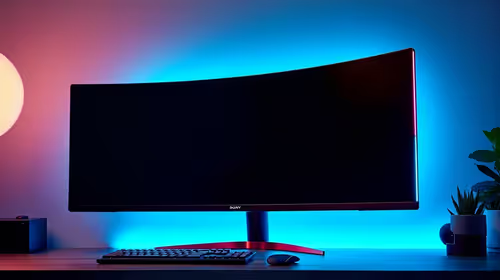
Best Monitor for 2nd Year UWC Students in SA
Top Monitor for 2nd Year UWC Students picks evaluated on performance, value & SA availability with current Rand pricing from Evetech.
Read more• Evaluate CPU/RAM • Compare displays • Recommend models. Business laptops for photo editing can handle light content creation if you pick a fast CPU, 16GB+ RAM, and an accurate screen. Practical tips and budget picks 📸⚡
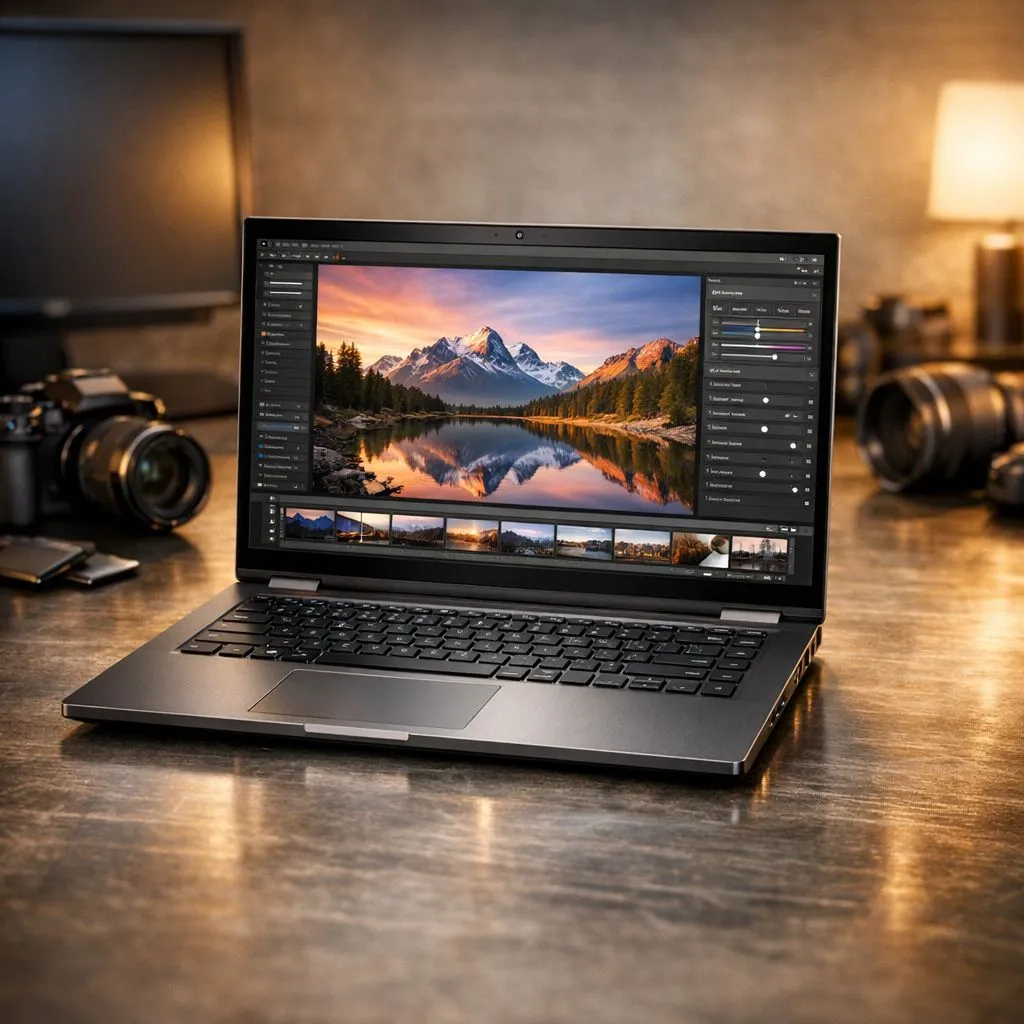
So, you’re a South African creative, a student, or a professional who dabbles in design. You need a laptop that’s sleek for the boardroom but powerful enough for Adobe Lightroom. The big question is… can modern business laptops for photo editing actually keep up, or are you forced to buy a bulky gaming rig? Let's be honest, nobody wants to haul a RGB-lit beast to a client meeting. Let's find out where the sweet spot is.
Before we dive deep, let's quickly break down what really matters when you're editing high-res images. It’s not just about one flashy component; it’s about a balanced team of parts working together. Forget the marketing jargon for a second; focus on these four pillars:
Modern business laptops have come a long way. They aren't just for spreadsheets and emails anymore. High-end models often pack serious performance in a slim chassis, making them a tempting choice for light content creation.
The single most critical feature for photo editing is a colour-accurate display. You need a screen that shows colours as they truly are. Look for laptops with high sRGB coverage (90% or more is good, 100% is ideal) and decent brightness (at least 300 nits). Many premium powerful Intel laptops from series like the Dell XPS or Lenovo Yoga are built with fantastic screens right out of the box, making them excellent business laptops for photo editing.
For programs like Photoshop and Lightroom, a modern multi-core processor is key. An Intel Core i5/i7 or an AMD Ryzen 5/7 from the last couple of generations will handle most photo editing tasks with ease. These CPUs are brilliant at multitasking and general responsiveness. Paired with 16GB of RAM (the sweet spot for smooth editing), many of the current AMD Ryzen laptop deals offer incredible processing power for the price, easily managing light content creation.
In Adobe Photoshop, navigate to Edit > Preferences > Performance. Ensure Photoshop is allowed to use at least 70-80% of your available RAM. If you have a discrete GPU, make sure 'Use Graphics Processor' is checked to accelerate visual tasks and filters. This small tweak can make a huge difference!
Here’s where things get tricky. Most business laptops use integrated graphics, which share memory with the CPU. They are powerful enough for basic RAW file adjustments, cropping, and colour correction. However, if your workflow involves heavy AI-powered filters, complex layering, or frequent use of GPU-accelerated effects, you might feel the slowdown. This is the main limitation when using a standard business laptop for photo editing. For truly demanding tasks, dedicated graphics cards found in GeForce RTX gaming laptops provide a significant performance boost that integrated solutions just can't match.
So, when should you look past the business aisle? If your "light content creation" is starting to include 4K video editing, 3D rendering, or you’re a professional photographer working with massive files and tight deadlines, a gaming laptop becomes a logical investment. The trade-off is usually a bit more bulk and less battery life, but the power you get is undeniable.
You don't even have to break the bank; many gaming laptops under R20k offer dedicated graphics that will outperform any business-class machine for creative work. If you want the absolute best performance-per-Rand and don't mind a more aggressive design, exploring the best gaming laptop deals is your best bet for a no-compromise creative powerhouse.
Can you use business laptops for photo editing and light content creation in South Africa? Absolutely. For most enthusiasts, students, and professionals whose work is primarily photo-based, a modern business laptop with a great screen, a recent CPU, and 16GB of RAM is more than capable. It offers the perfect blend of portability, professionalism, and power.
Just be honest about your needs. If video editing or graphically intense work is on your horizon, investing in a machine with a dedicated GPU from the start will save you a lot of frustration.
Ready to Find Your Perfect Creative Partner? Whether you need a sleek business machine or a powerful creative workhorse, the perfect laptop is waiting for you. Explore our massive range of laptop specials and find the perfect machine to bring your vision to life.
Yes. Many business laptops with modern CPUs and 8–16GB RAM can handle light photo editing with apps like Lightroom and basic Photoshop.
Prioritise CPU performance, 16GB RAM if possible, SSD storage, and an accurate, high-resolution display for reliable colour work.
Not usually. Integrated GPUs in recent CPUs suffice for light content creation, but a discrete GPU helps with exports and GPU-accelerated filters.
Some ultrabooks offer factory-calibrated, high-sRGB or 100% sRGB panels. Look for IPS or OLED panels and factory calibration notes.
Lightroom, Capture One Express, Affinity Photo, and Photoshop for basic edits run well on capable business laptops with SSDs and solid RAM.
16GB is the sweet spot for smooth multitasking and handling moderate RAW edits; 8GB can work but may limit performance.
Many business laptops allow RAM or SSD upgrades. Check the model’s serviceability if you plan to boost performance affordably.
Top Monitor for 2nd Year UWC Students picks evaluated on performance, value & SA availability with current Rand pricing from Evetech.
Read more
Top Monitor for 2nd Year DUT Students picks evaluated on performance, value & SA availability with current Rand pricing from Evetech.
Read more
Top Desk for a Triple Monitor Setup picks evaluated on performance, value & SA availability with current Rand pricing from Evetech.
Read more
Top UPS for Dual Monitor Setup During Load Shedding picks evaluated on performance, value & SA availability with current Rand pricing from Evetech.
Read more
Top Monitor for Starcraft 2 picks evaluated on performance, value & SA availability with current Rand pricing from Evetech.
Read more
Top Monitor for Photo Editing picks evaluated on performance, value & SA availability with current Rand pricing from Evetech.
Read more
When Will the RTX 6090 Launch in South Africa Detailed answer with SA data, expert analysis & practical recommendations for local buyers.

Top Valorant Settings for RTX 5070: FPS Optimisation picks evaluated on performance, value & SA availability with current Rand pricing from Evetech.

RDNA 3.5 Graphics in Ryzen AI 400? Can You Game. Plain-English explanation of what it means, why it matters & how it affects your buying decisions in SA.

GPU Price Index : December Report. Current stock data & price tracking for SA buyers. See what is available and where prices are heading.

Can the RX 7700 XT Handle 1440p 144Hz Gaming. Performance testing verdict with real data & practical recommendations for SA buyers.

Top Laptop with Core i7 + RX 7700S: Picks picks evaluated on performance, value & SA availability with current Rand pricing from Evetech.

RX 7700 XT Black Myth Wukong 2 FPS: Performance. Real-world benchmark data, FPS numbers & performance analysis. What SA gamers can actually expect.

RTX 6080 Gran Turismo 7 PC Performance: FPS Test. Real-world benchmark data, FPS numbers & performance analysis. What SA gamers can actually expect.

Setting Up Monitor Light. Tested & verified settings for best FPS and visual quality on SA hardware budgets.

Assassins Creed Shadows Ultrawide Support: 21:9. Clear setup instructions with SA-specific considerations, troubleshooting tips & recommended components.

Complete Gaming Setup Guide for the Collector. Clear setup instructions with SA-specific considerations, troubleshooting tips & recommended components.

Will the Steam Deck 2 Have an OLED Screen? Leaked. Plain-English explanation of what it means, why it matters & how it affects your buying decisions in SA.